Howling Wolf Silhouette with Moon
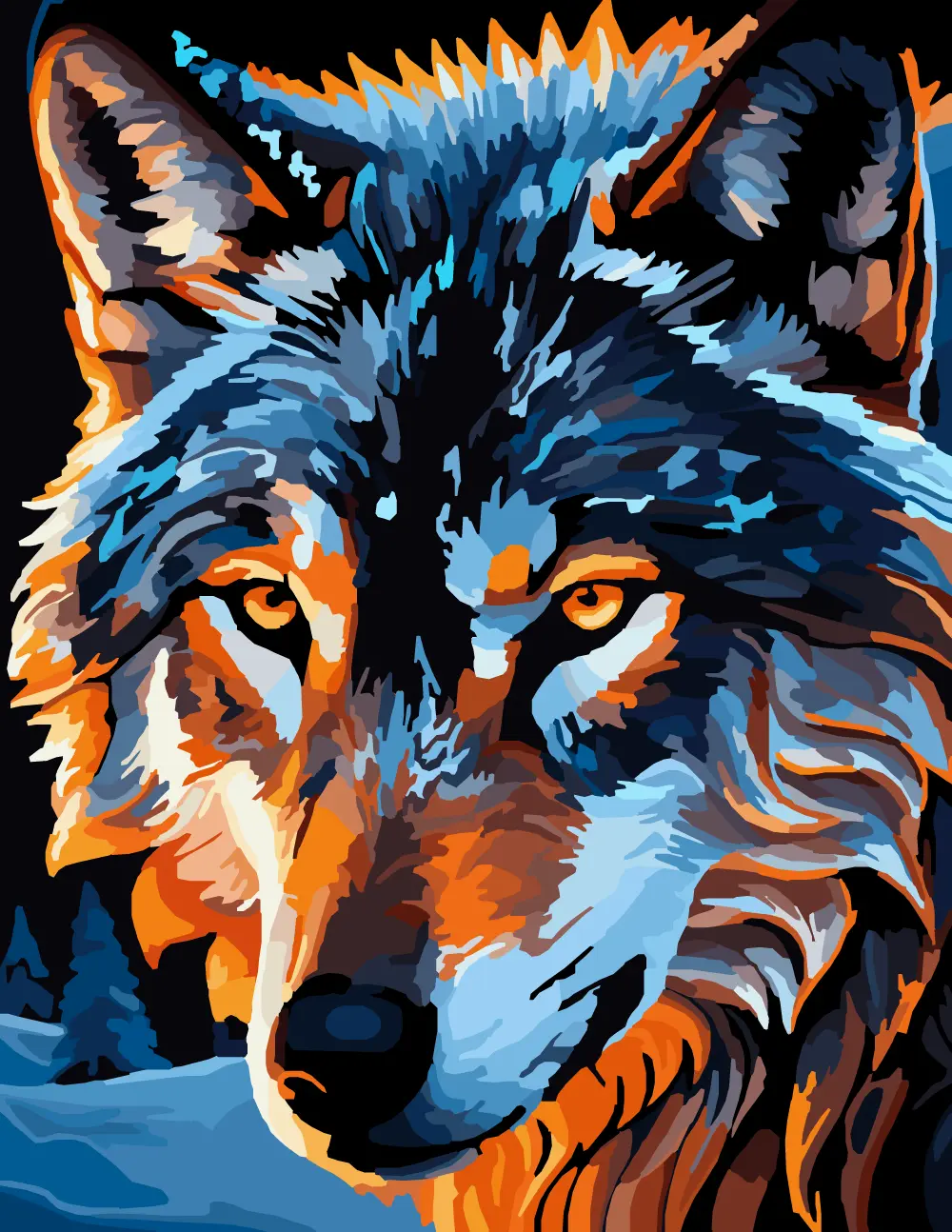
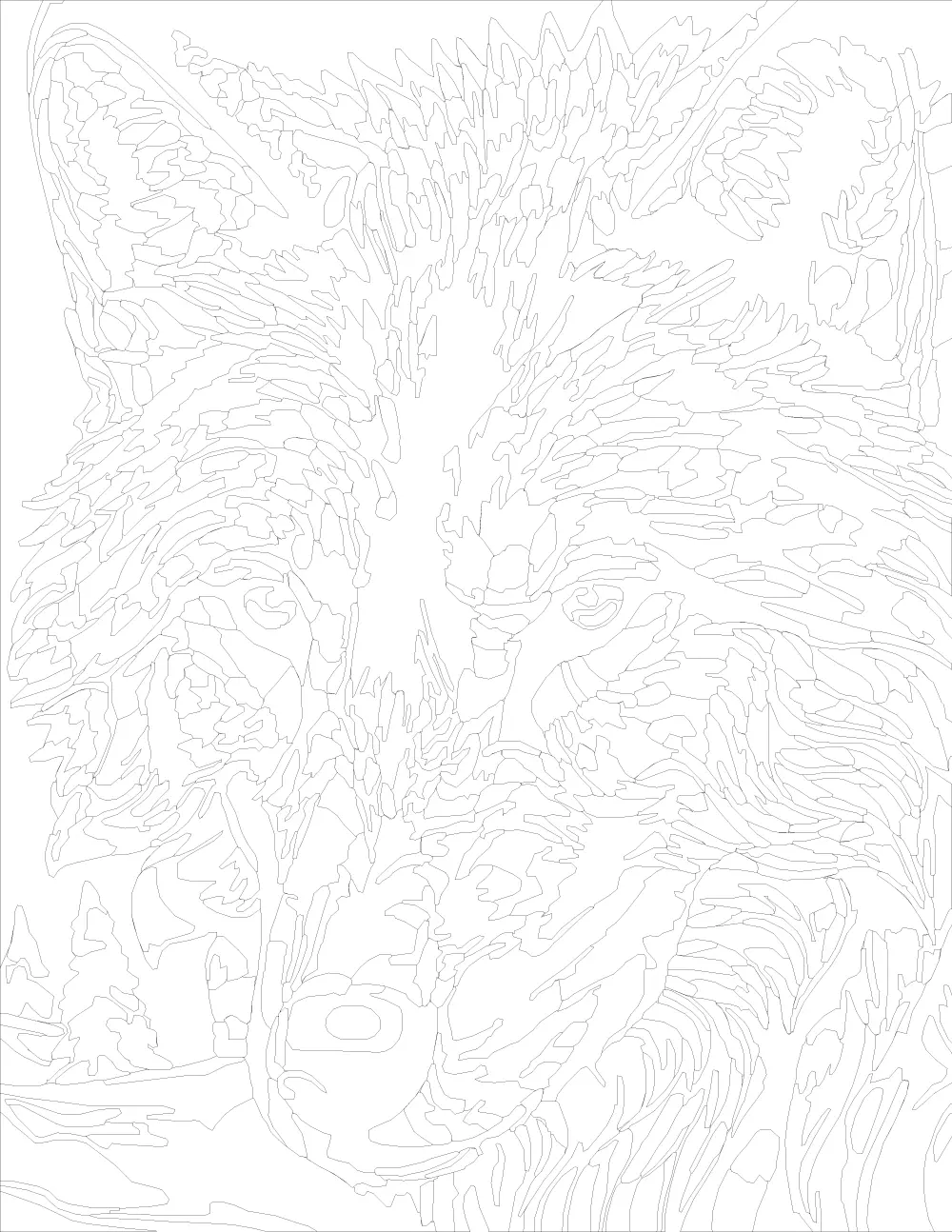
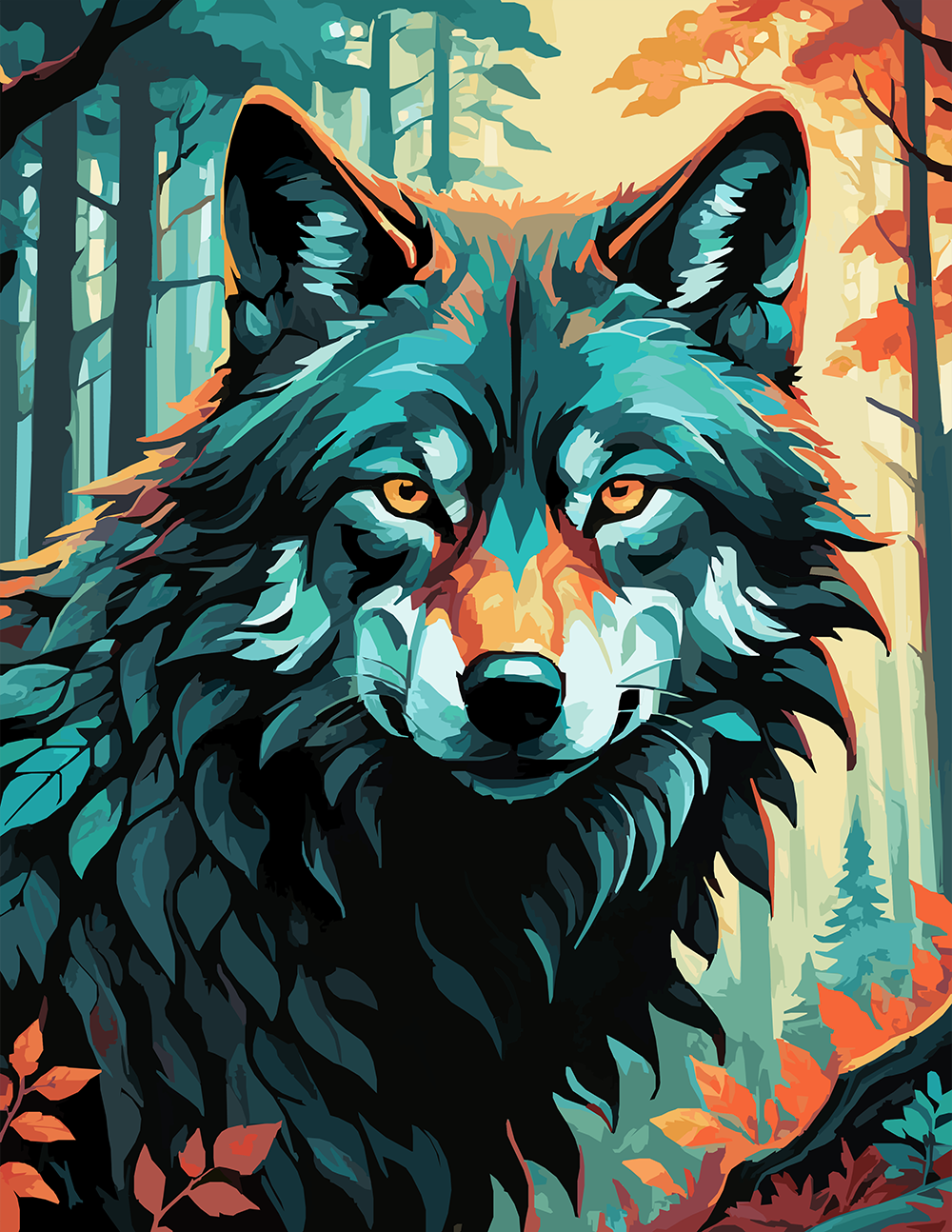
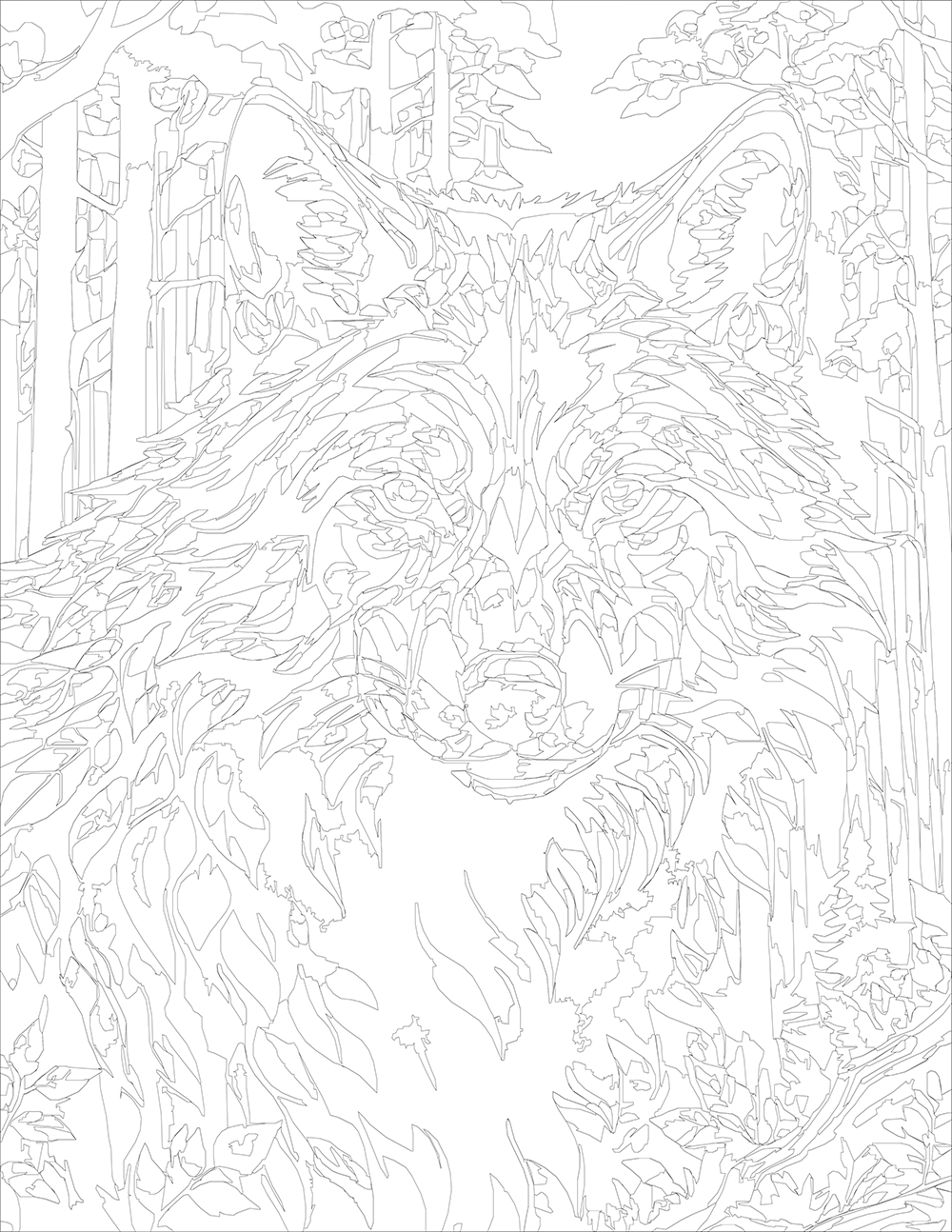
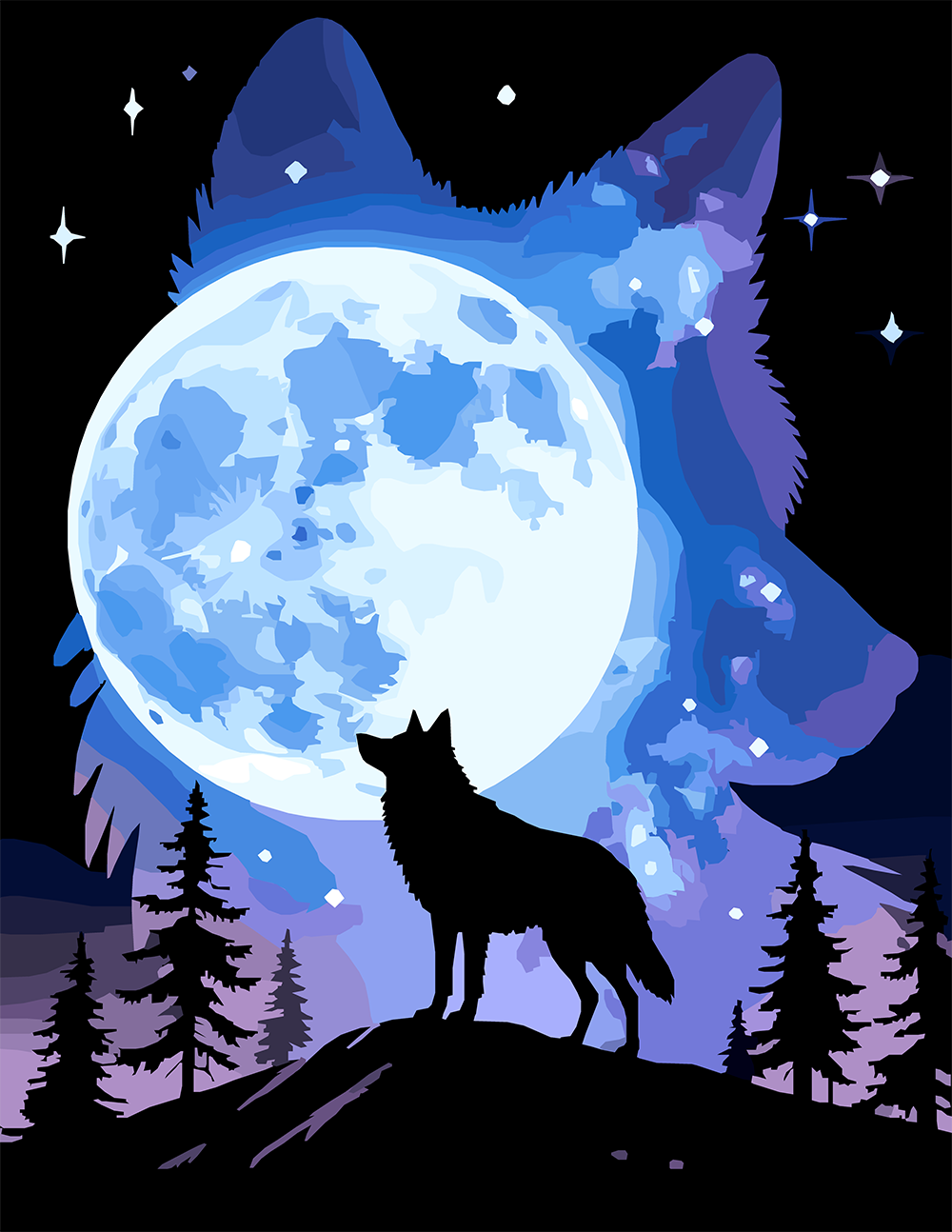
Wolf silhouette containing a smaller wolf beneath a full moon and pine trees in blue and white.
There are two wolves and one moon, and the trick is that you don't notice it at first. A small black wolf silhouette stands on a ridge howling at a huge full moon, and behind that whole scene, a much larger wolf-head silhouette frames the entire image, its outline filled with the night sky, stars, and the moon itself.
It's a nested composition: a wolf inside a wolf. The big silhouette holds a starscape of cobalt, lavender, and white; the small foreground wolf and the pine trees stay solid black. The moon is the bright pivot between them.
Coloring this one is mostly about the sky inside the larger wolf shape. That's where almost all the color decisions live. The silhouettes themselves stay flat and dark on purpose.
Instant digital download • No physical item shipped
This item is an instant digital download of image files.
No physical item will be shipped to you.
🔒 For personal use only. Not for resale, redistribution, or
commercial use.
-
Product TypeColor by Number
-
Number of Designs1
-
Design BundleNo
-
Color Variations
12, 24, 35, 43, 54, 61
Includes all listed color variations. -
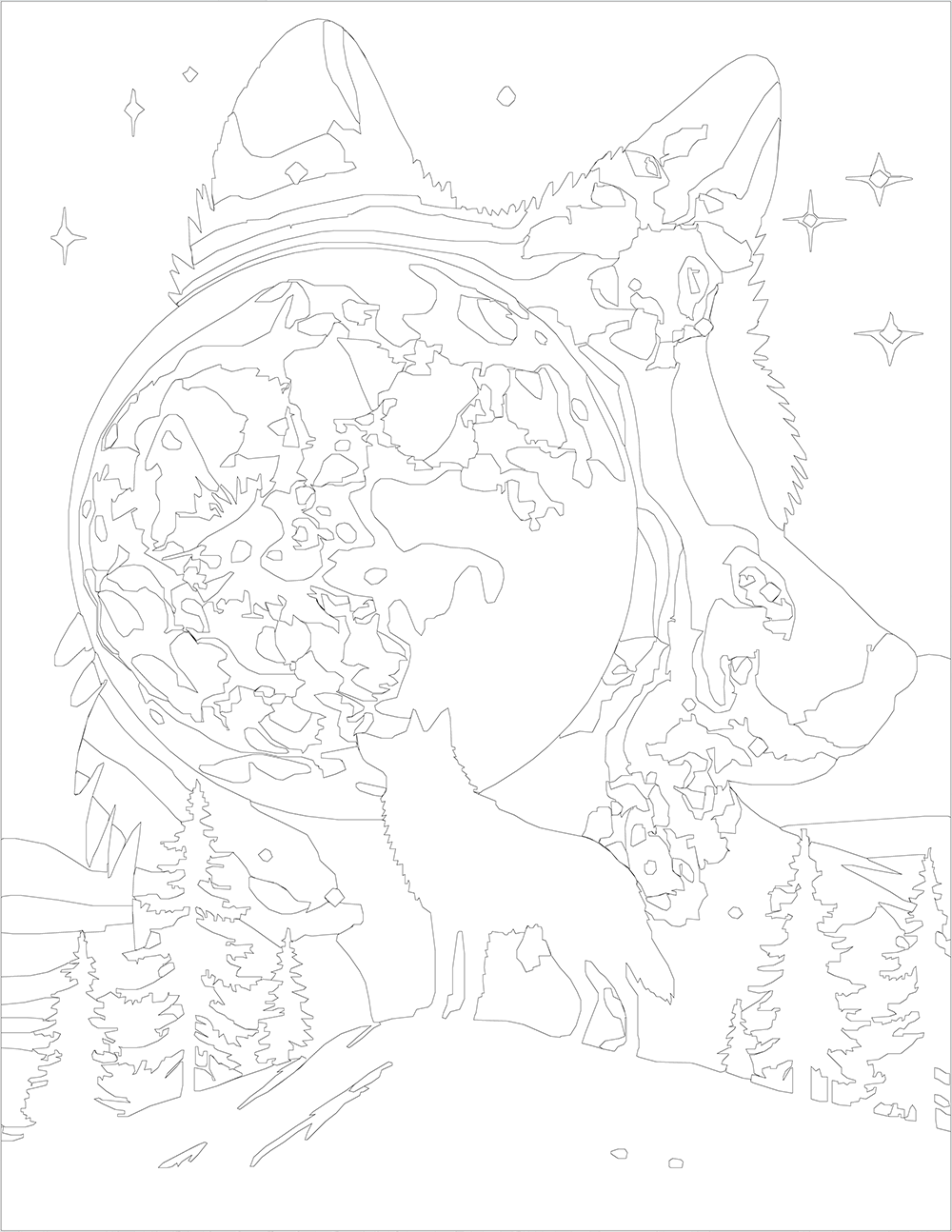
Segments
203 - 238
Segments are the individual shapes in a Color by Number design. More segments generally mean a more detailed or complex coloring experience. The range shown for each item reflects how the number of shapes varies from the lowest color-count version to the highest color-count version of that design or set. -
Coloring TypeOpen
Lightly detailed artwork with a comfortable mix of medium and large shapes. Ideal for a calming coloring experience that still feels engaging but never overwhelming. -
Procreate Color Swatches IncludedNo
The PNG Color Palette may be loaded in Procreate as a reference in the "Canvas" panel of the Wrench icon.