40 Design Bundle: Easy Medieval Fantasy
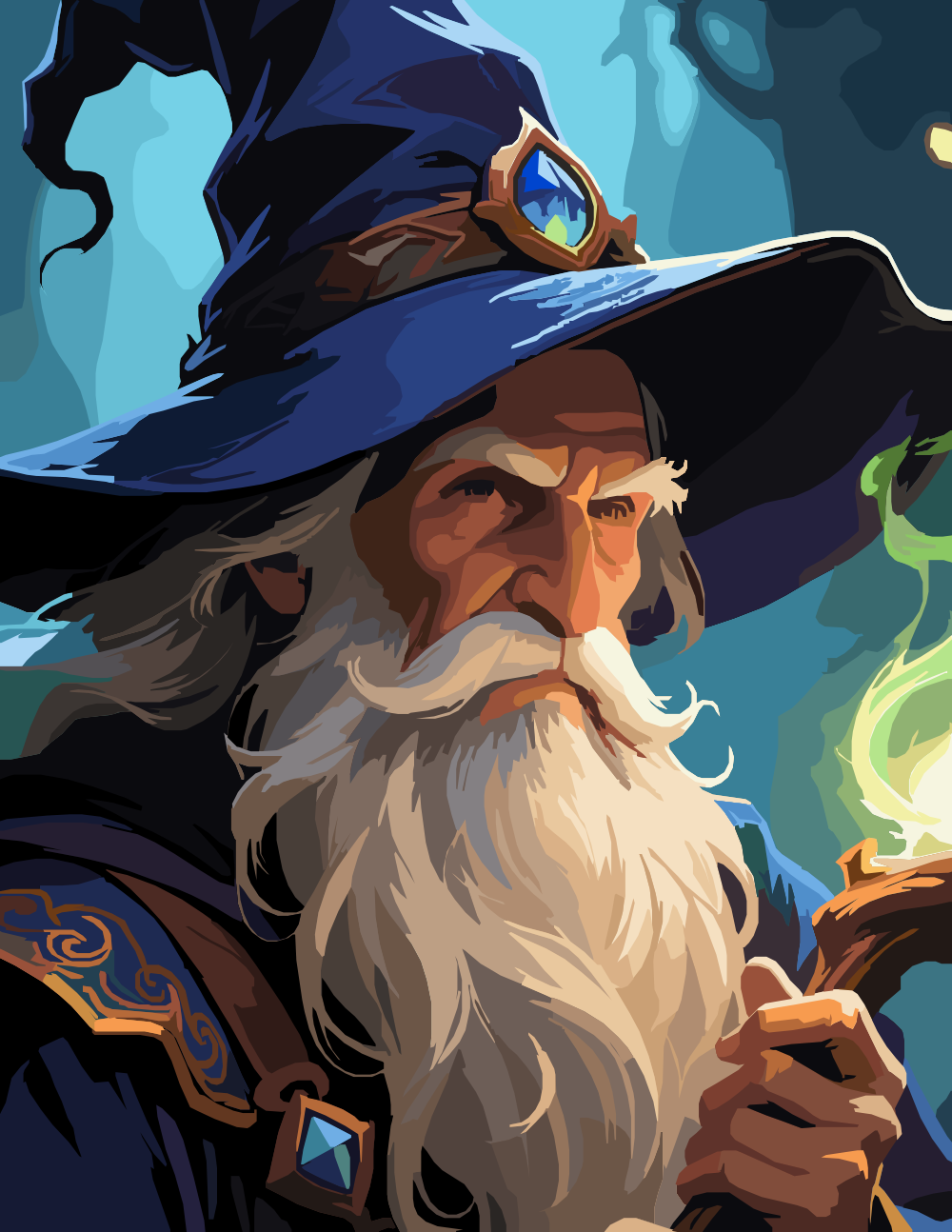
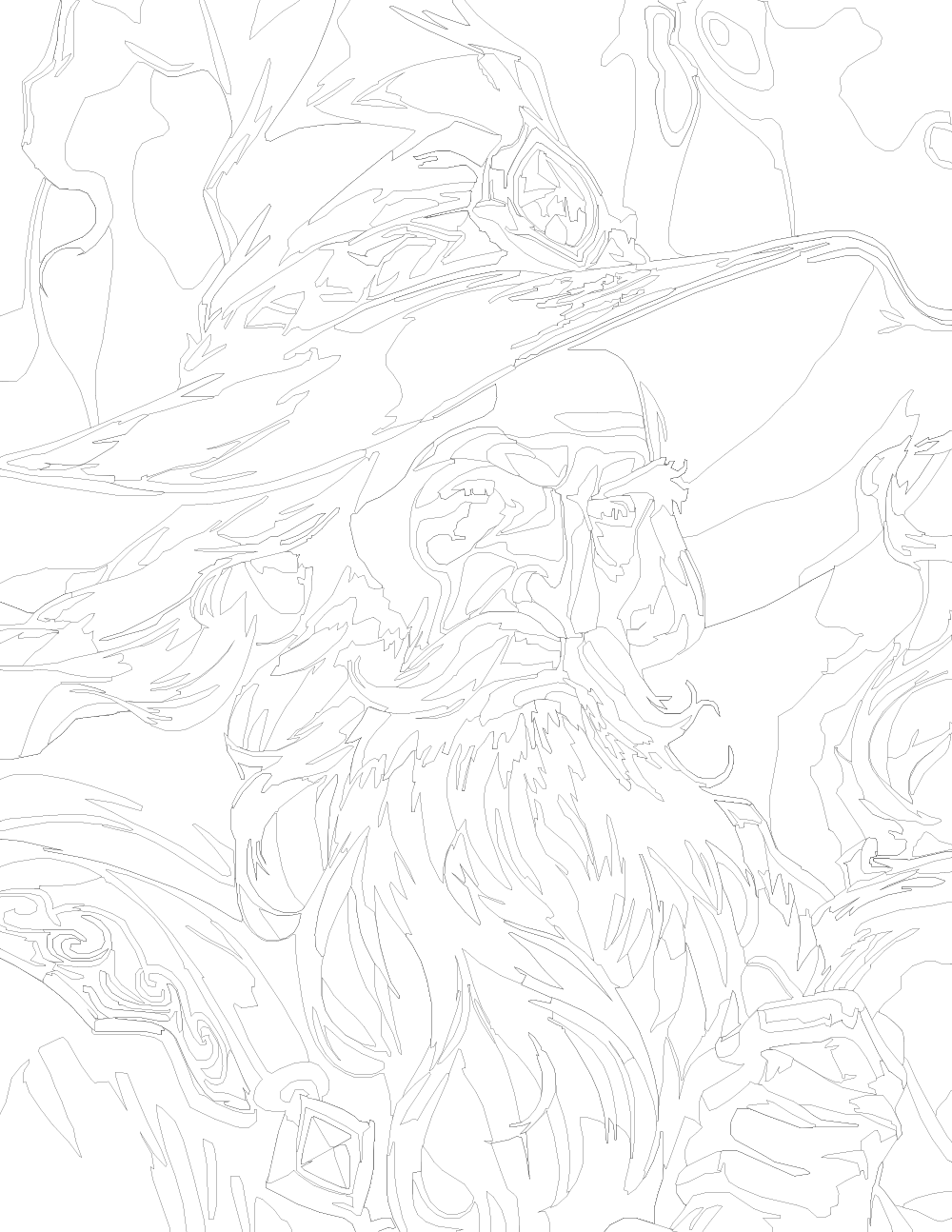
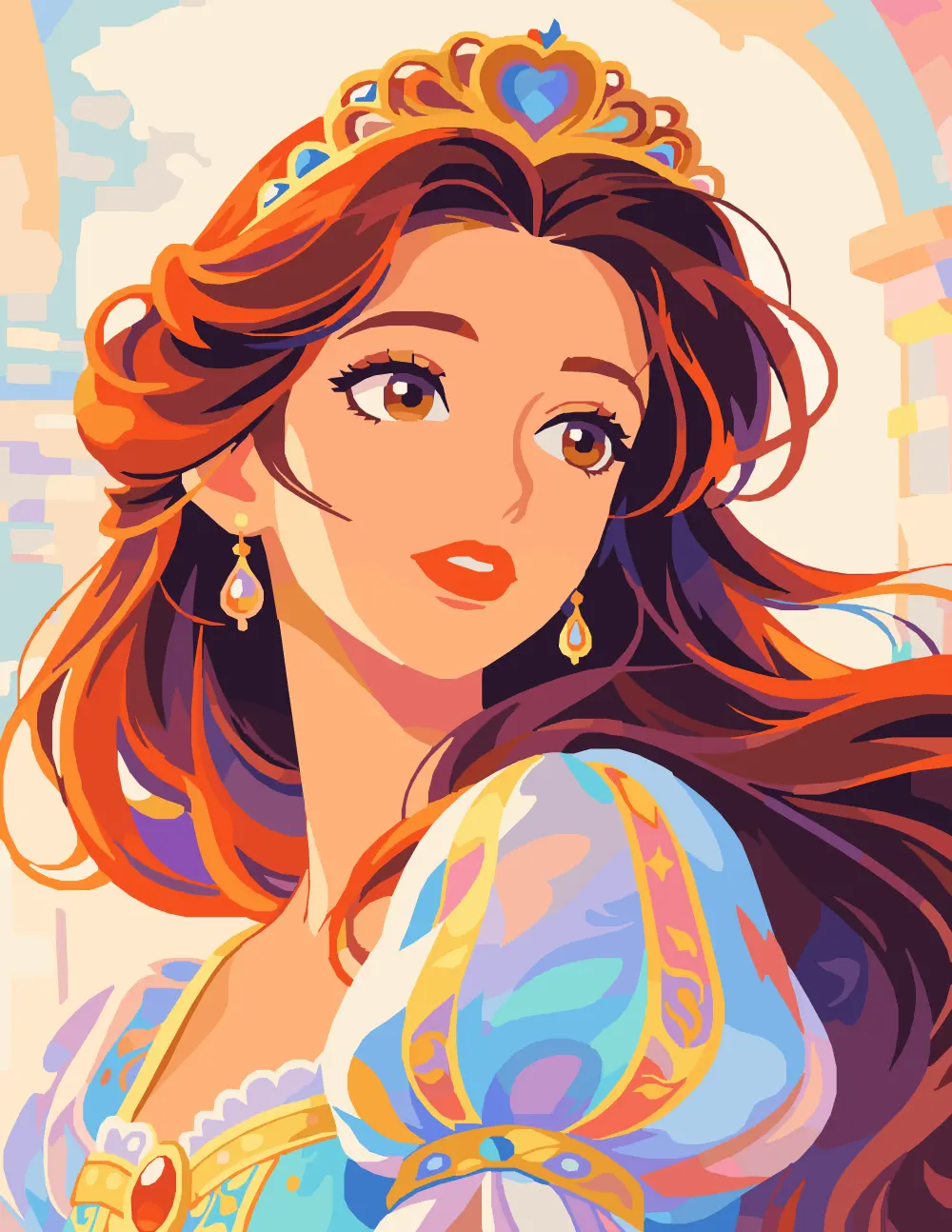
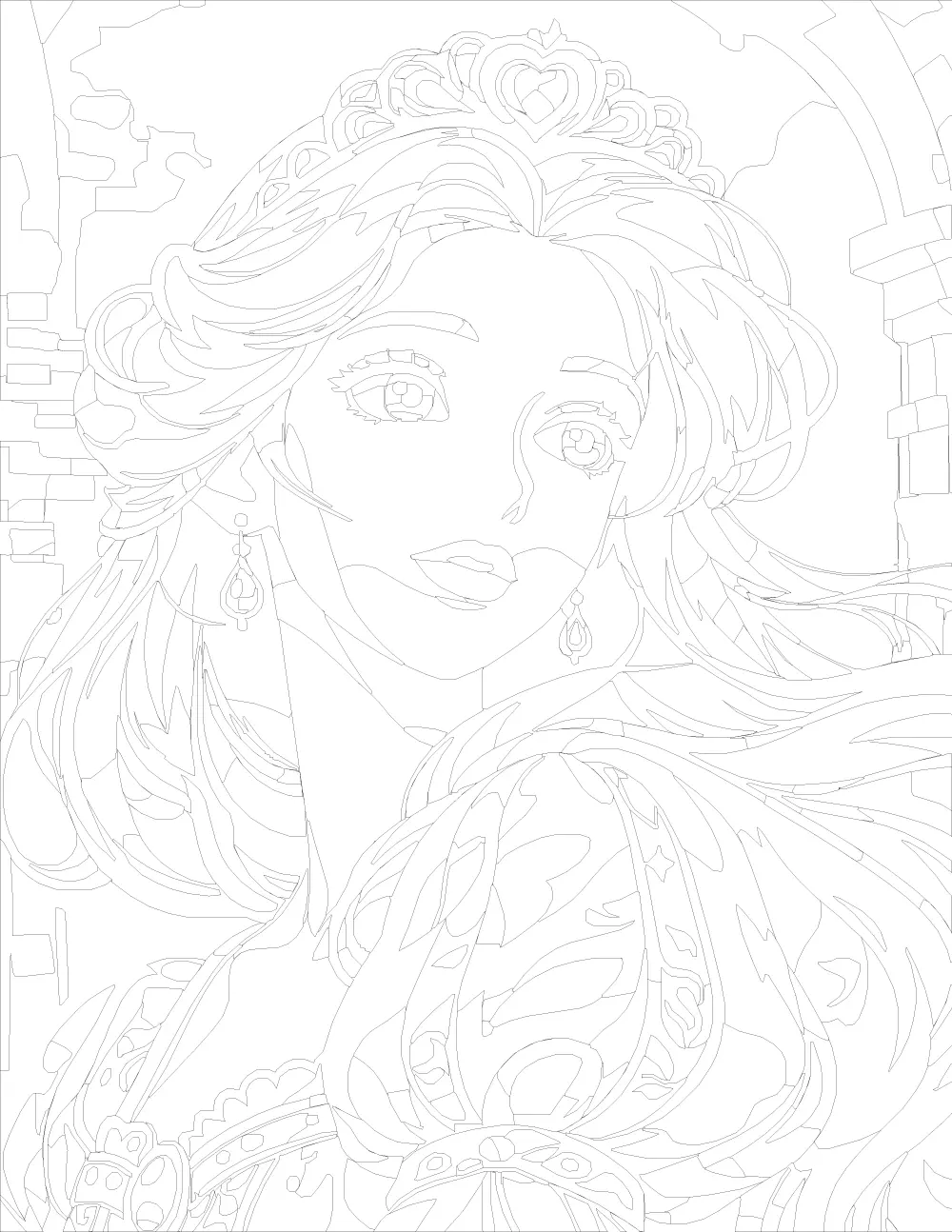
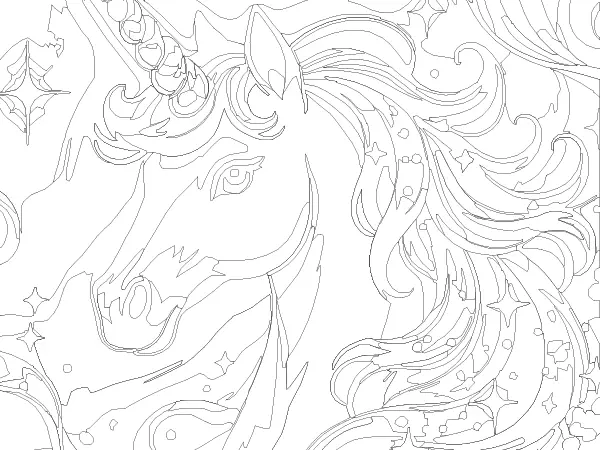
Medieval fantasy designs with knights, wizards, princesses, castles, dragons, and unicorns.
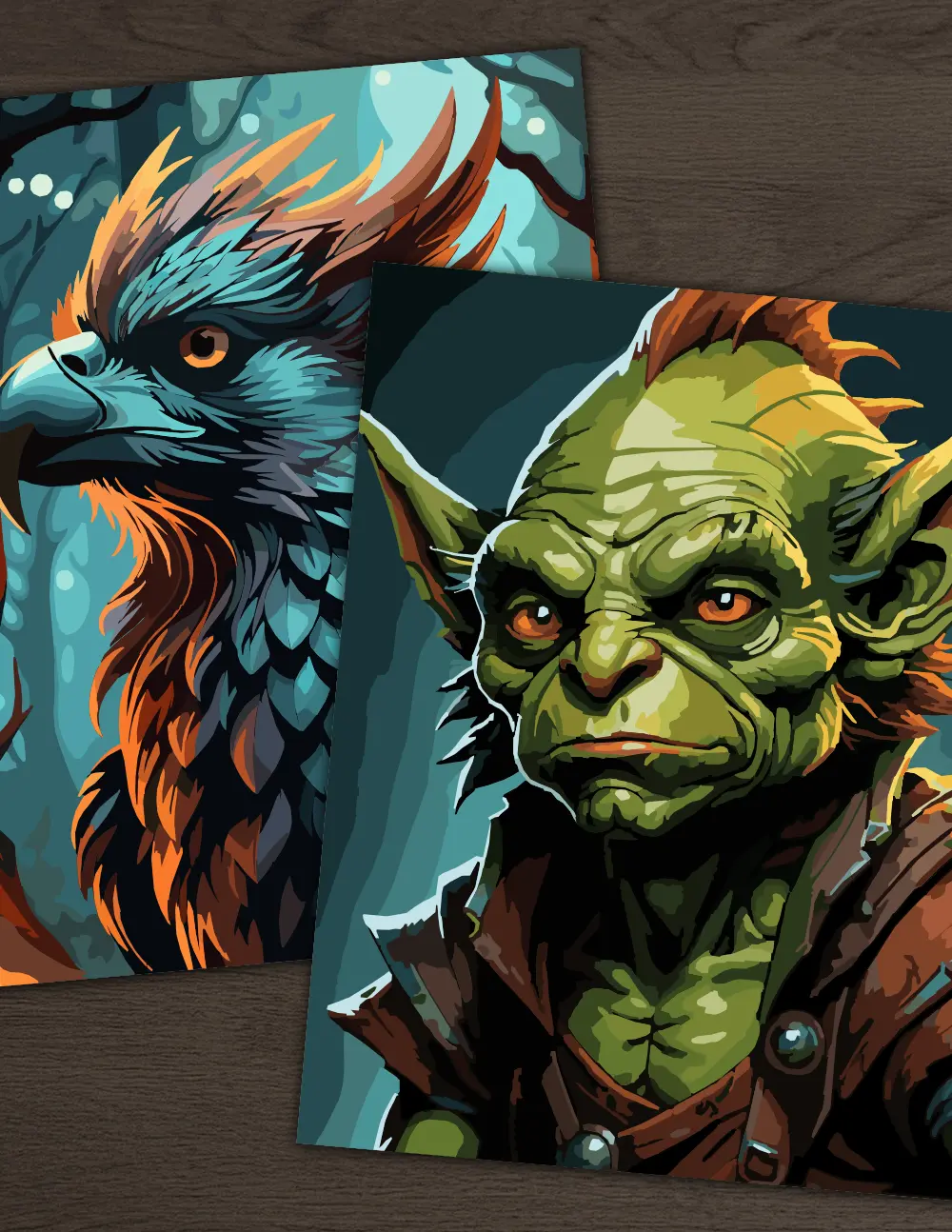
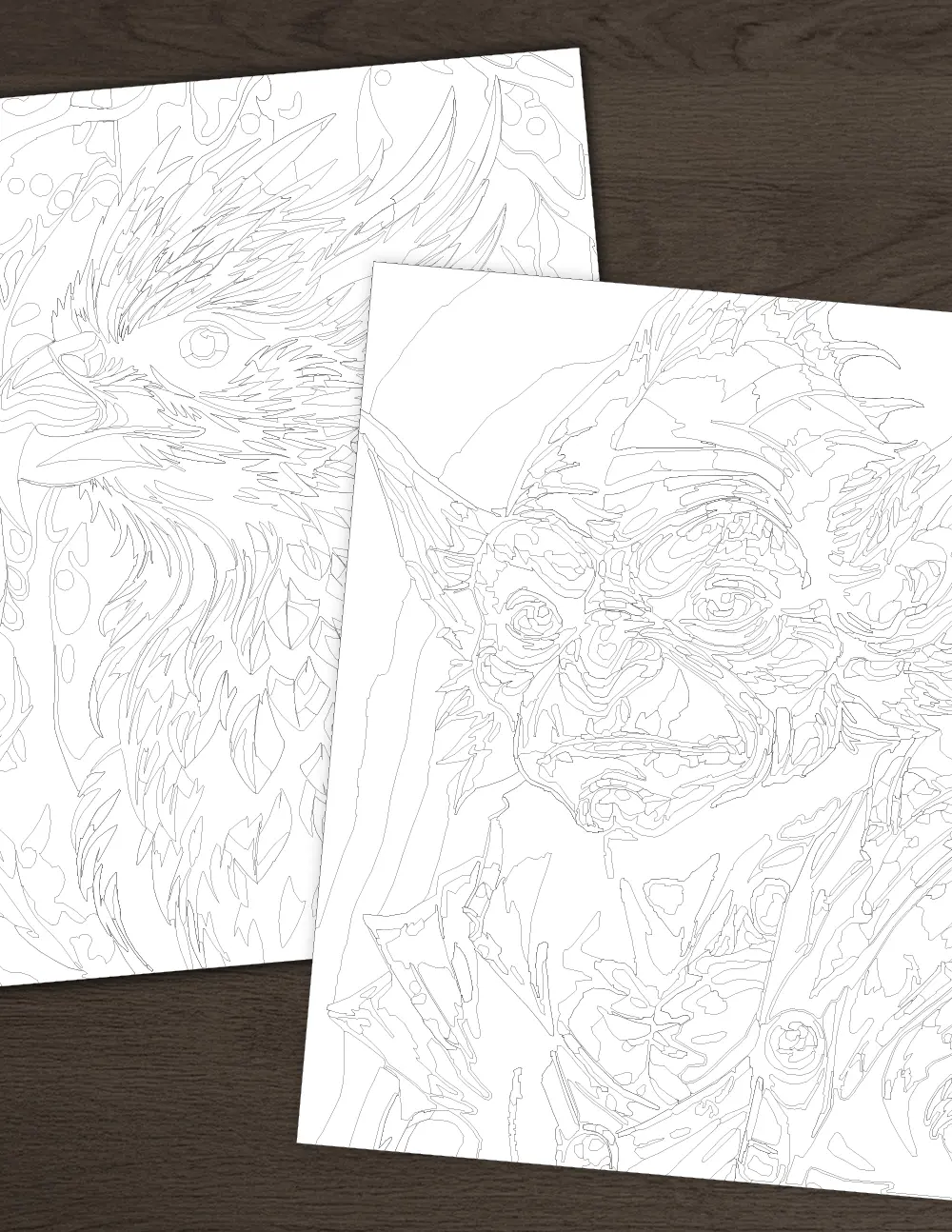
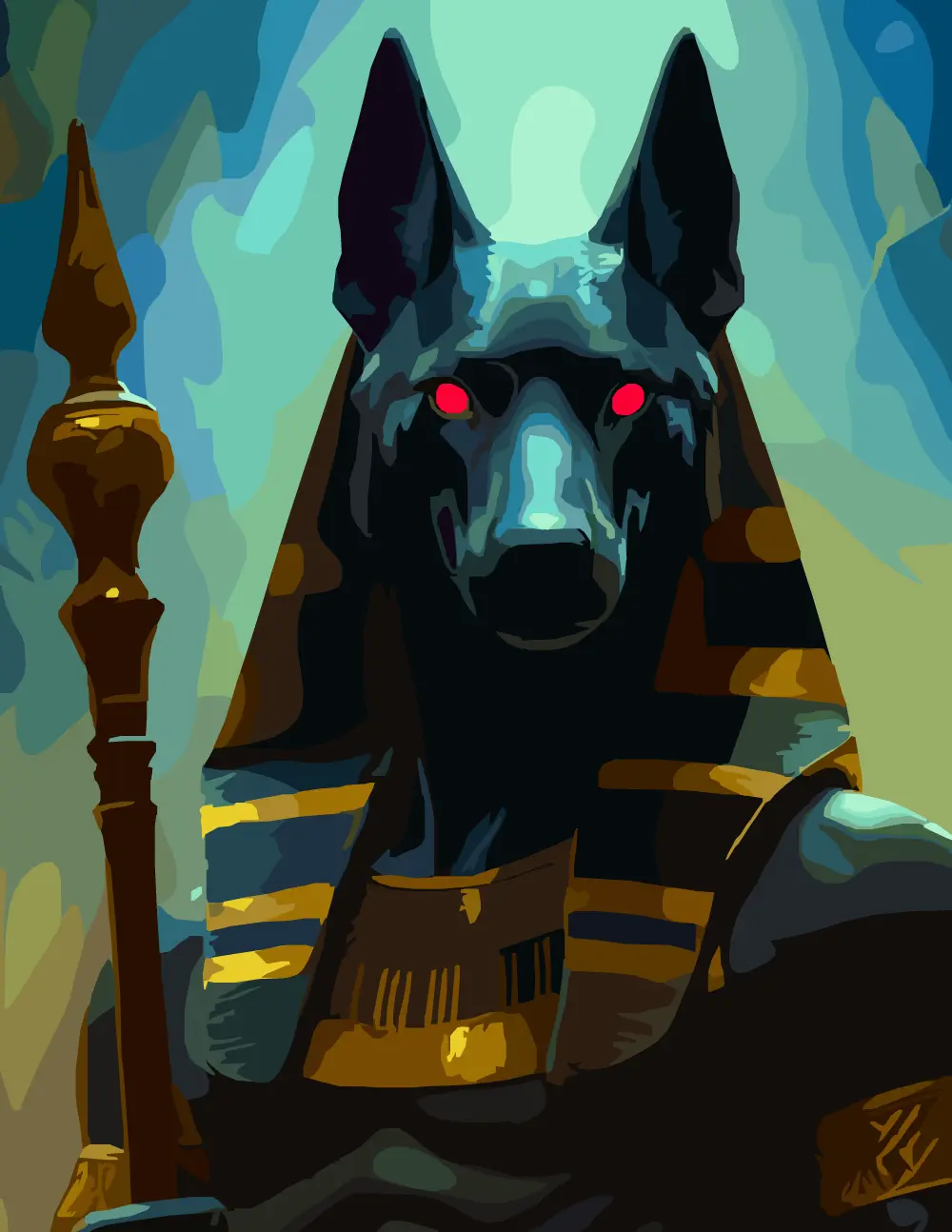
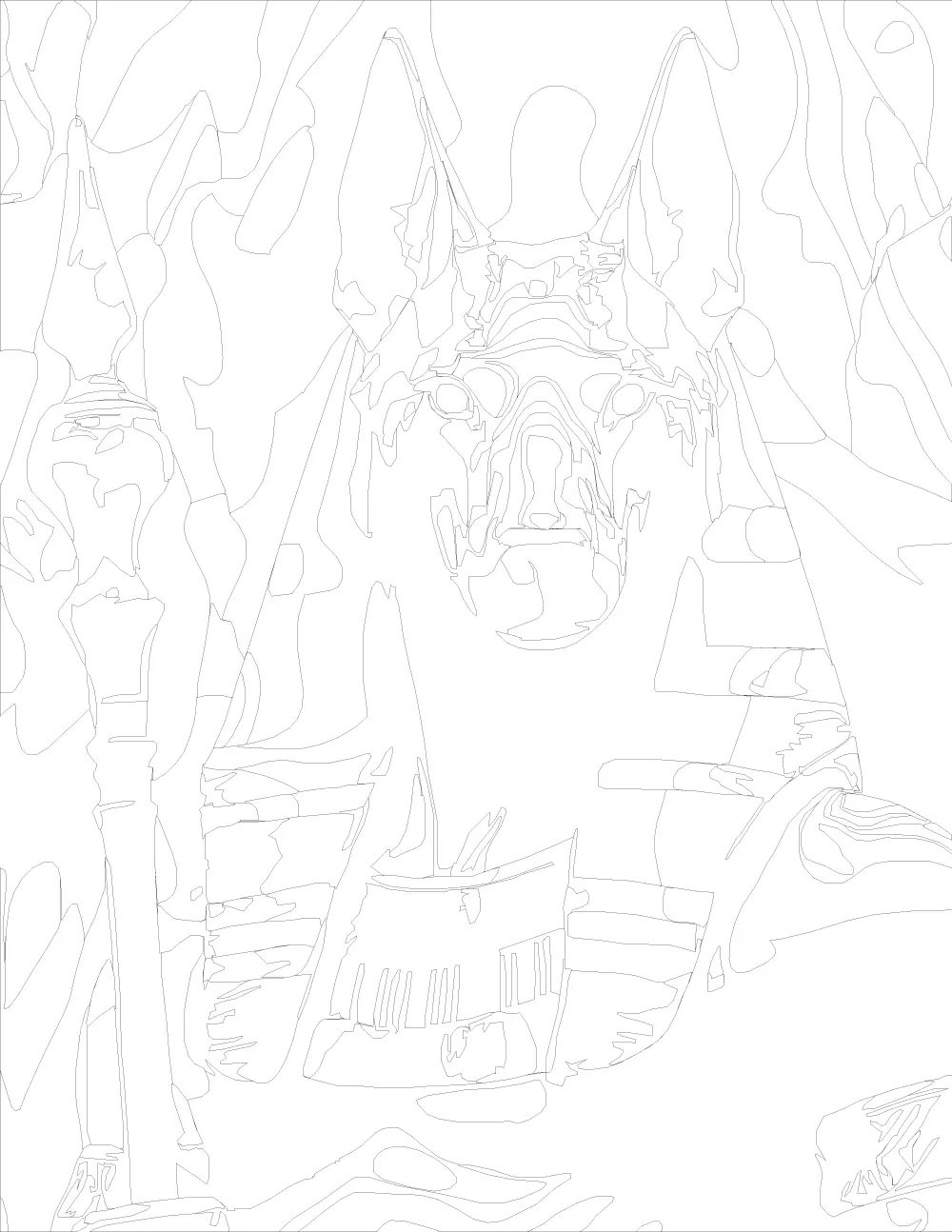
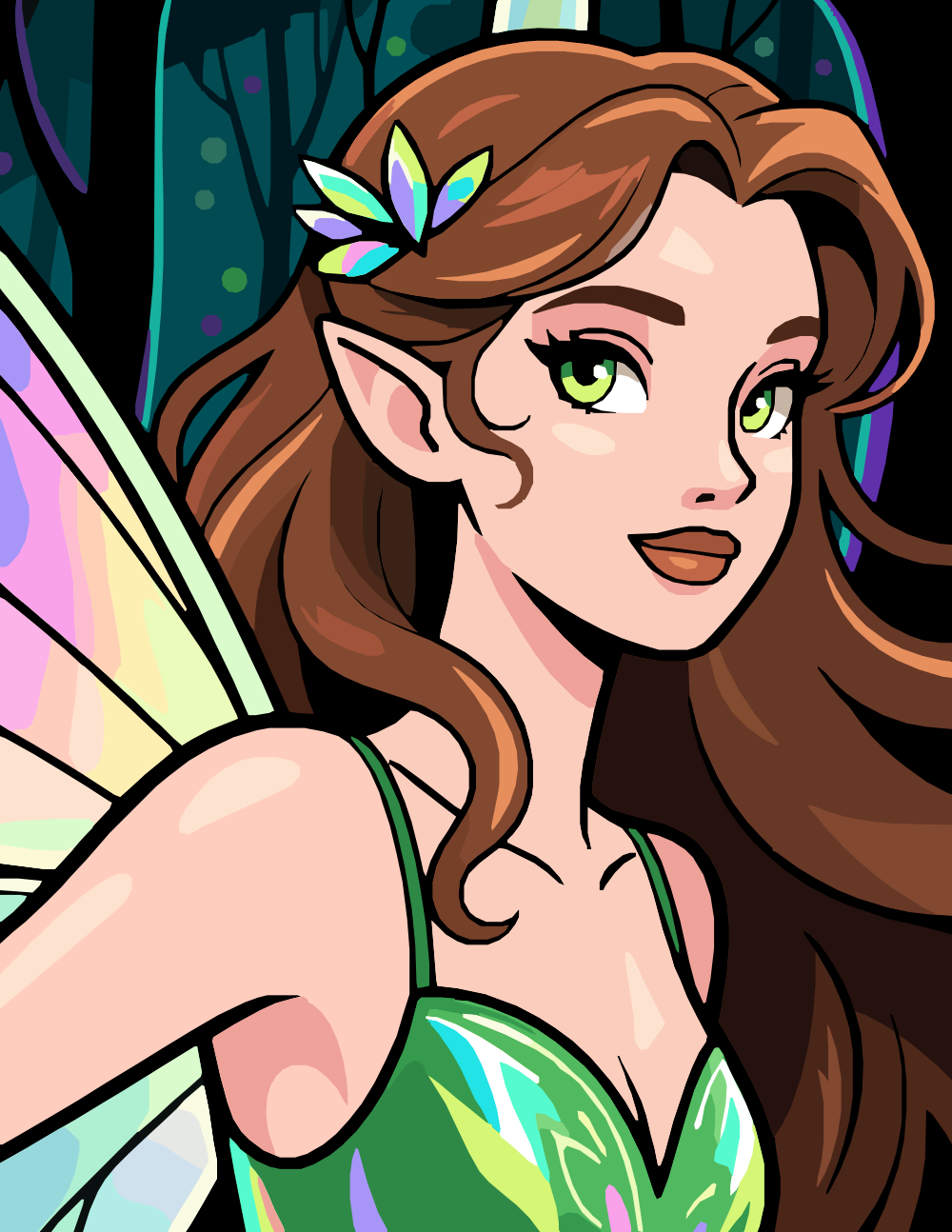
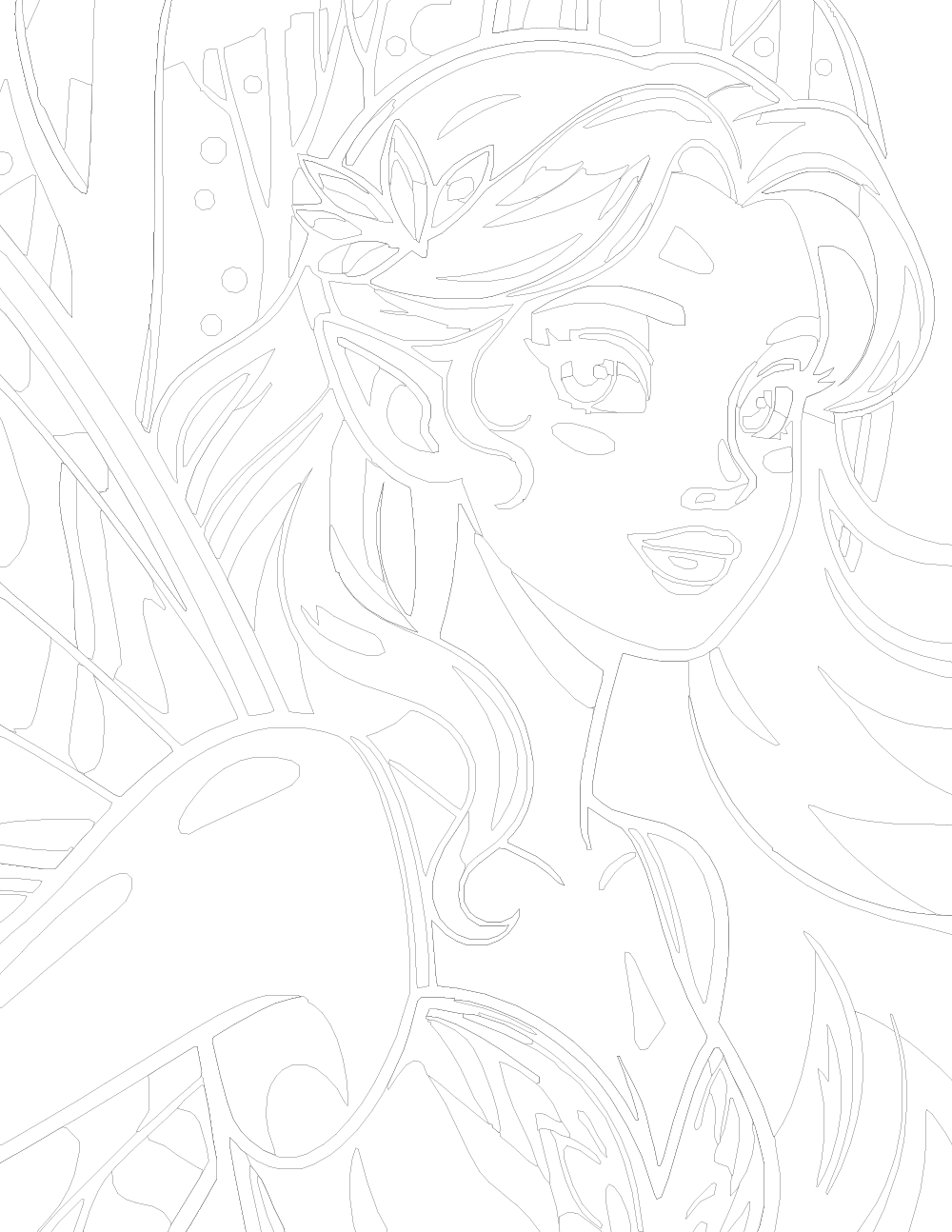
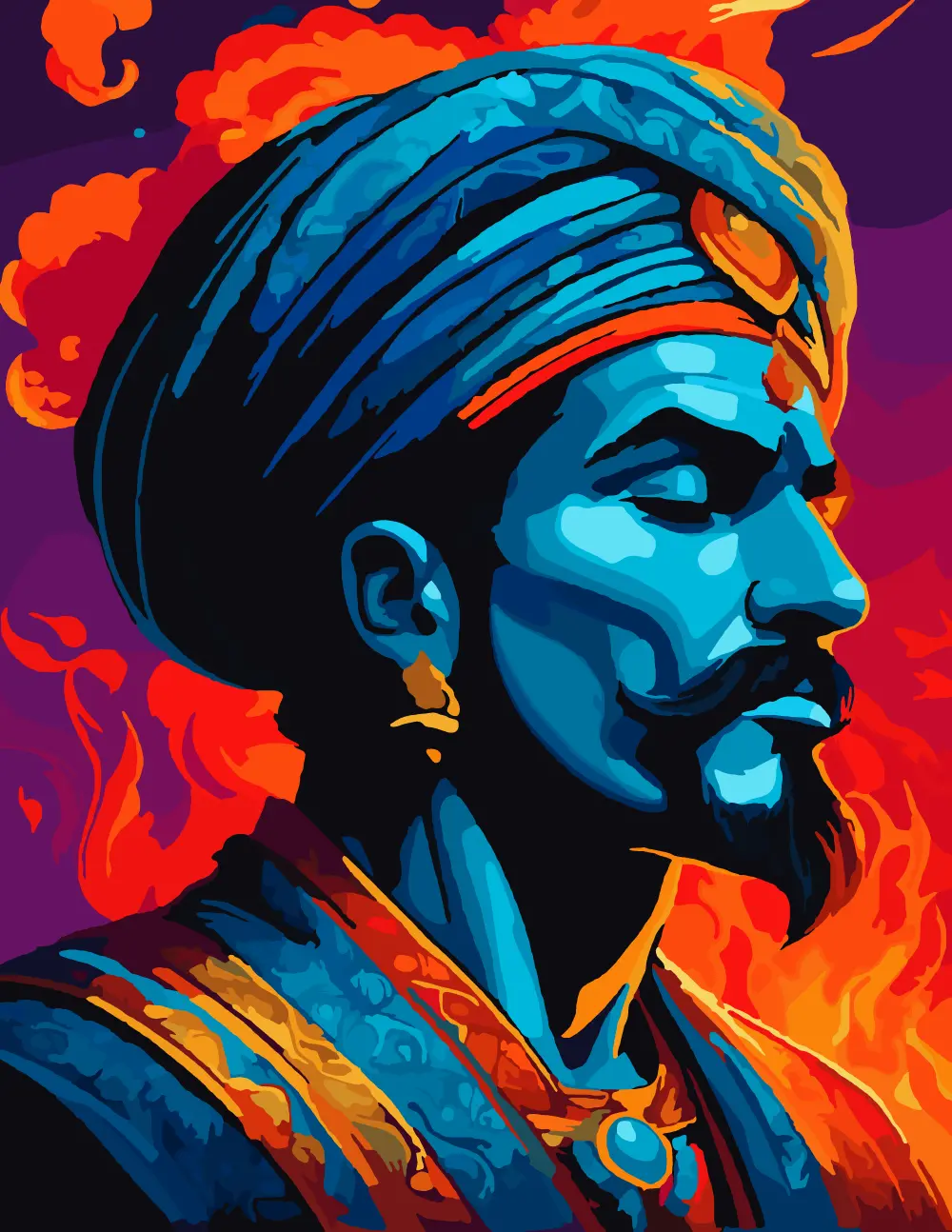
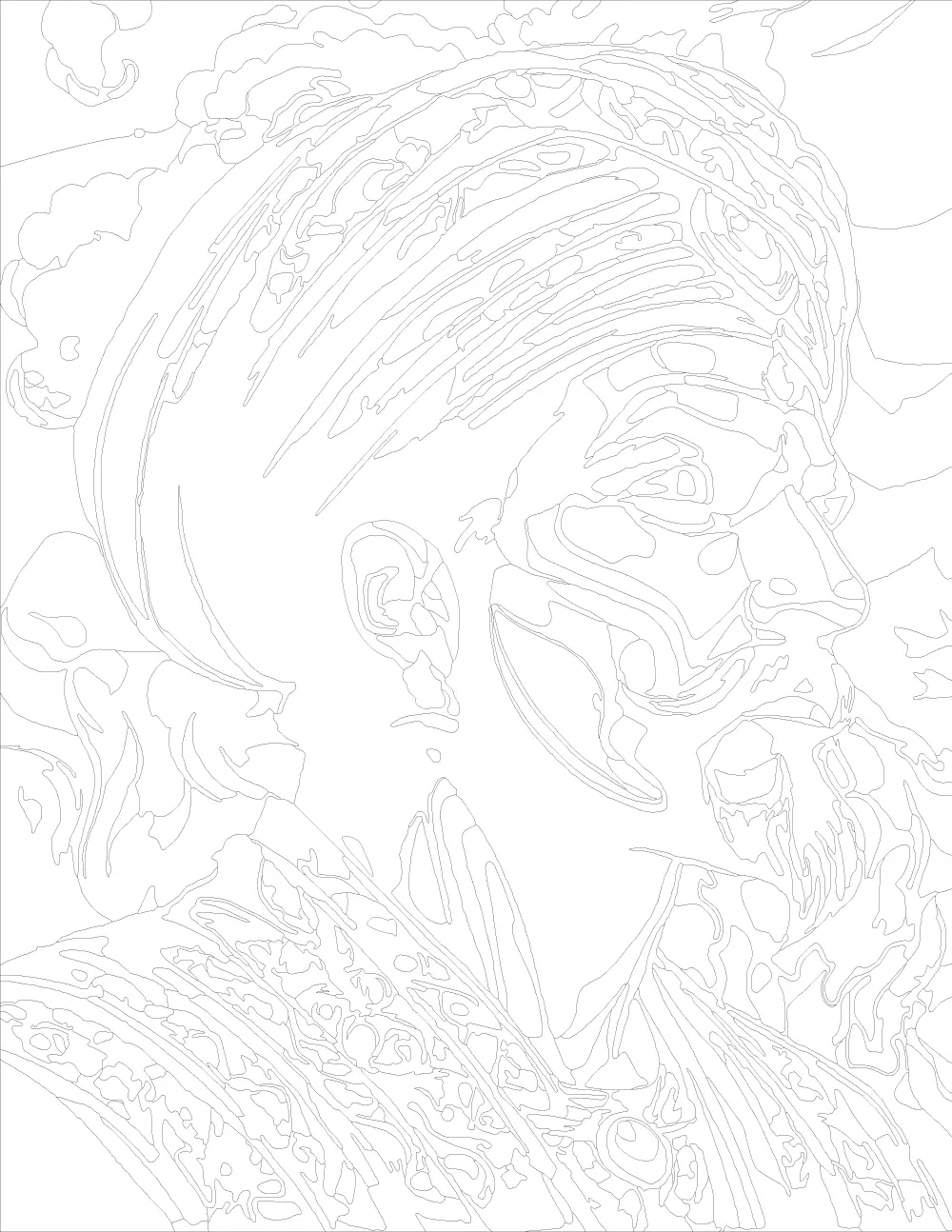
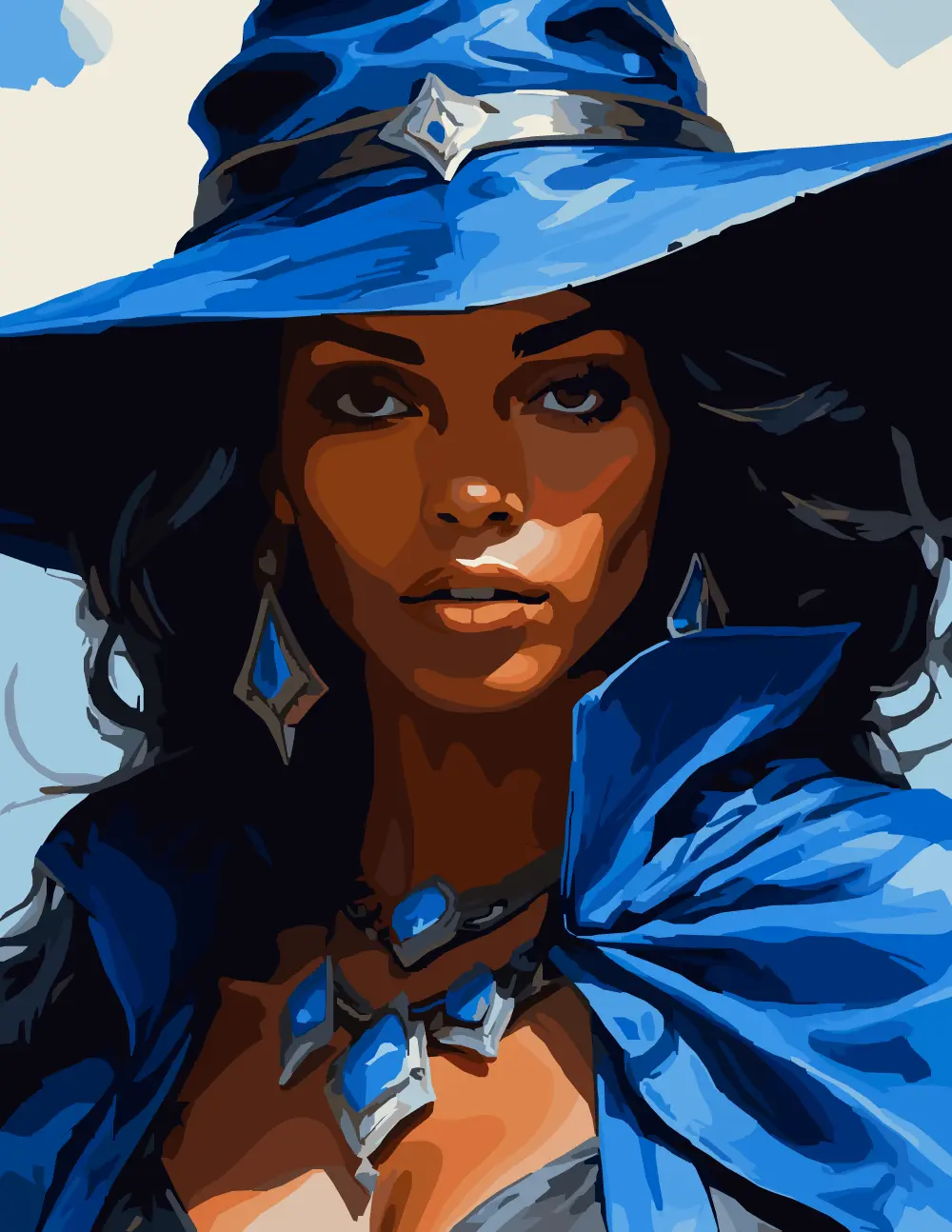
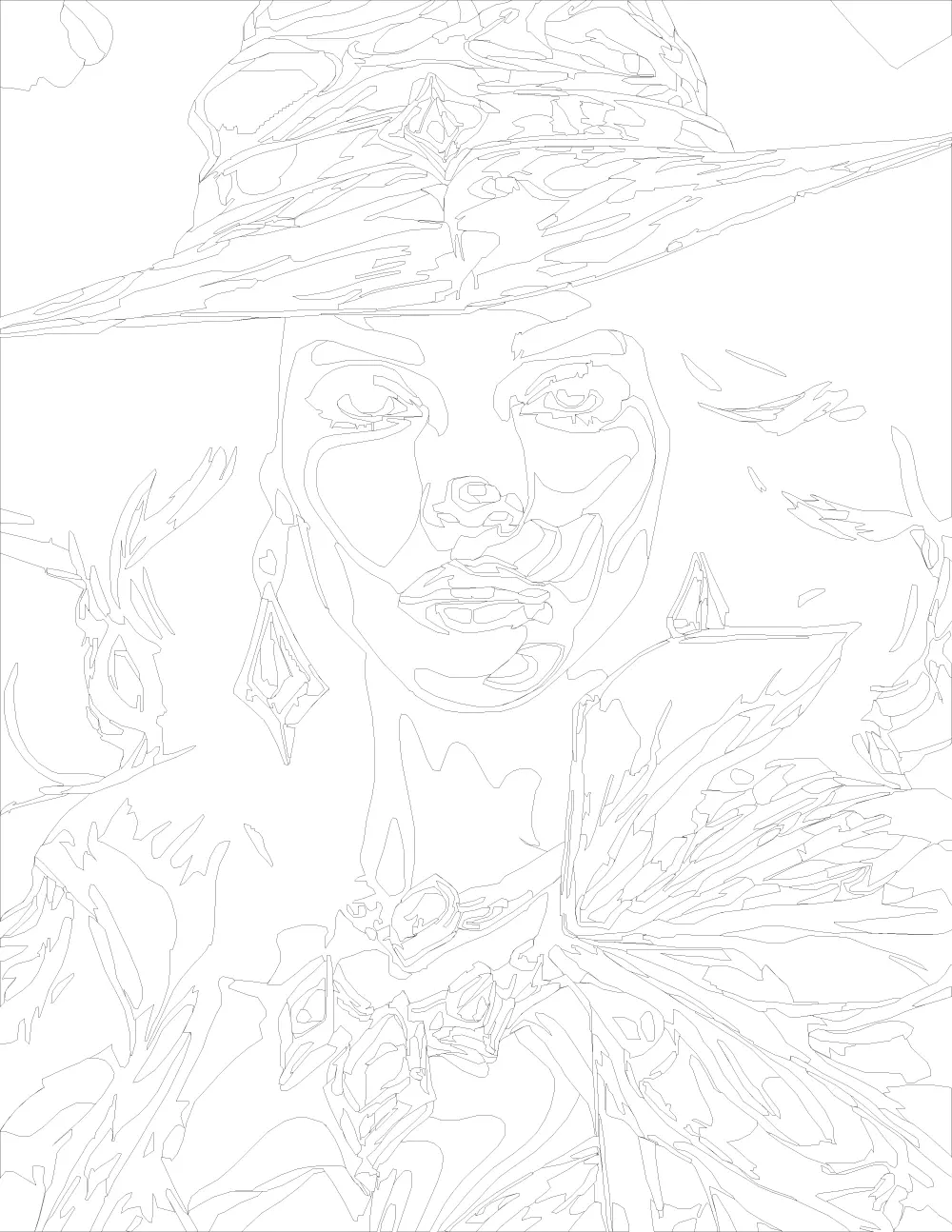
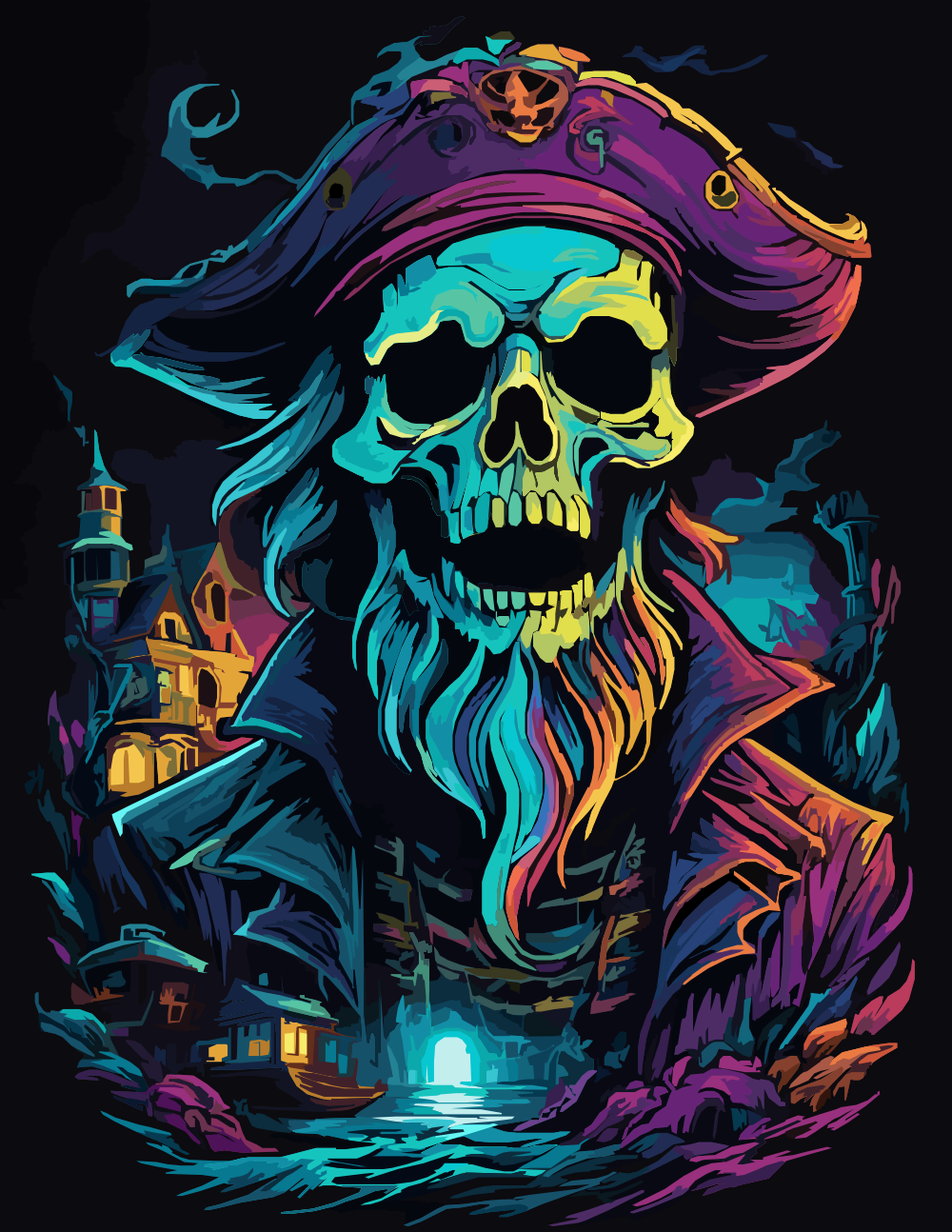
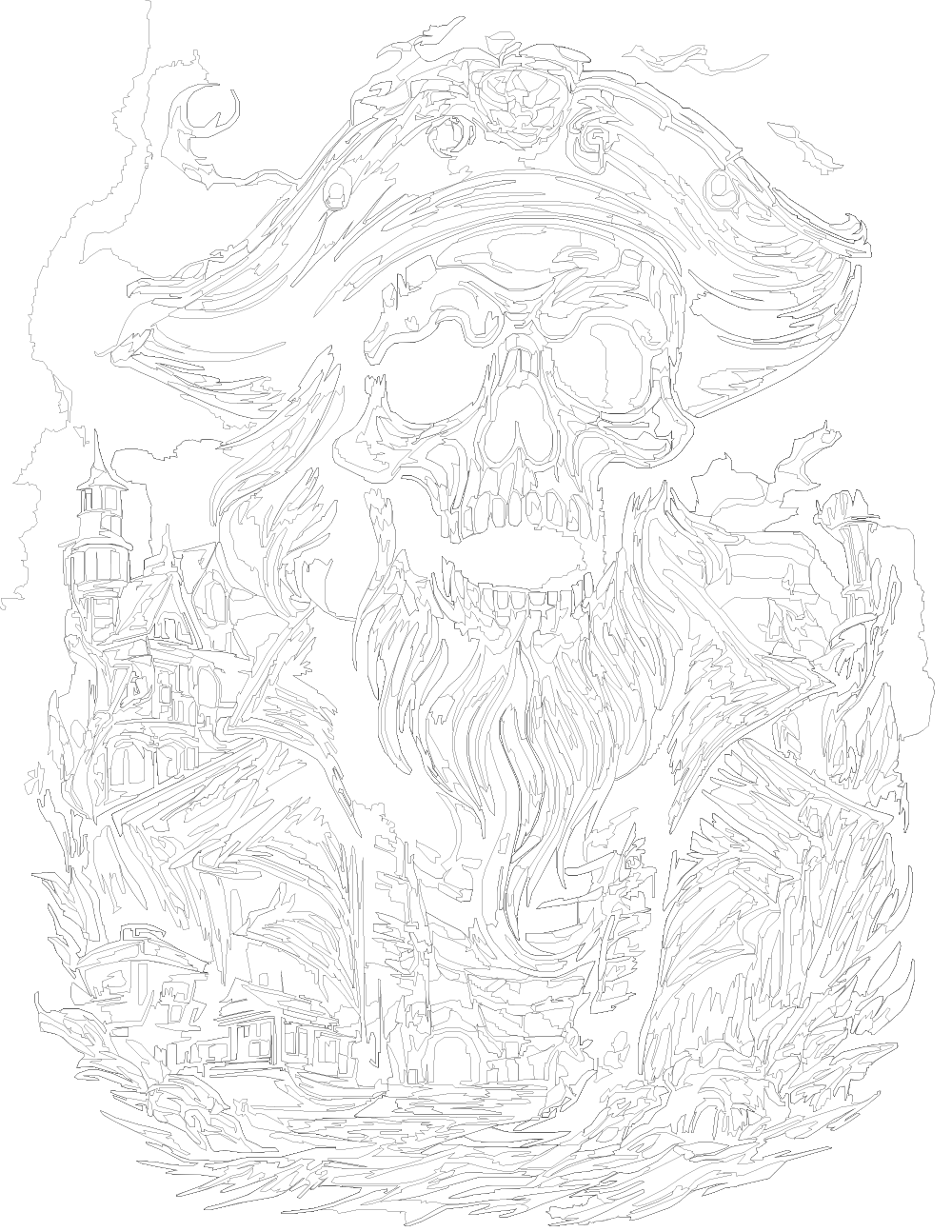
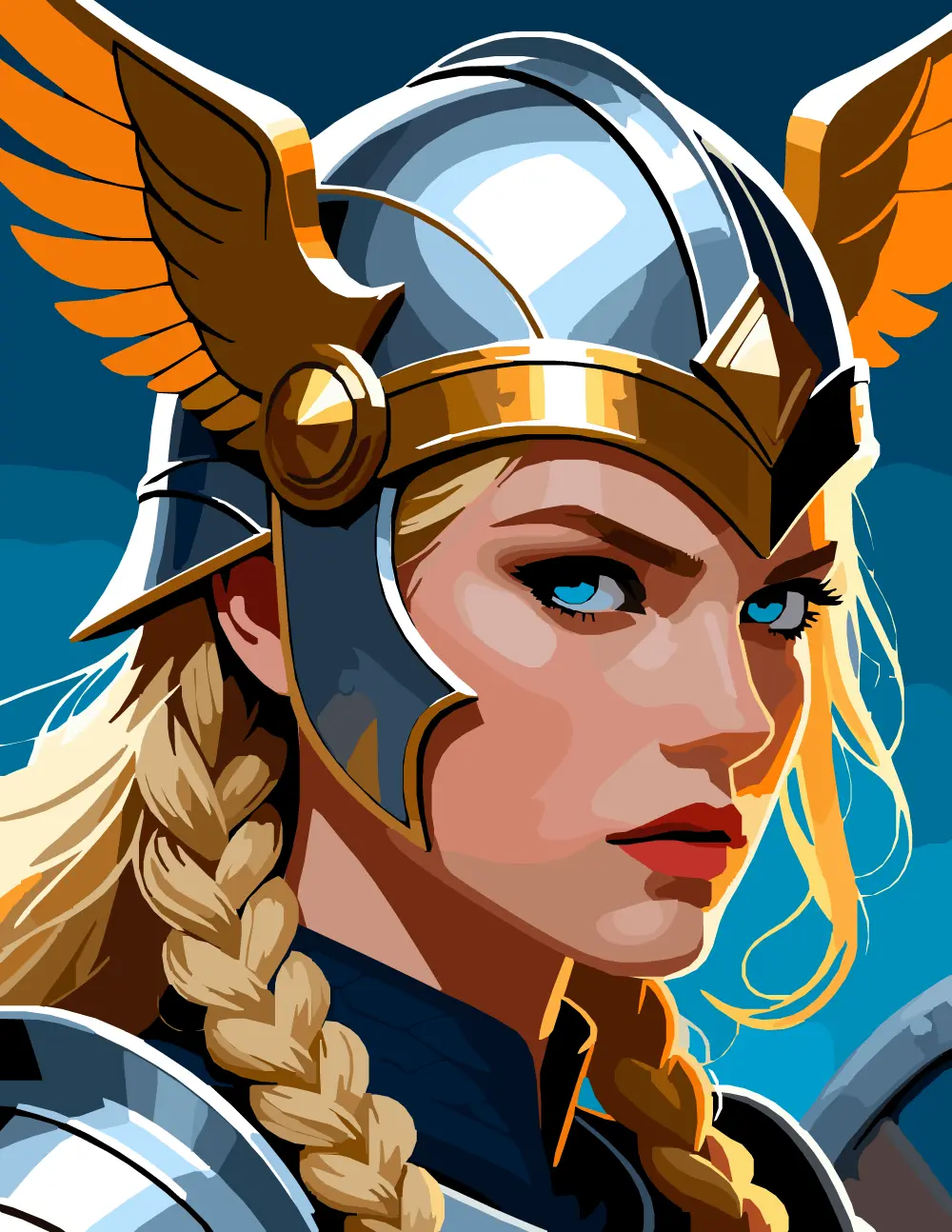
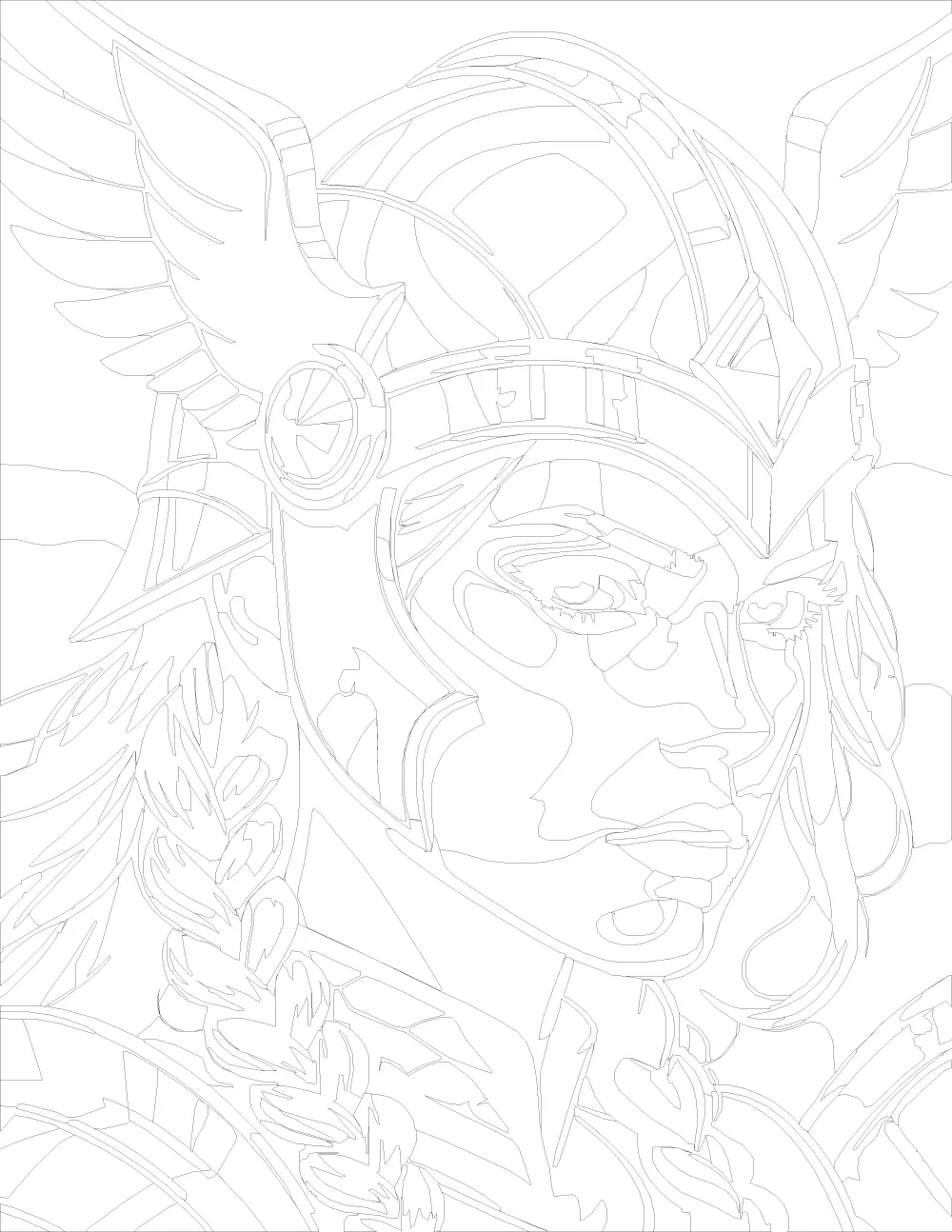
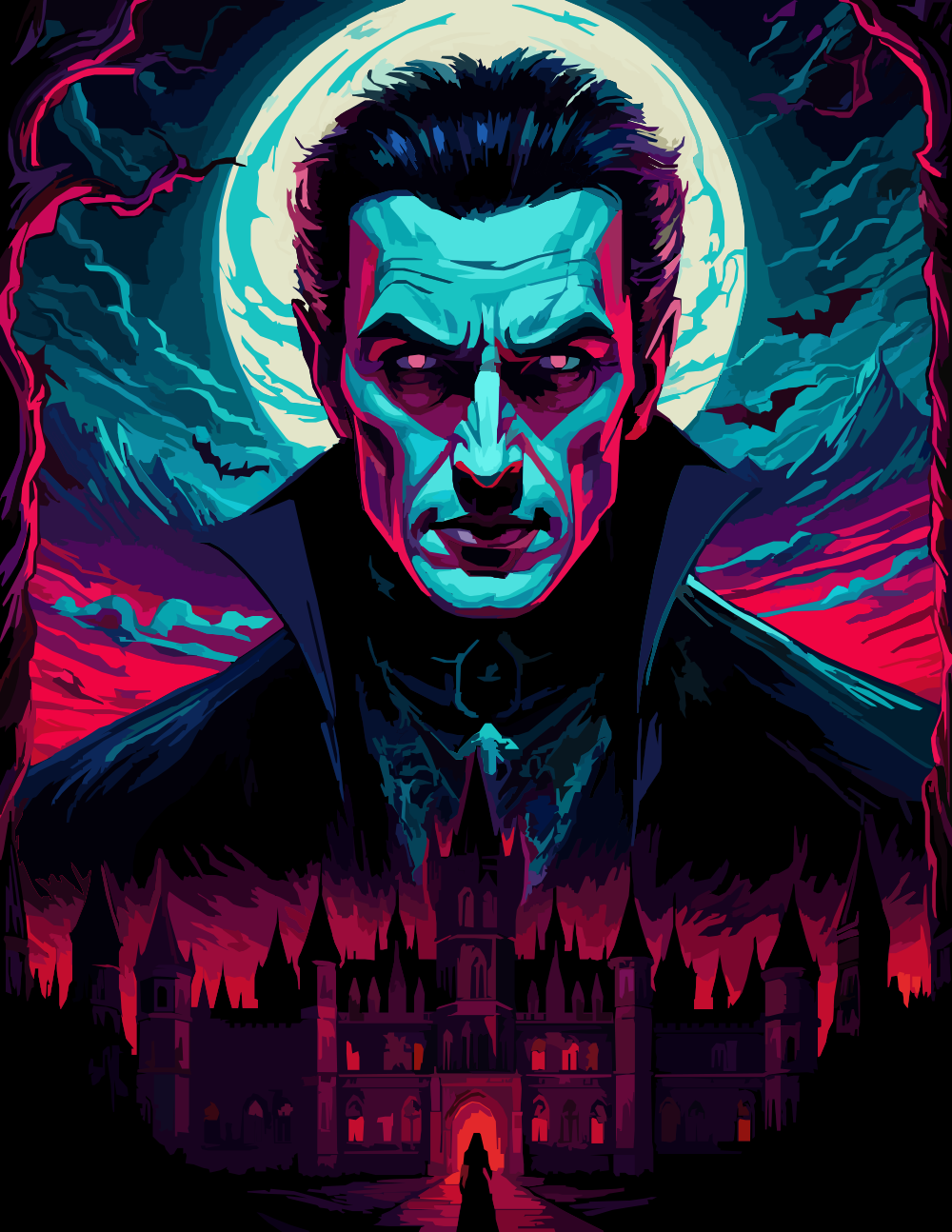
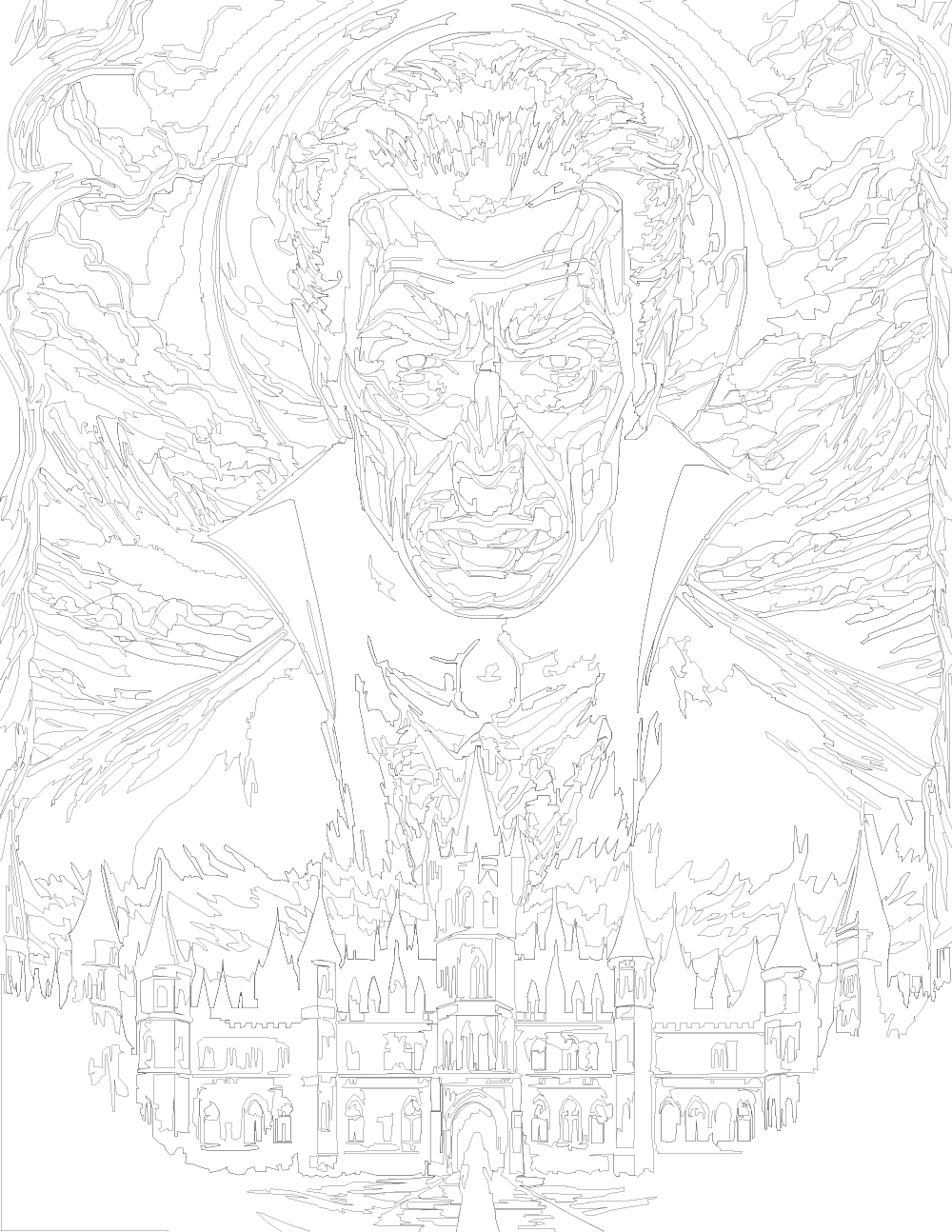
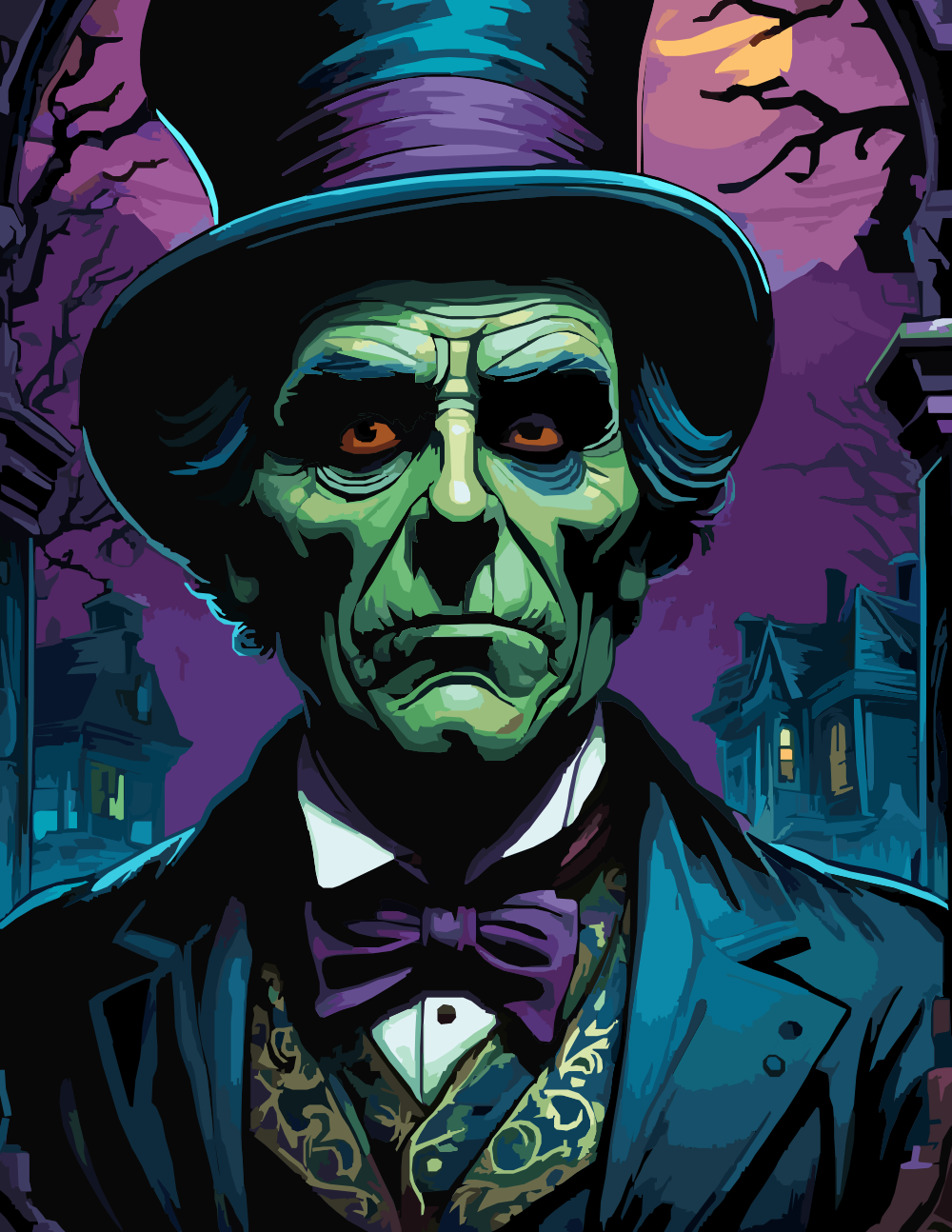
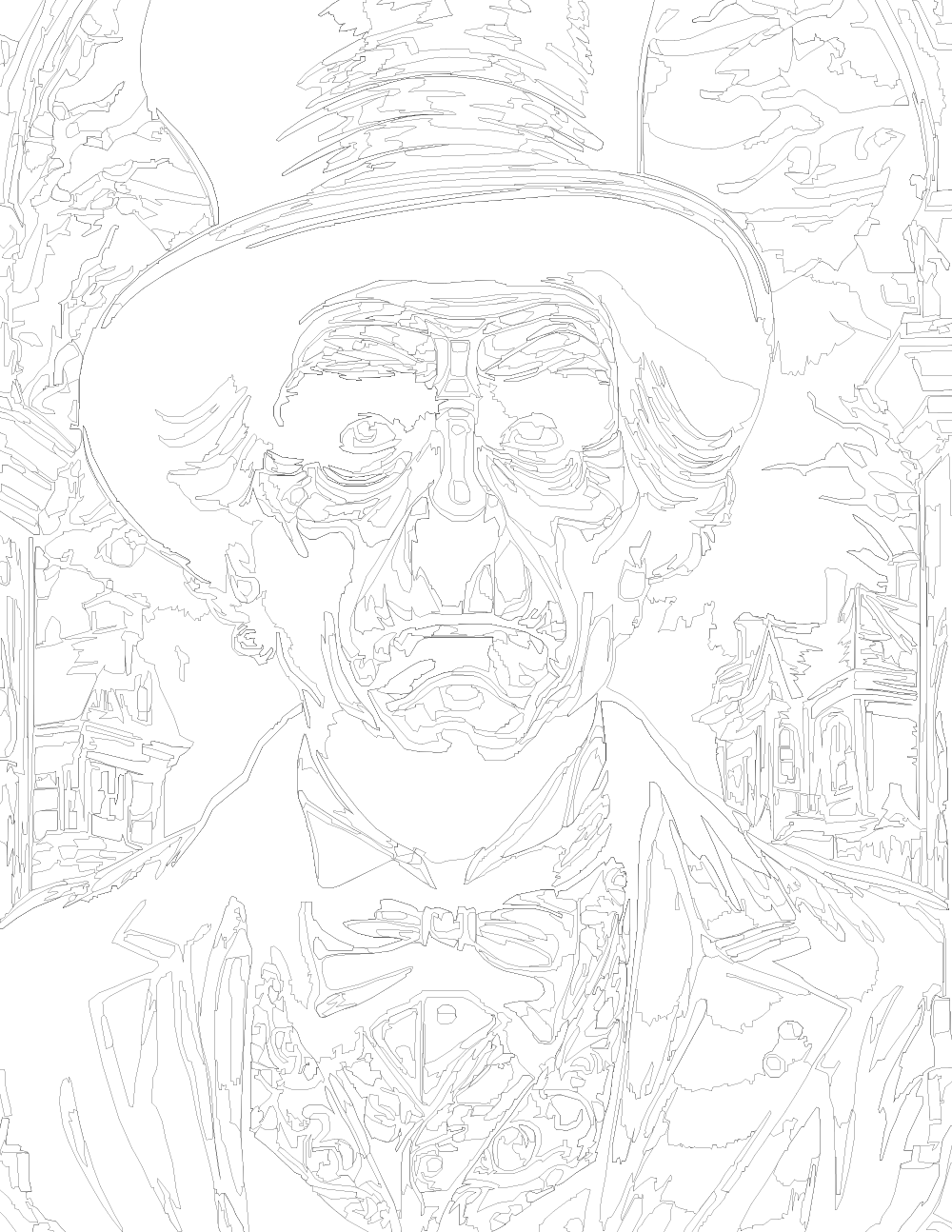
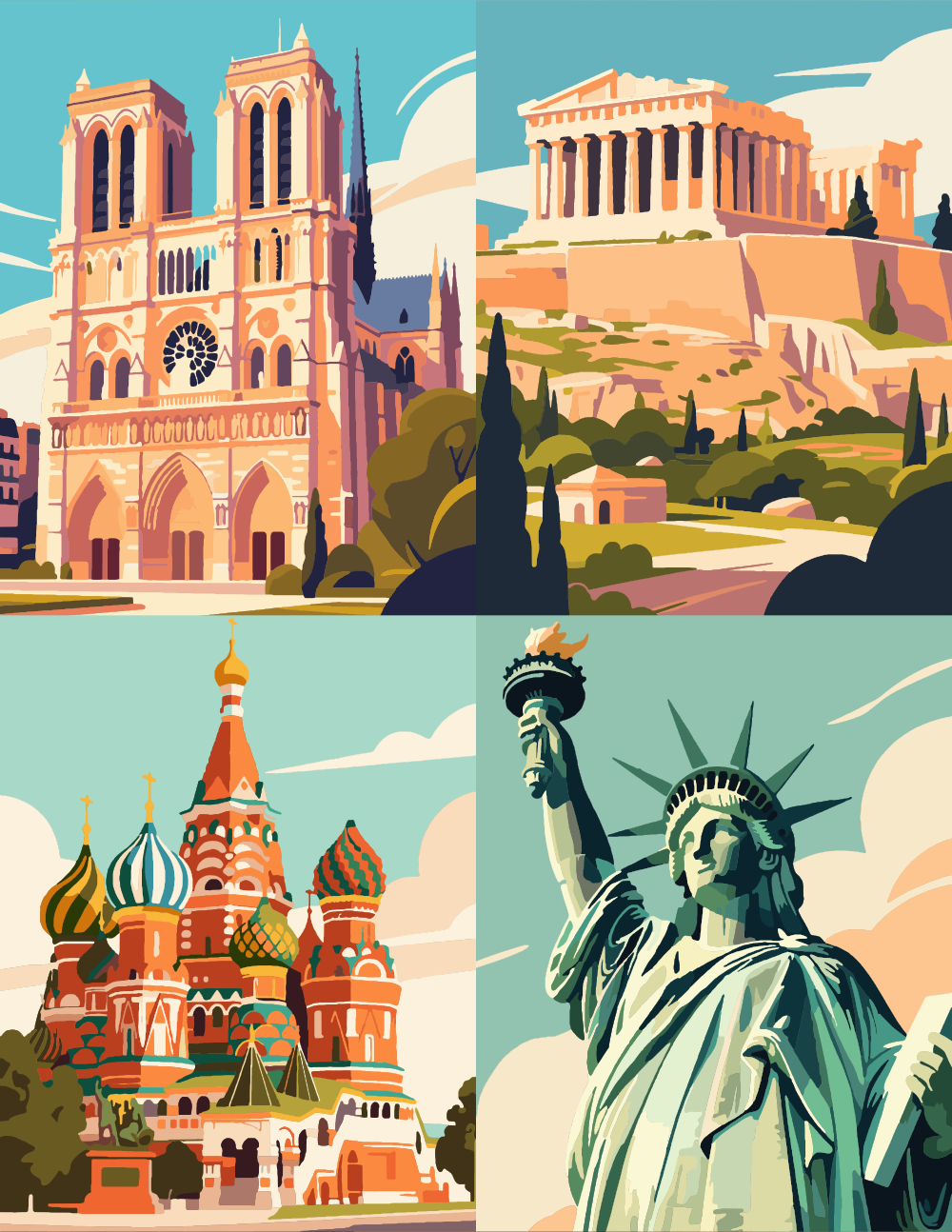
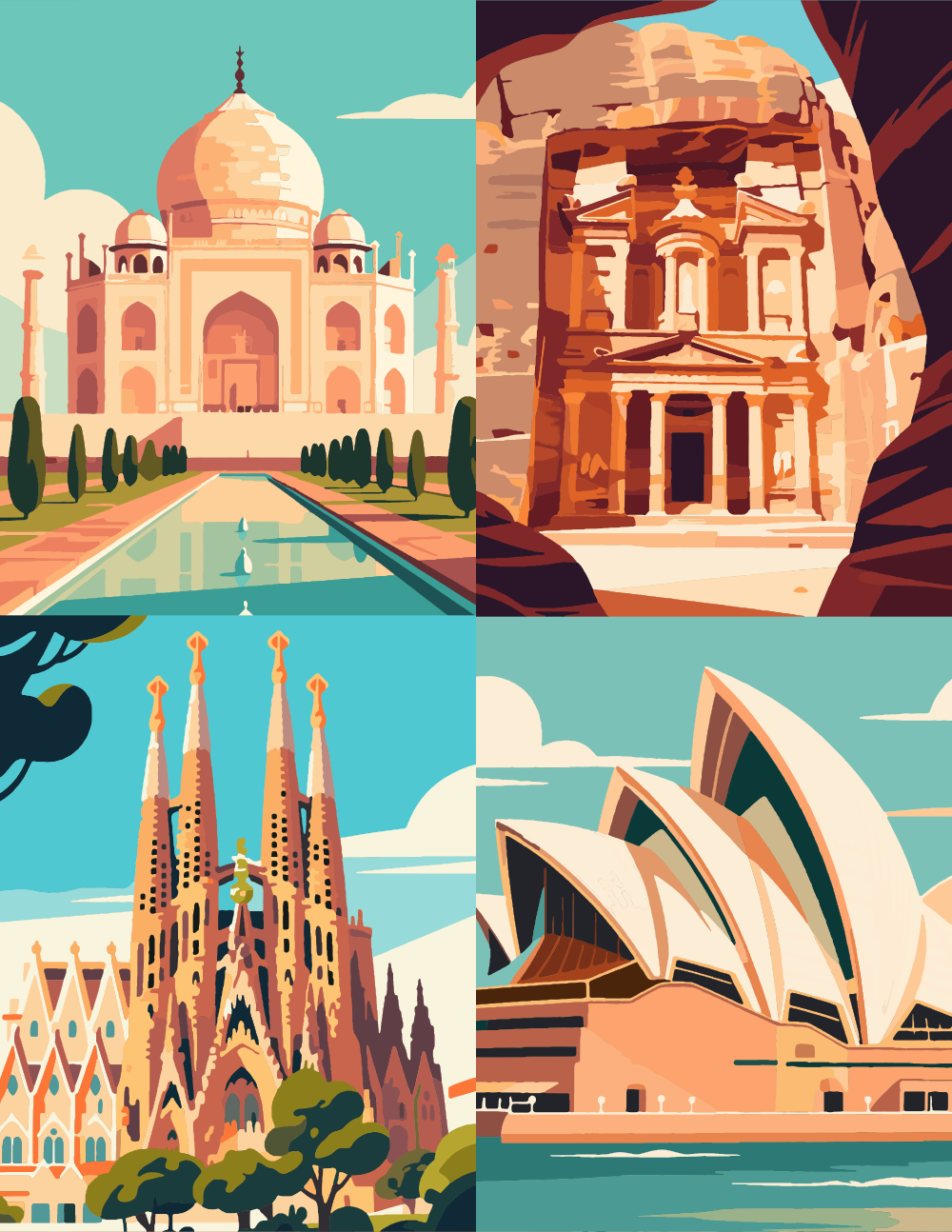
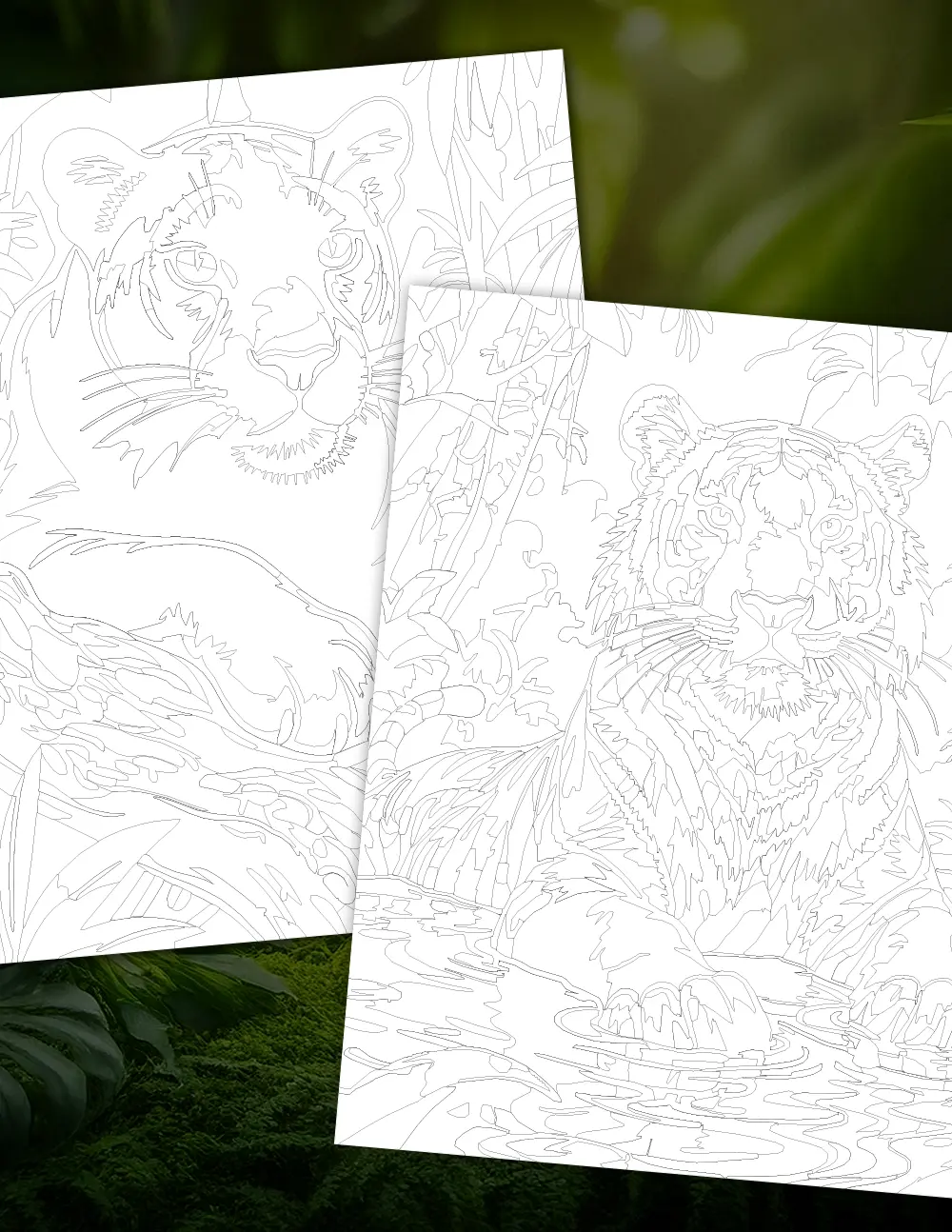
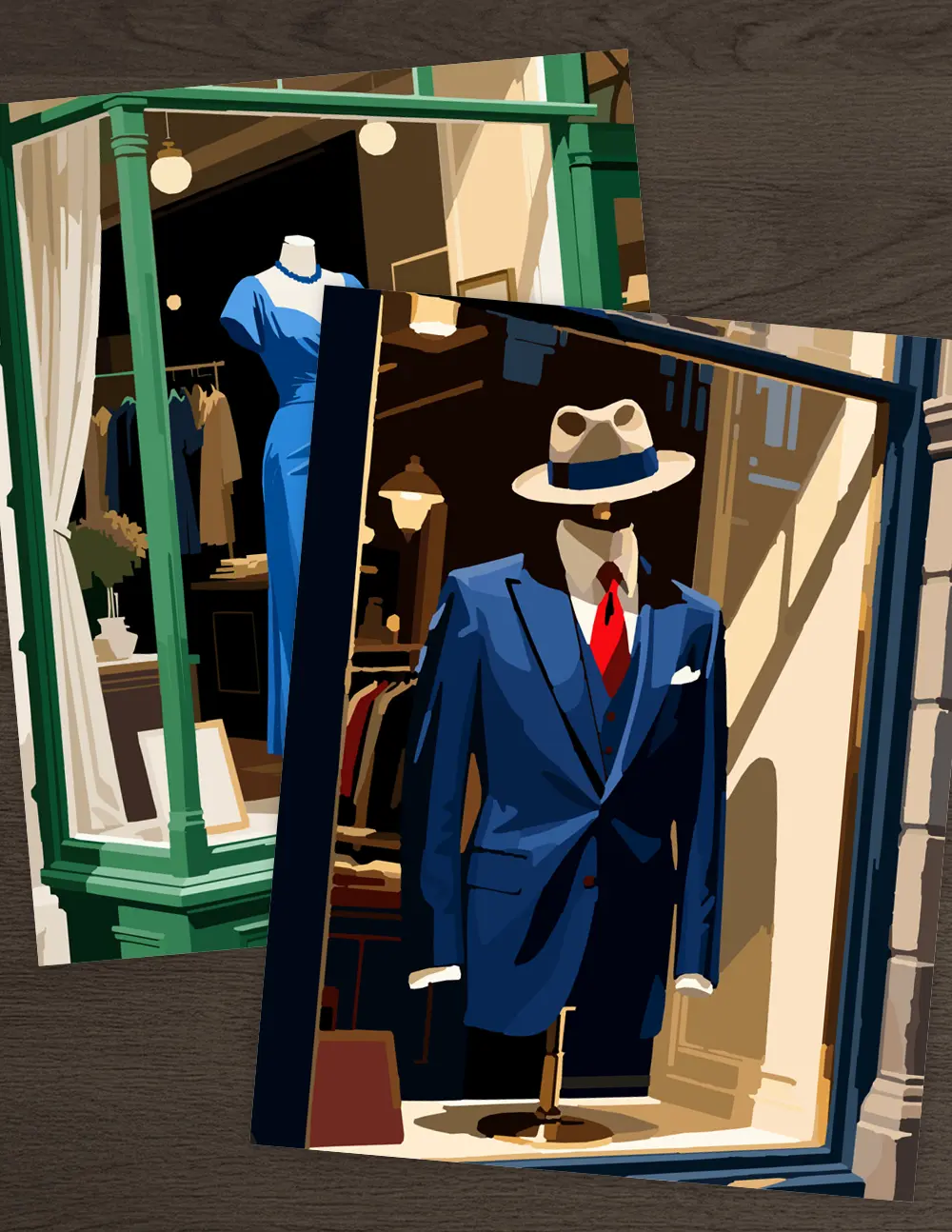
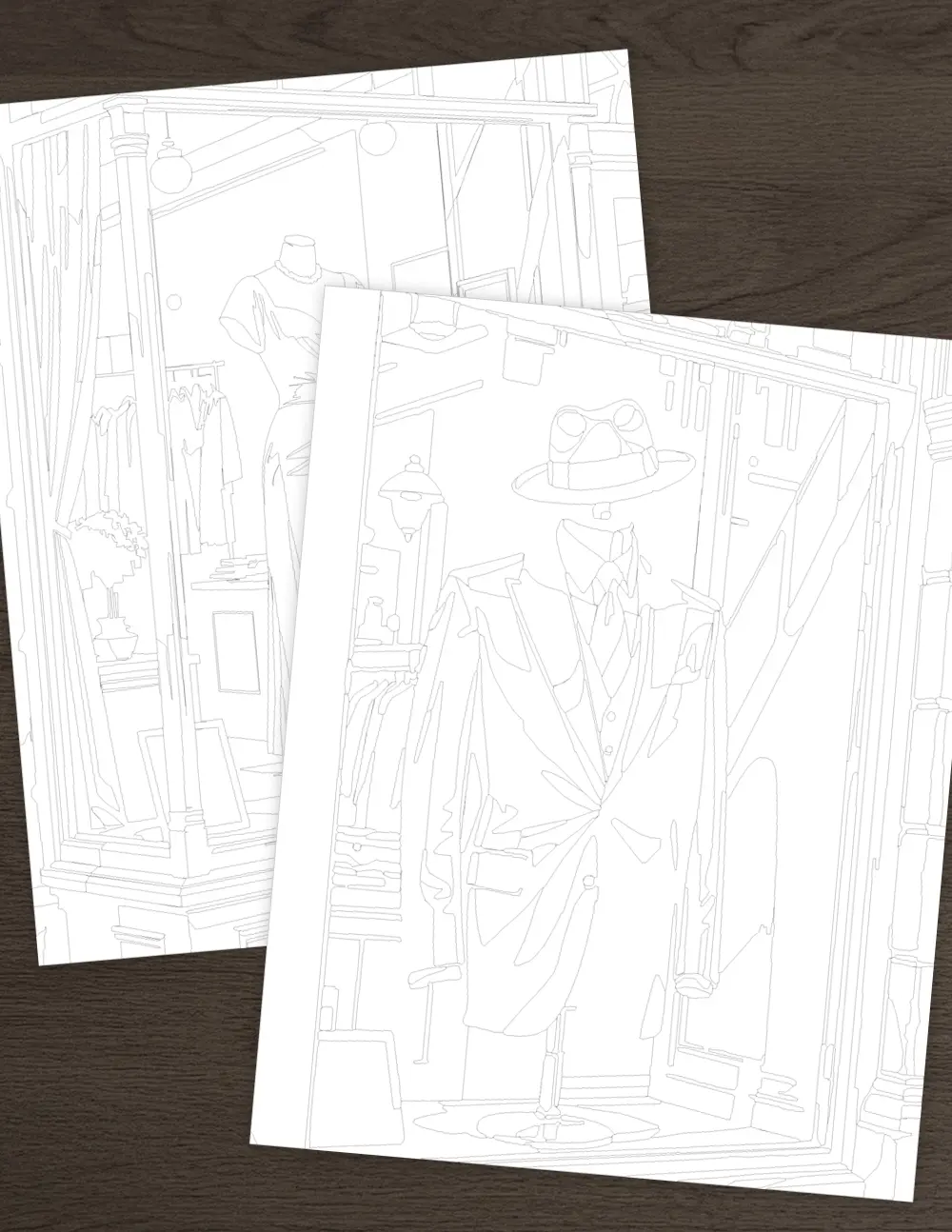
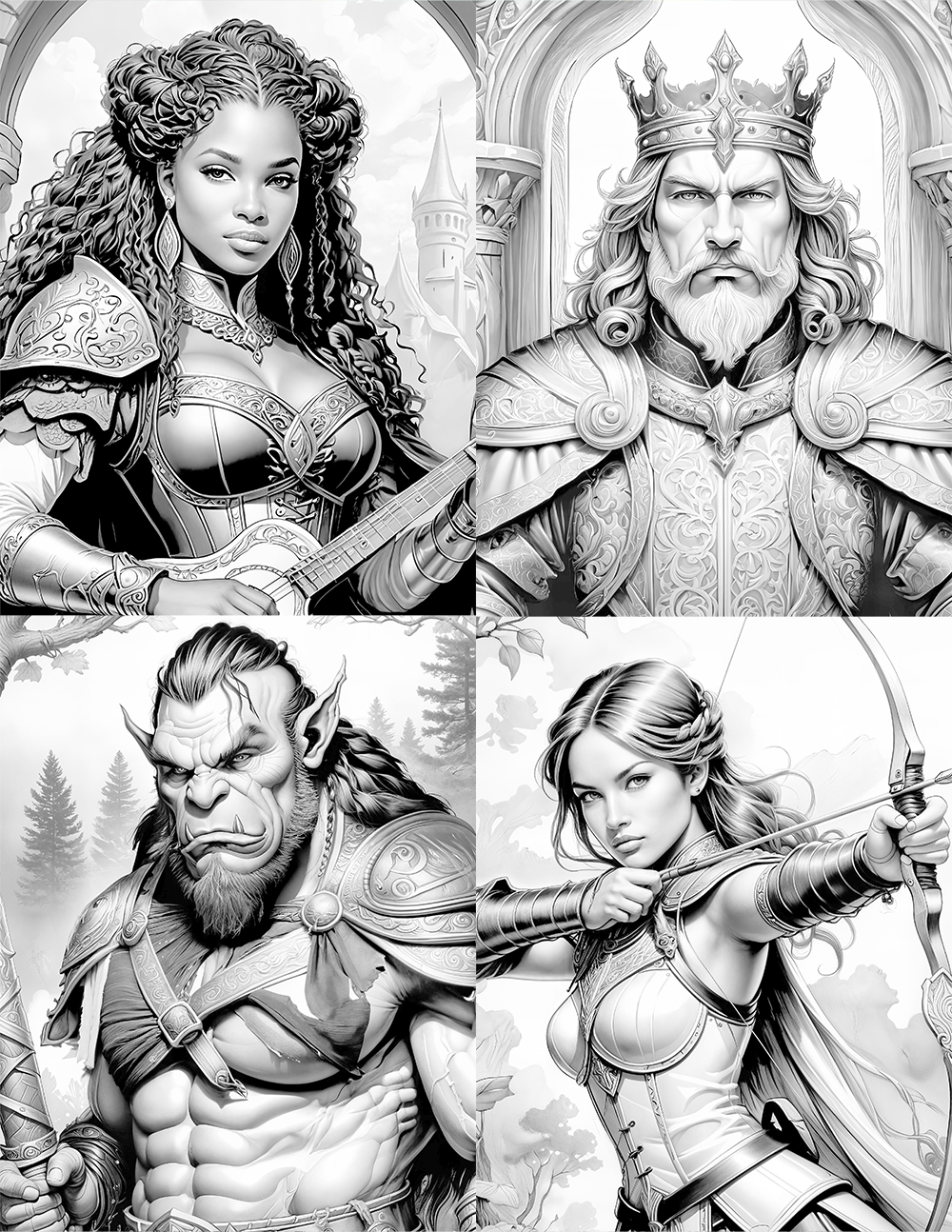
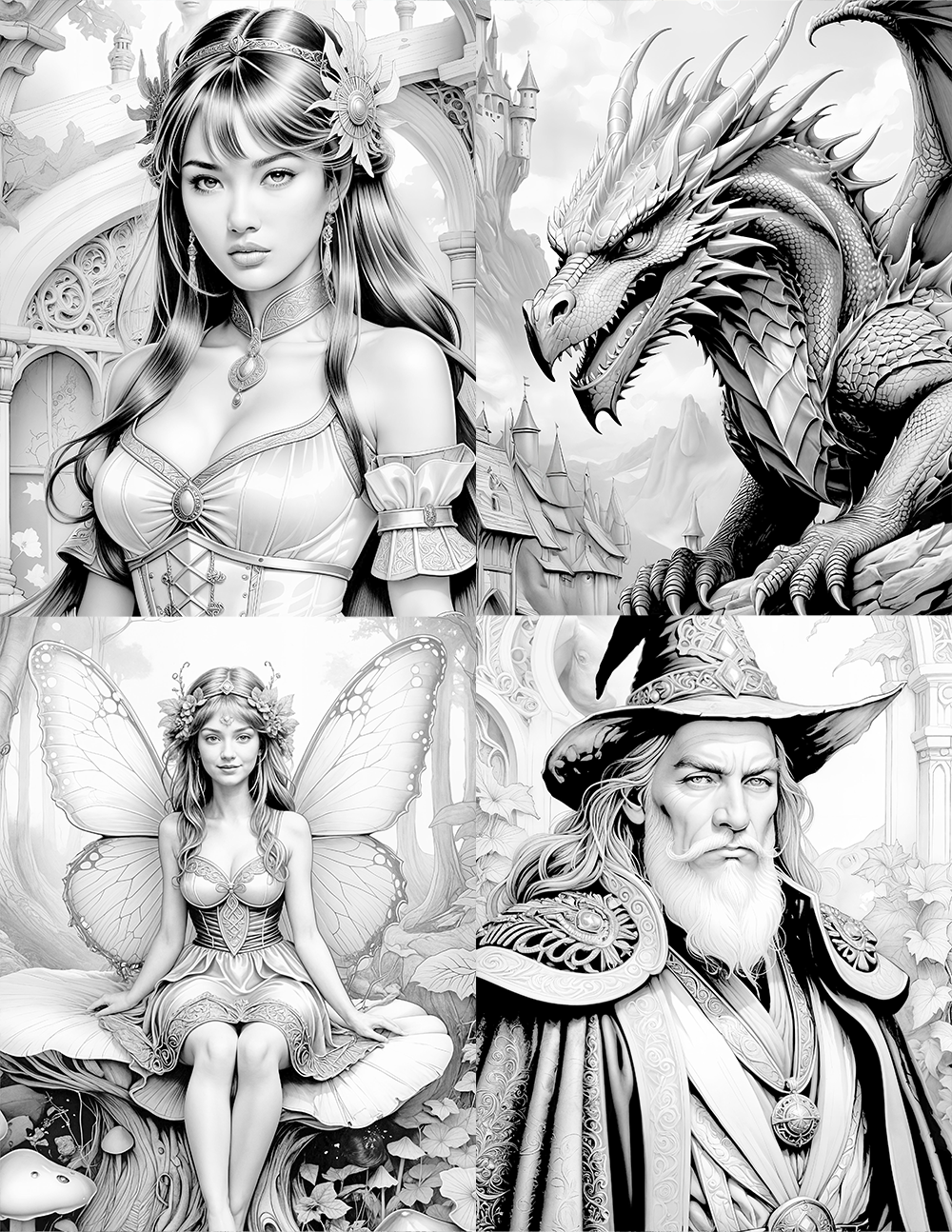
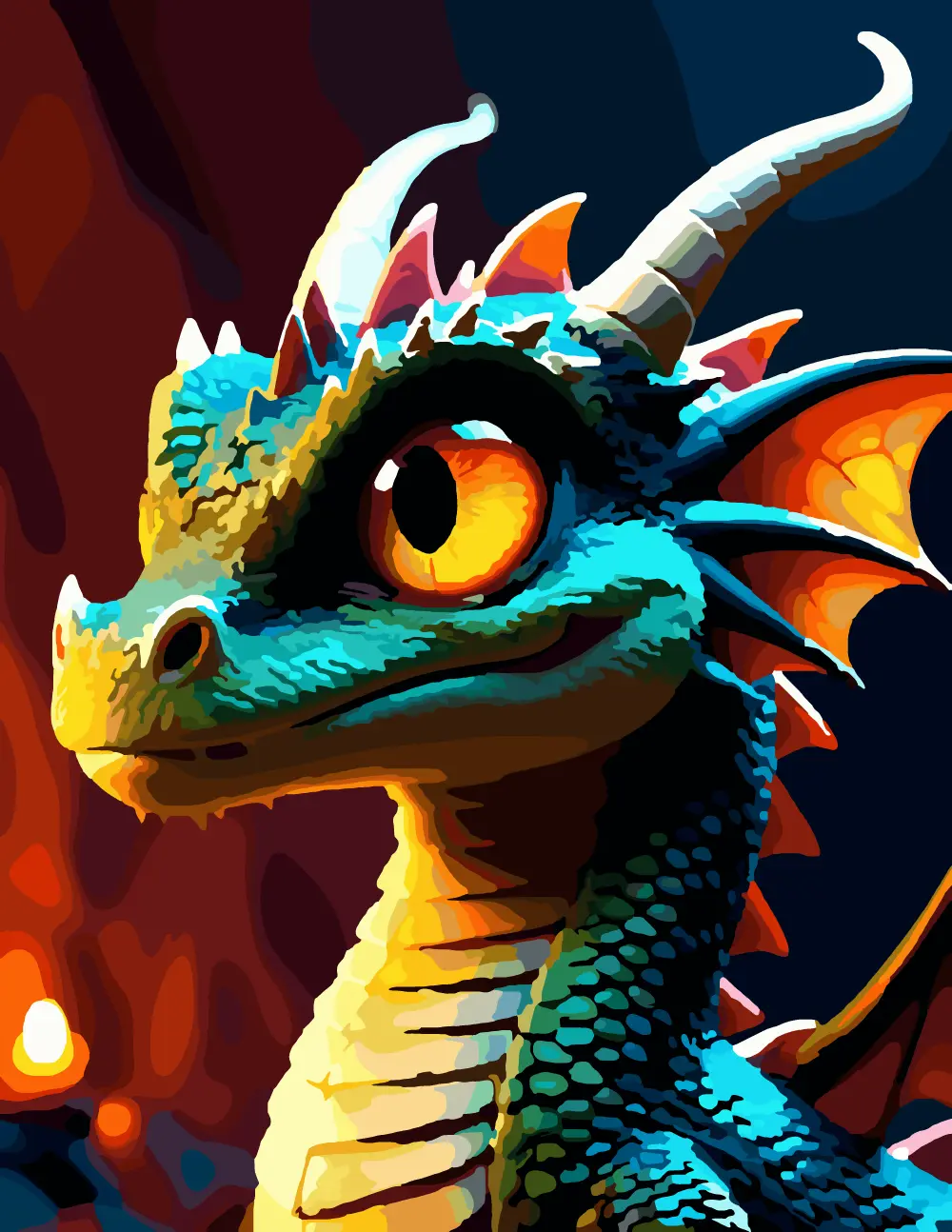
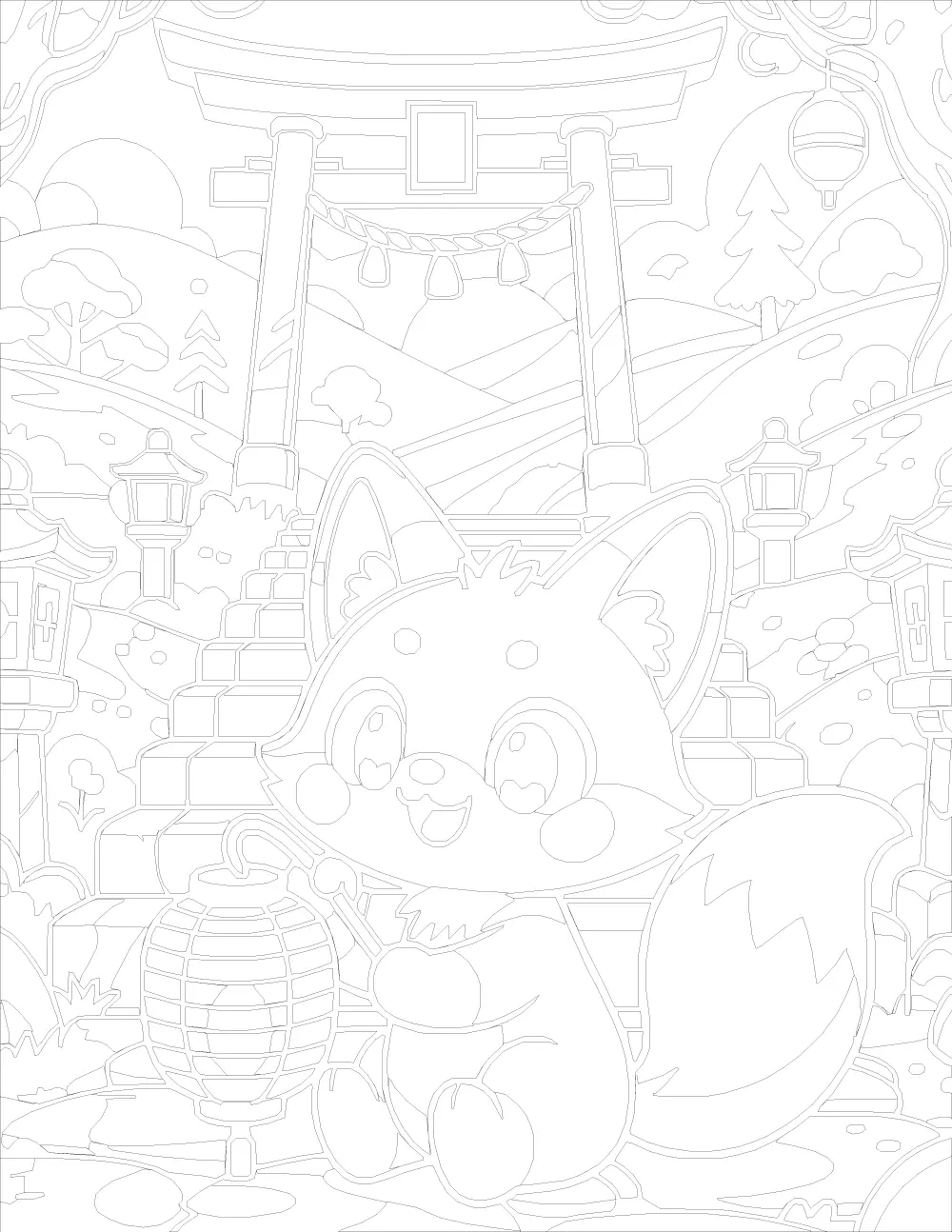
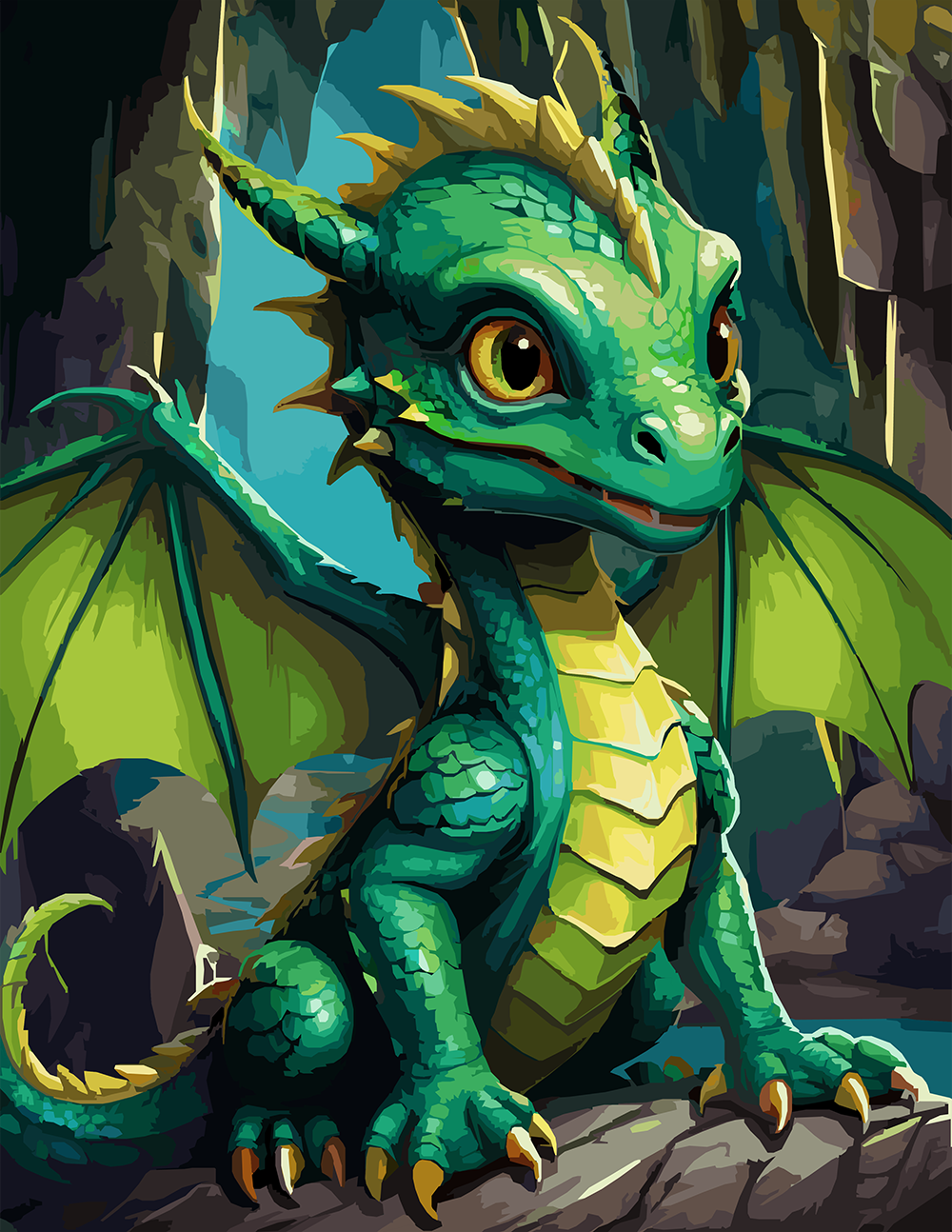
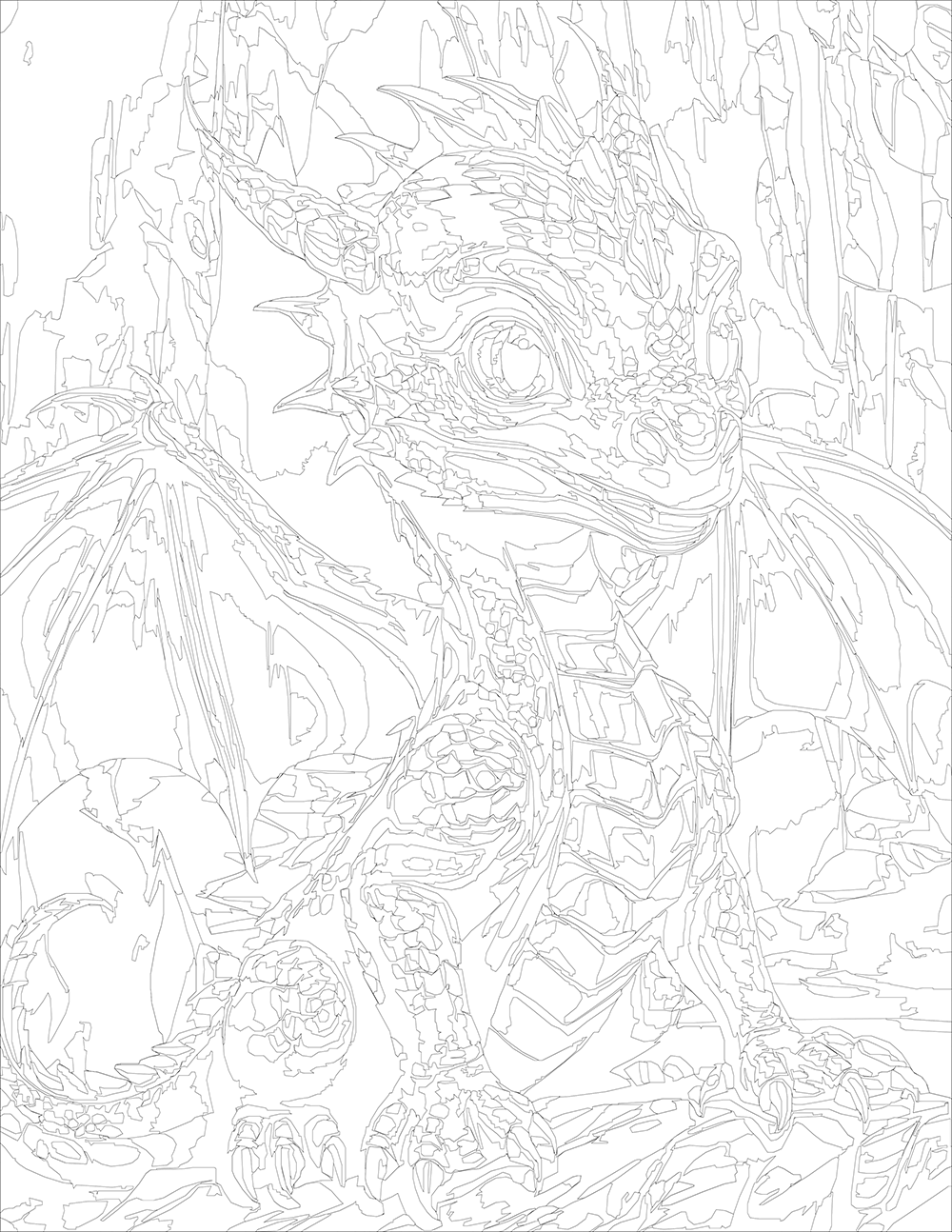
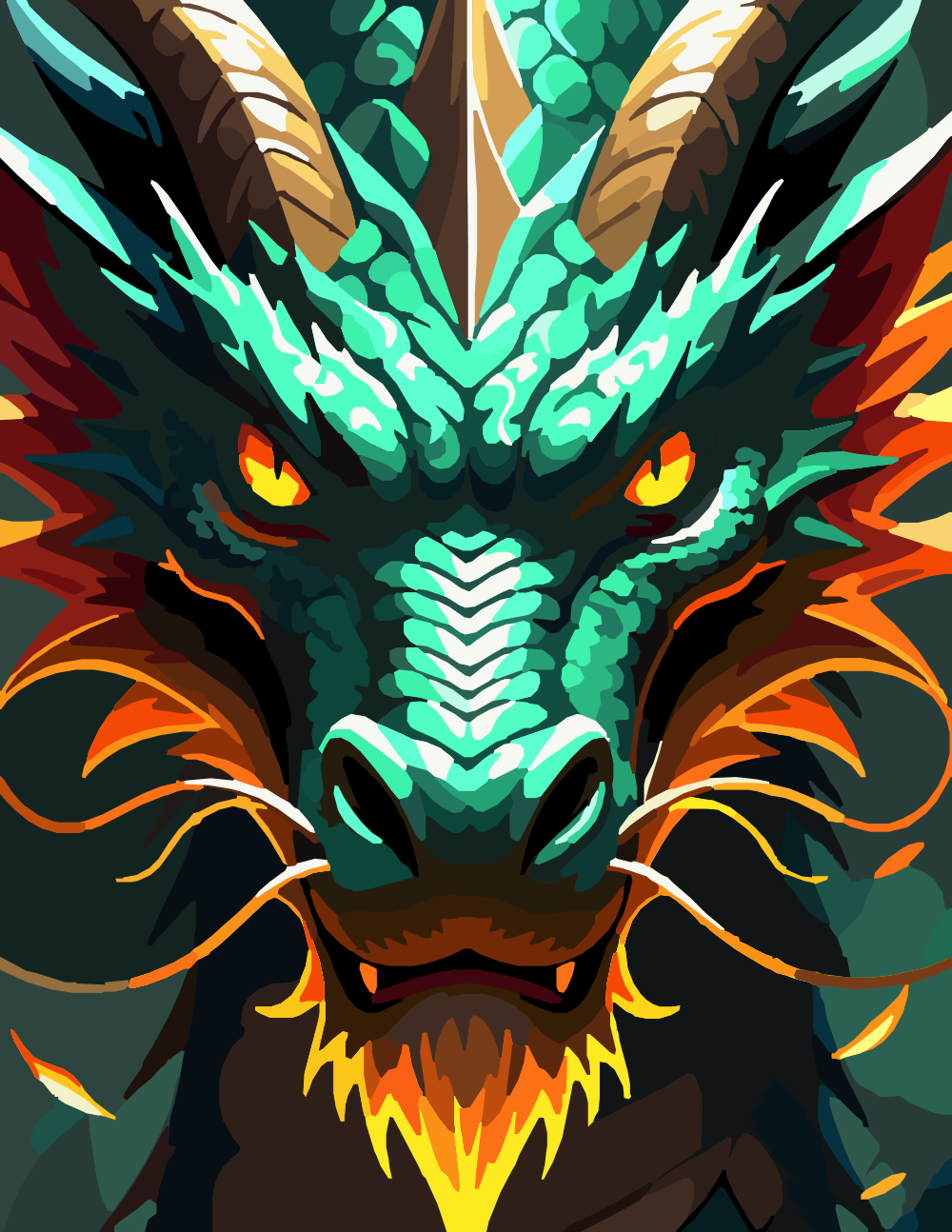
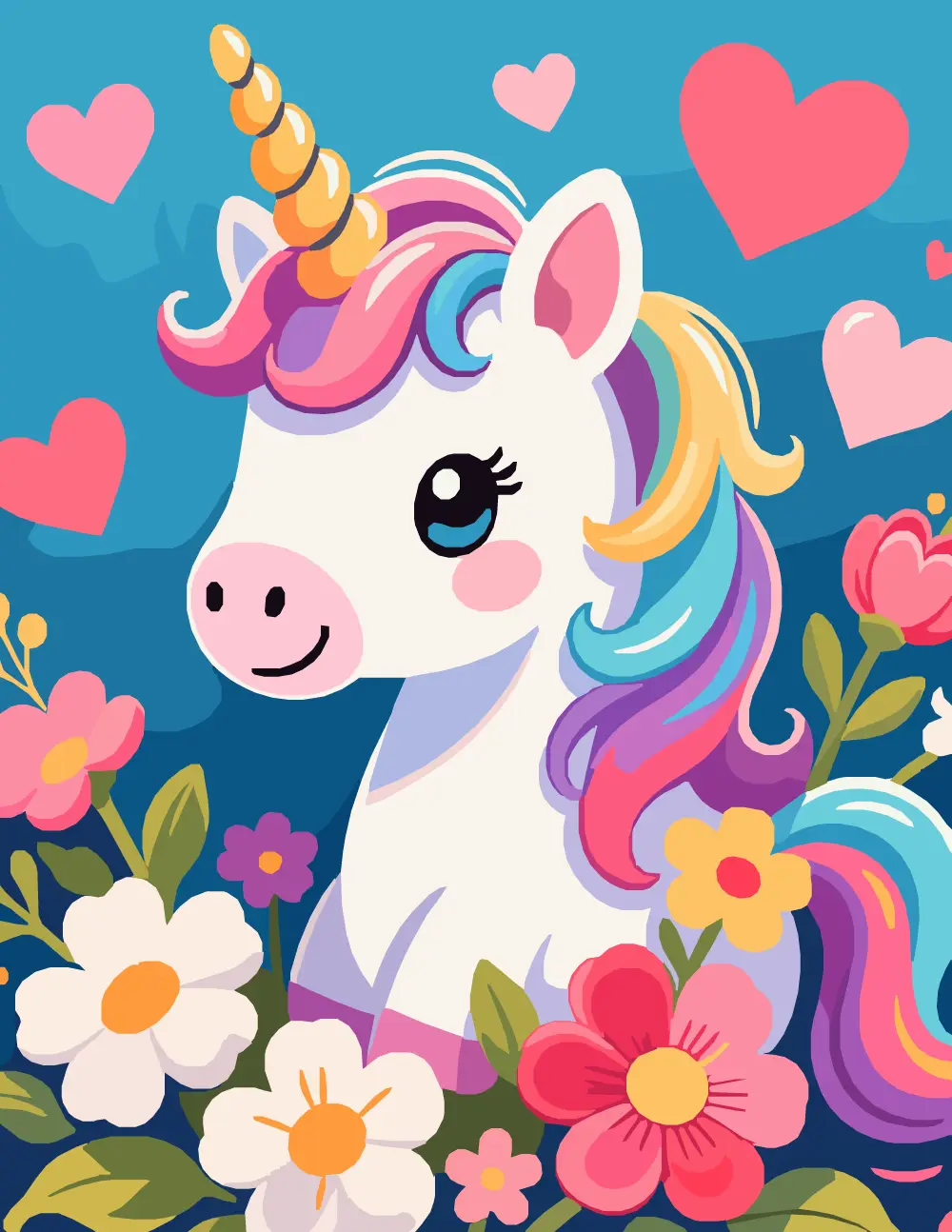
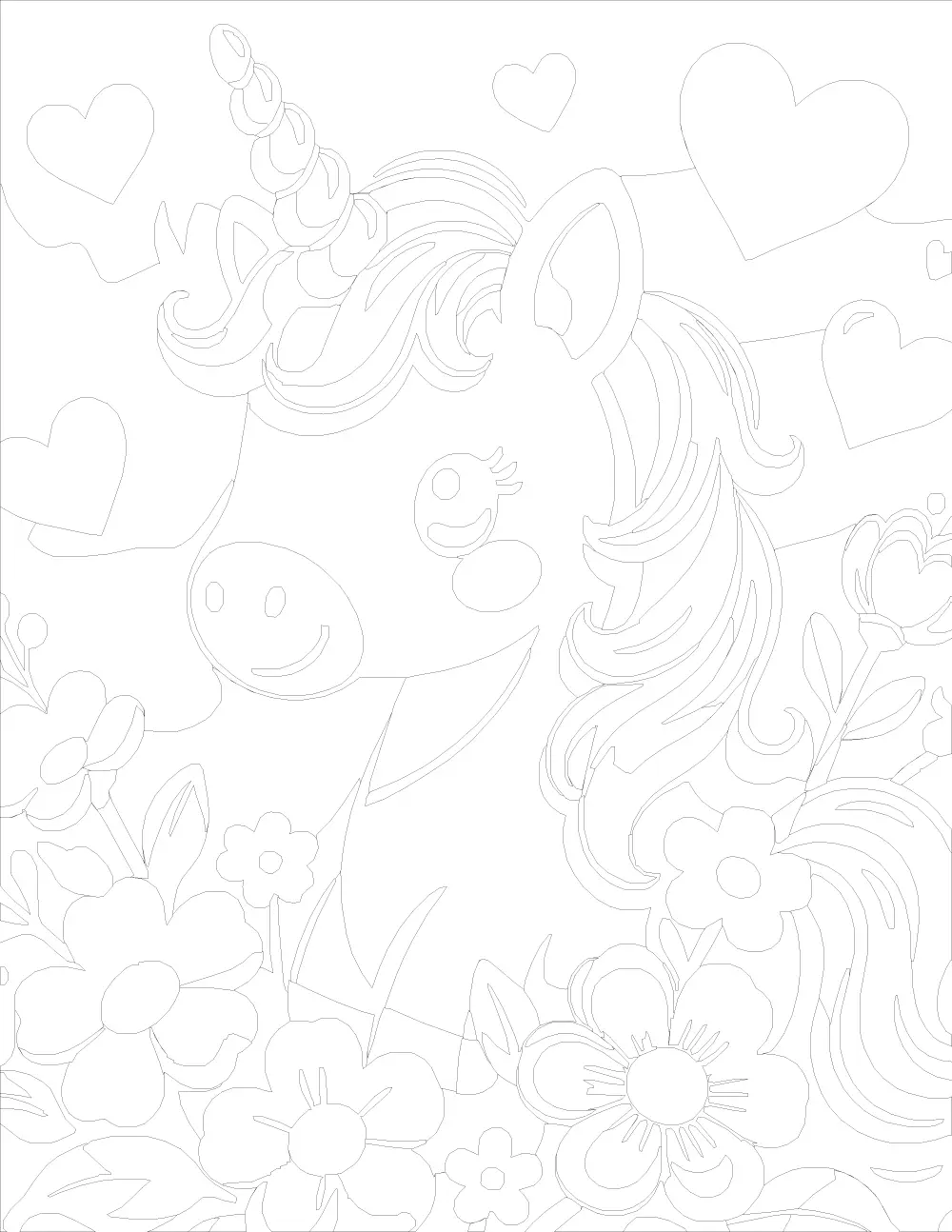
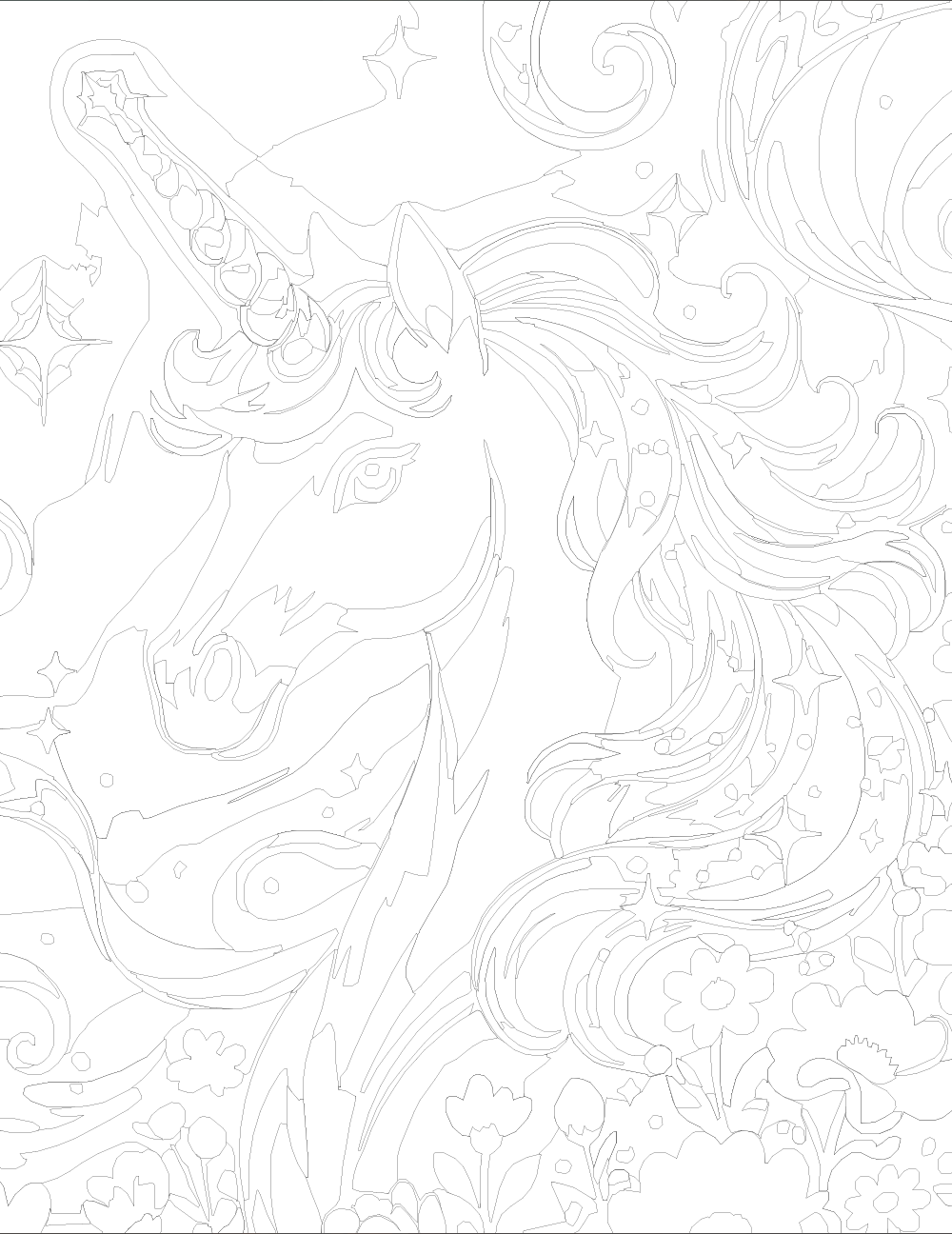
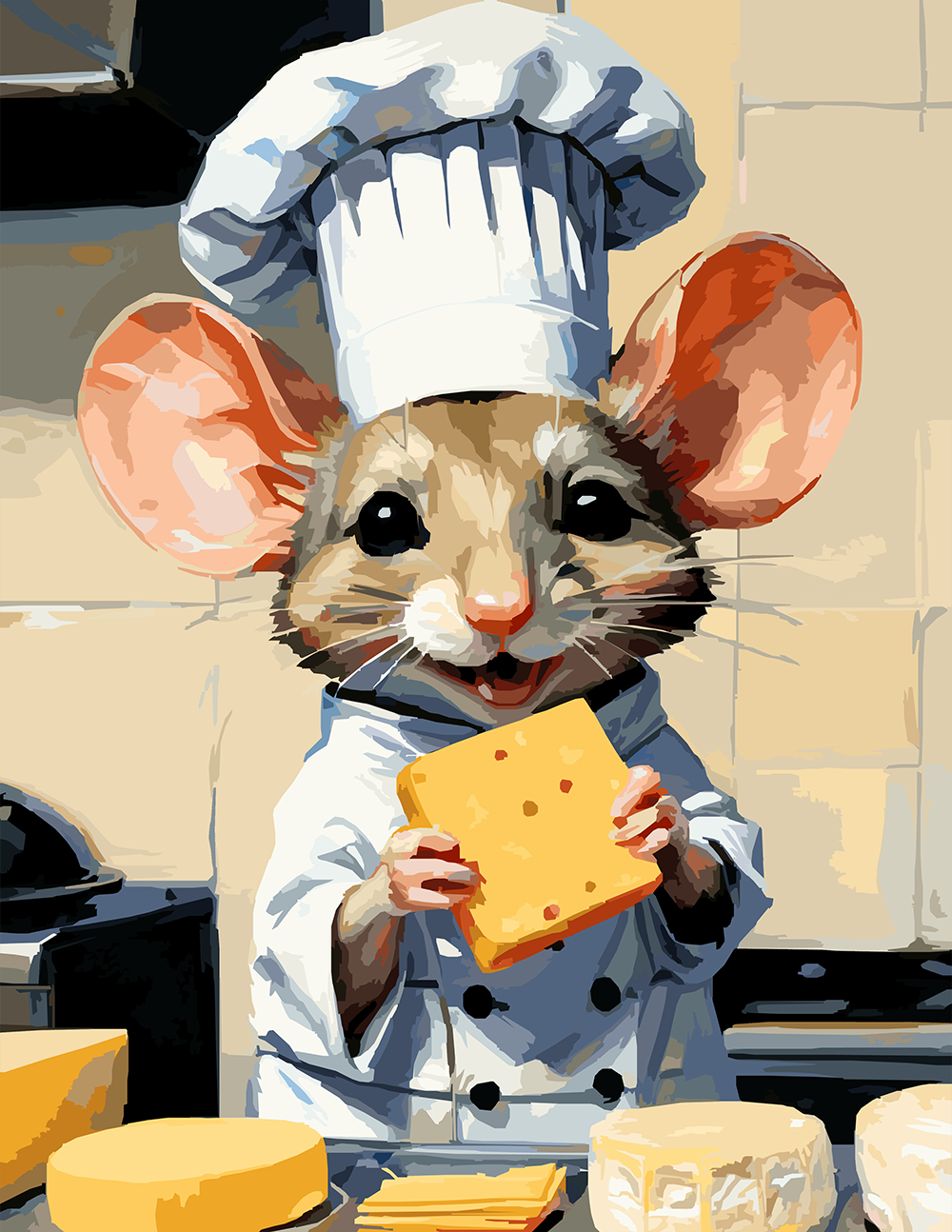
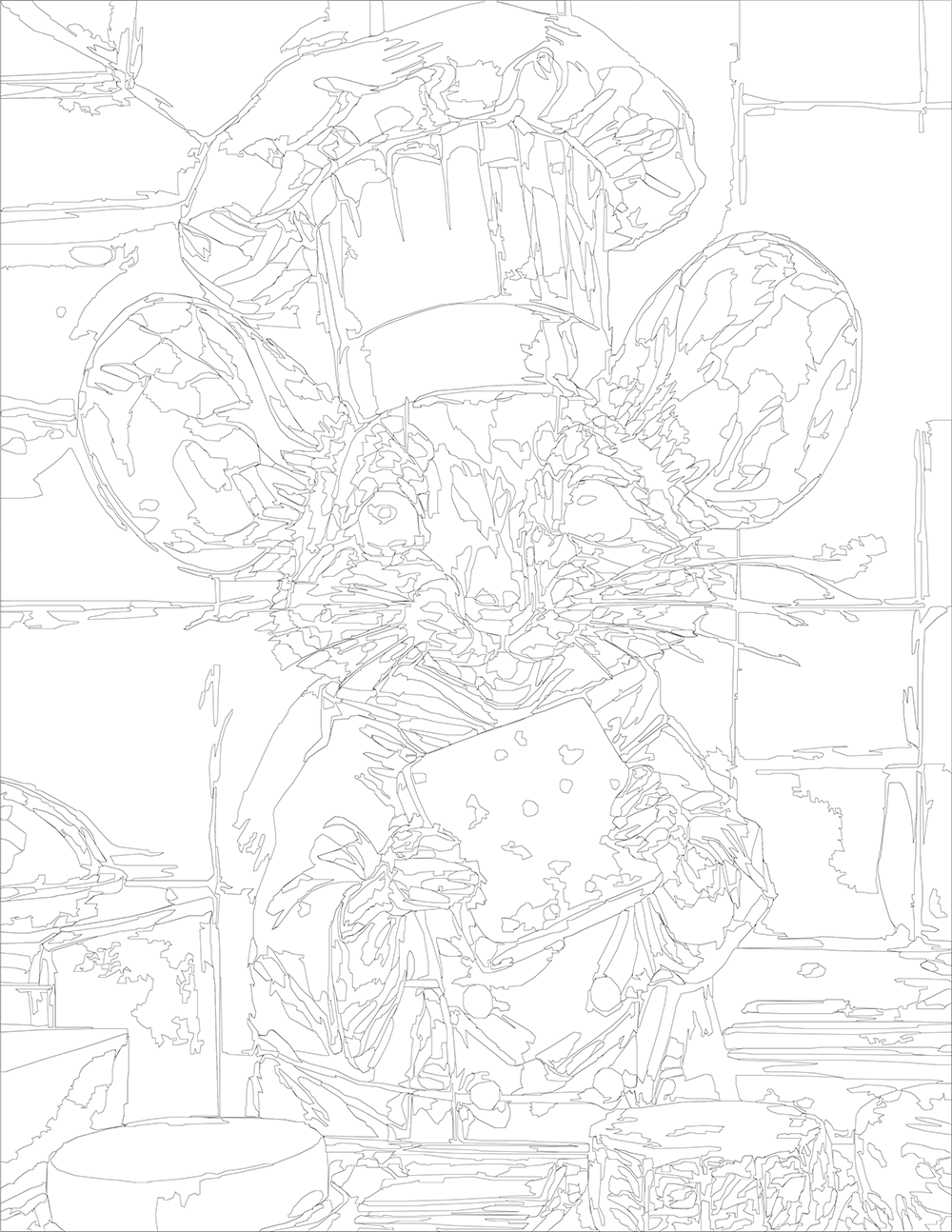
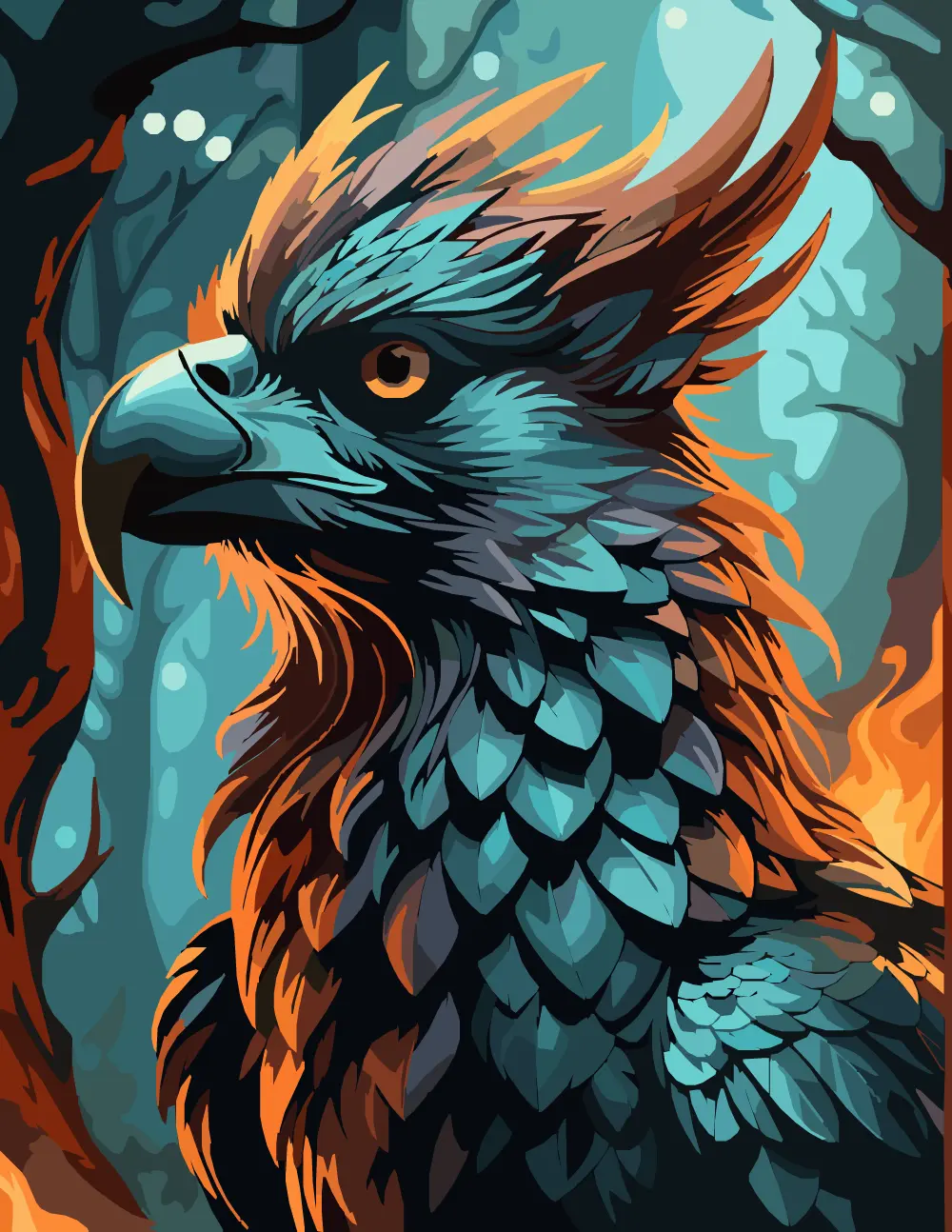
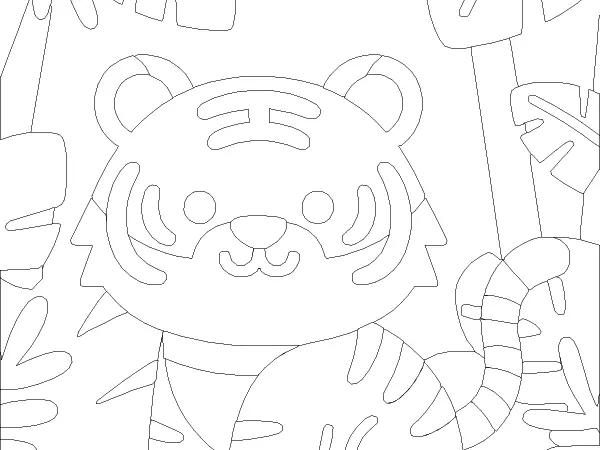
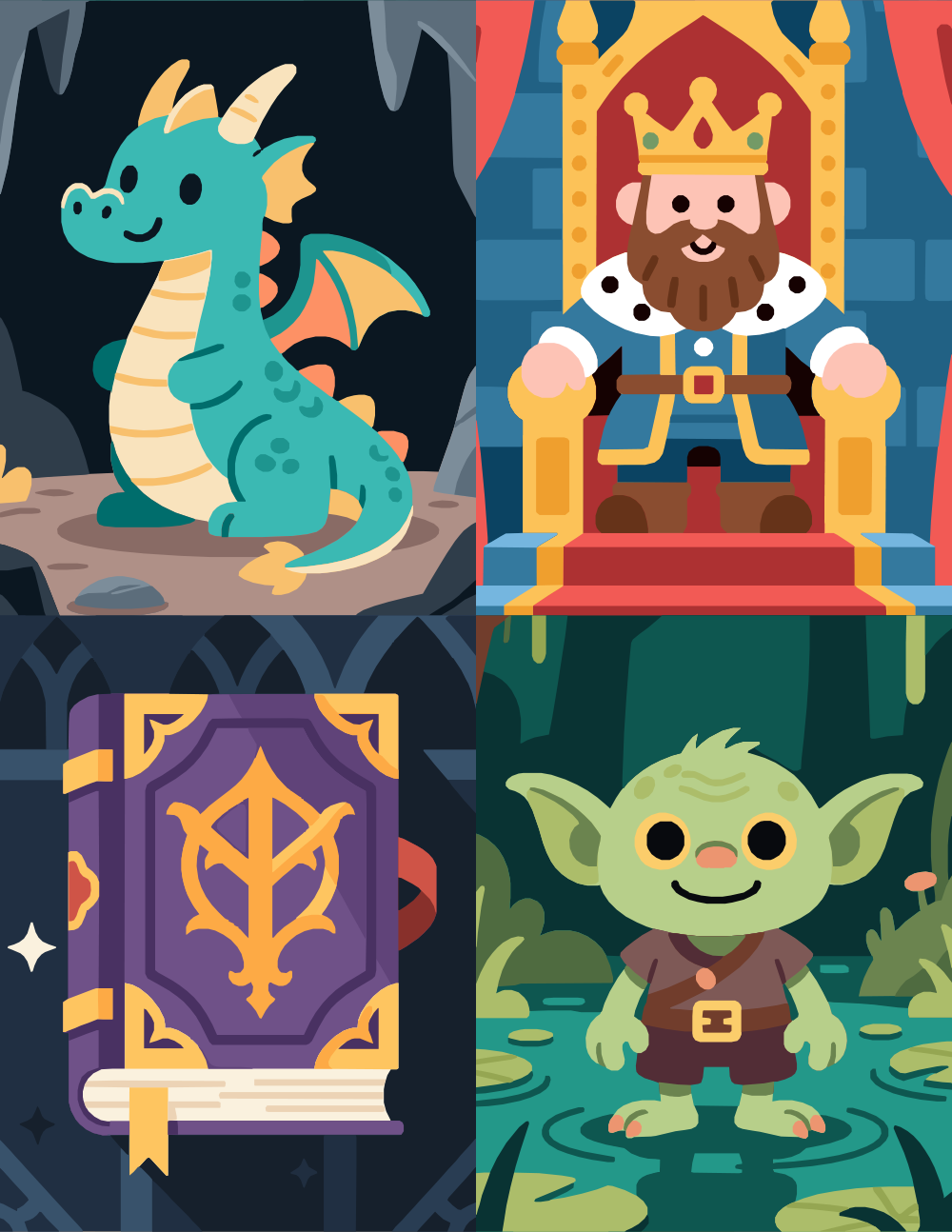
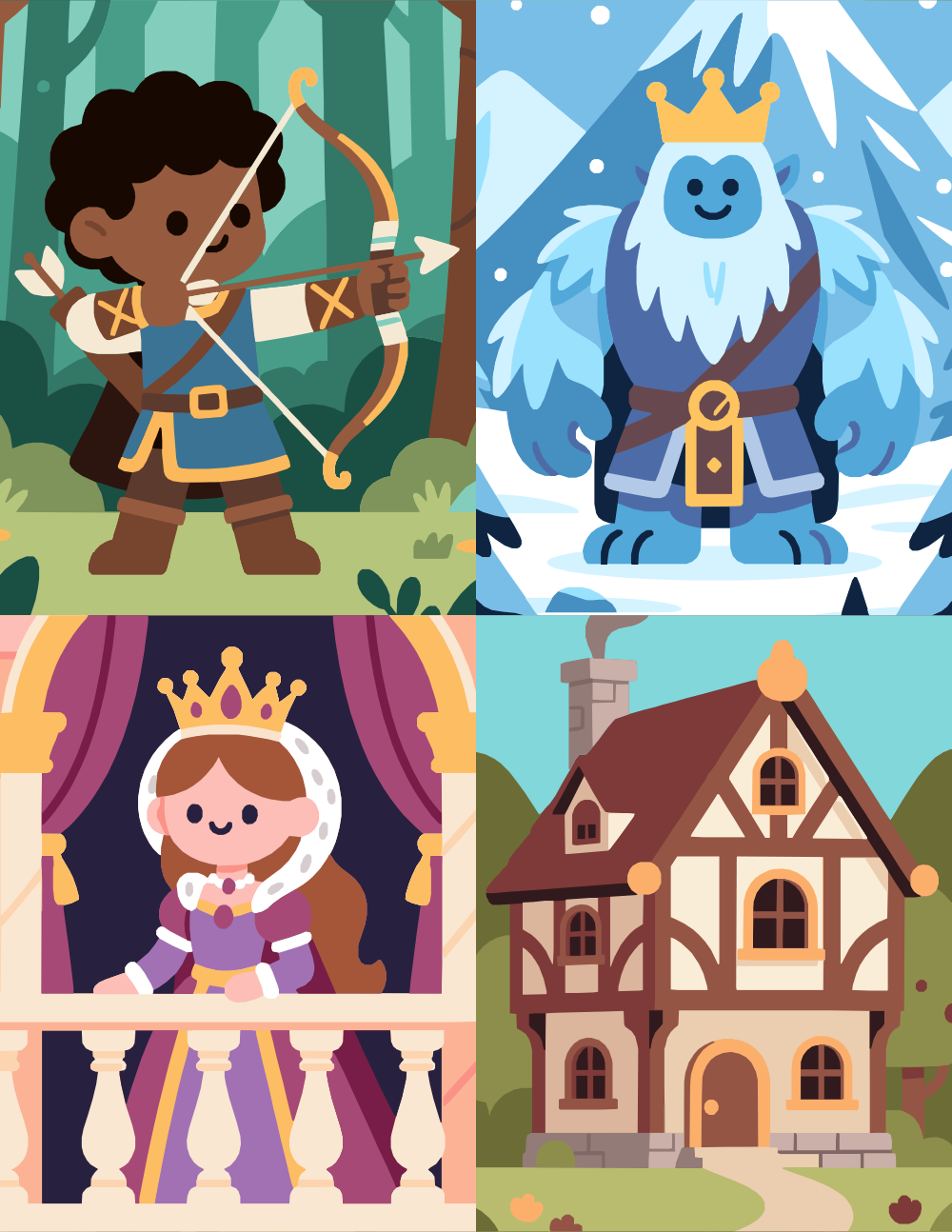
If you want to color medieval fantasy without committing to anything detailed, this bundle is the easy lane. Forty designs in a flat, friendly cartoon style — chunky shapes, big simple curves, almost no line density inside the forms. The cover preview shows the register: a smiley dragon, a beardy king on a throne, a goblin standing in a swamp, a glowing spellbook.
The whole set leans more children's-book than dungeon-master, which makes it a good fit for short sessions, breaks between bigger projects, or coloring alongside a kid. Saturated primary palettes work as well as muted ones — the linework is forgiving either way.
Forty pages is a lot of pages. Treat it as a long stretch of low-stakes coloring rather than a single project.
Instant digital download • No physical item shipped
Buy on Etsy — Instant Download
This item is an instant digital download of image files.
No physical item will be shipped to you.
🔒 For personal use only. Not for resale, redistribution, or
commercial use.
-
Product TypeColor by Number Bundle
-
Number of Designs40
-
Design BundleYes
-
Color Variations
12-17
-
Segments
42 - 139
Segments are the individual shapes in a Color by Number design. More segments generally mean a more detailed or complex coloring experience. The range shown for each item reflects how the number of shapes varies from the lowest color-count version to the highest color-count version of that design or set. -
Coloring TypeVery Open
Simple, spacious designs with large coloring areas. Perfect for beginners, relaxing sessions, or anyone who prefers quick, easy coloring without tiny details. -
Procreate Color Swatches IncludedYes
One Procreate Swatches file is included per design.