Procreate Walkthrough: Coloring Our Folk Art Rabbit
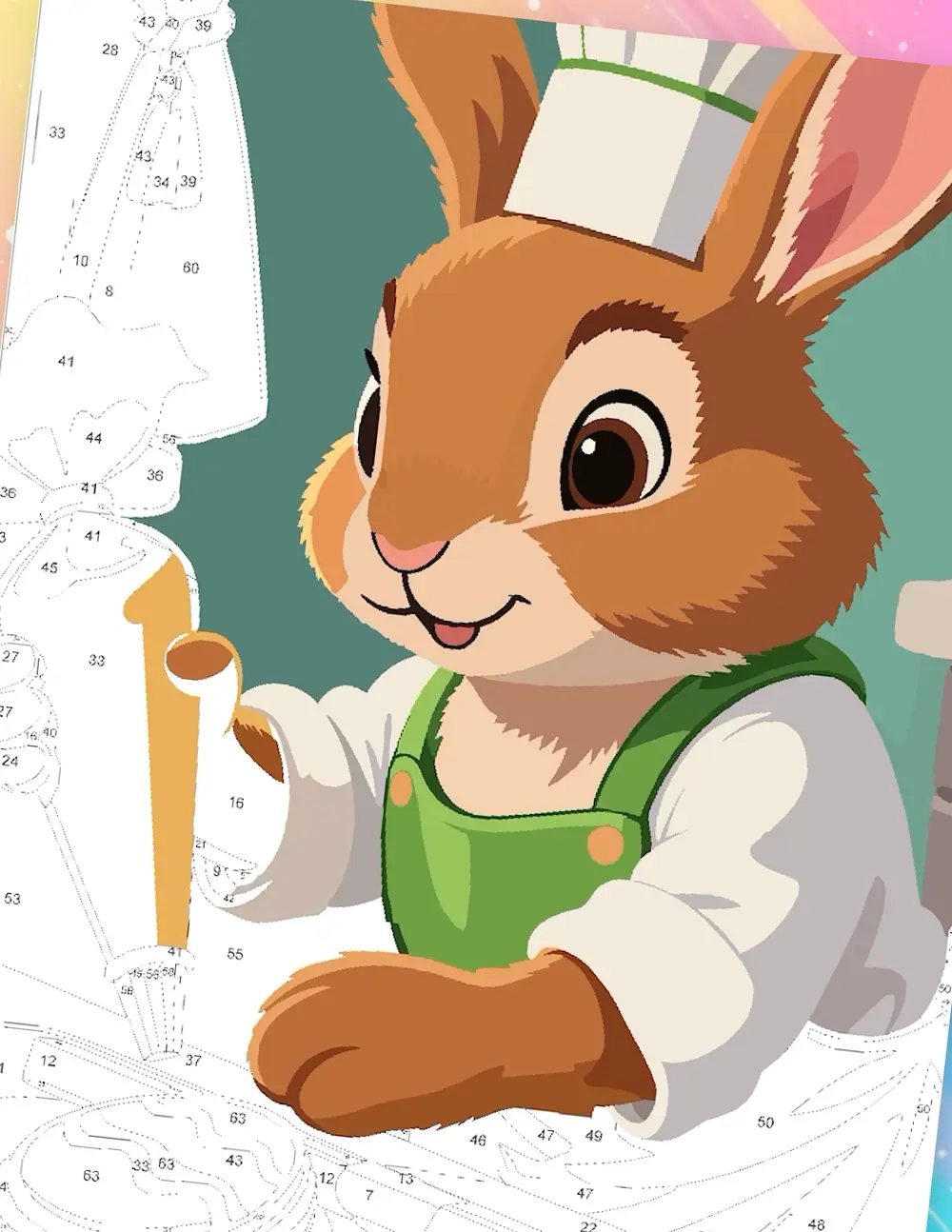
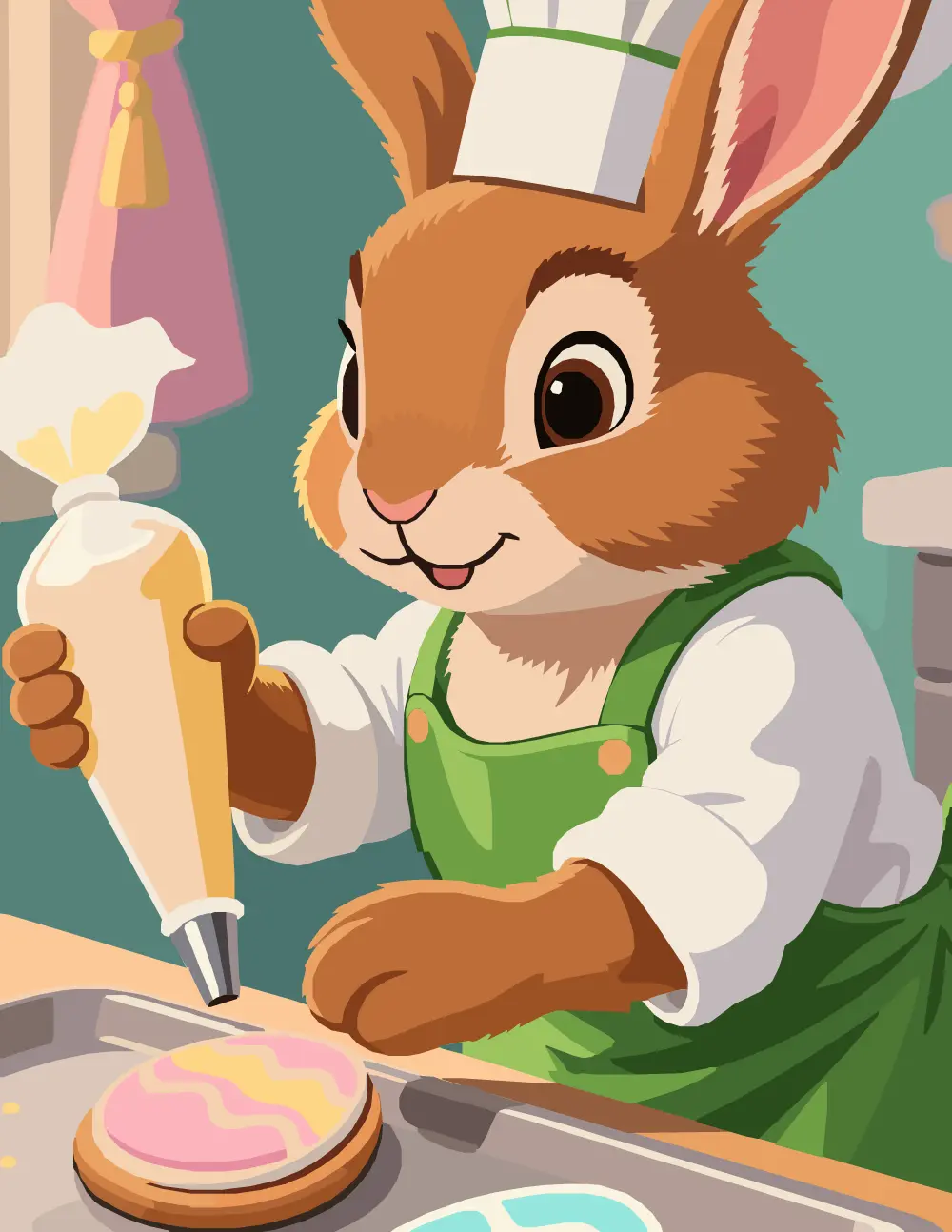
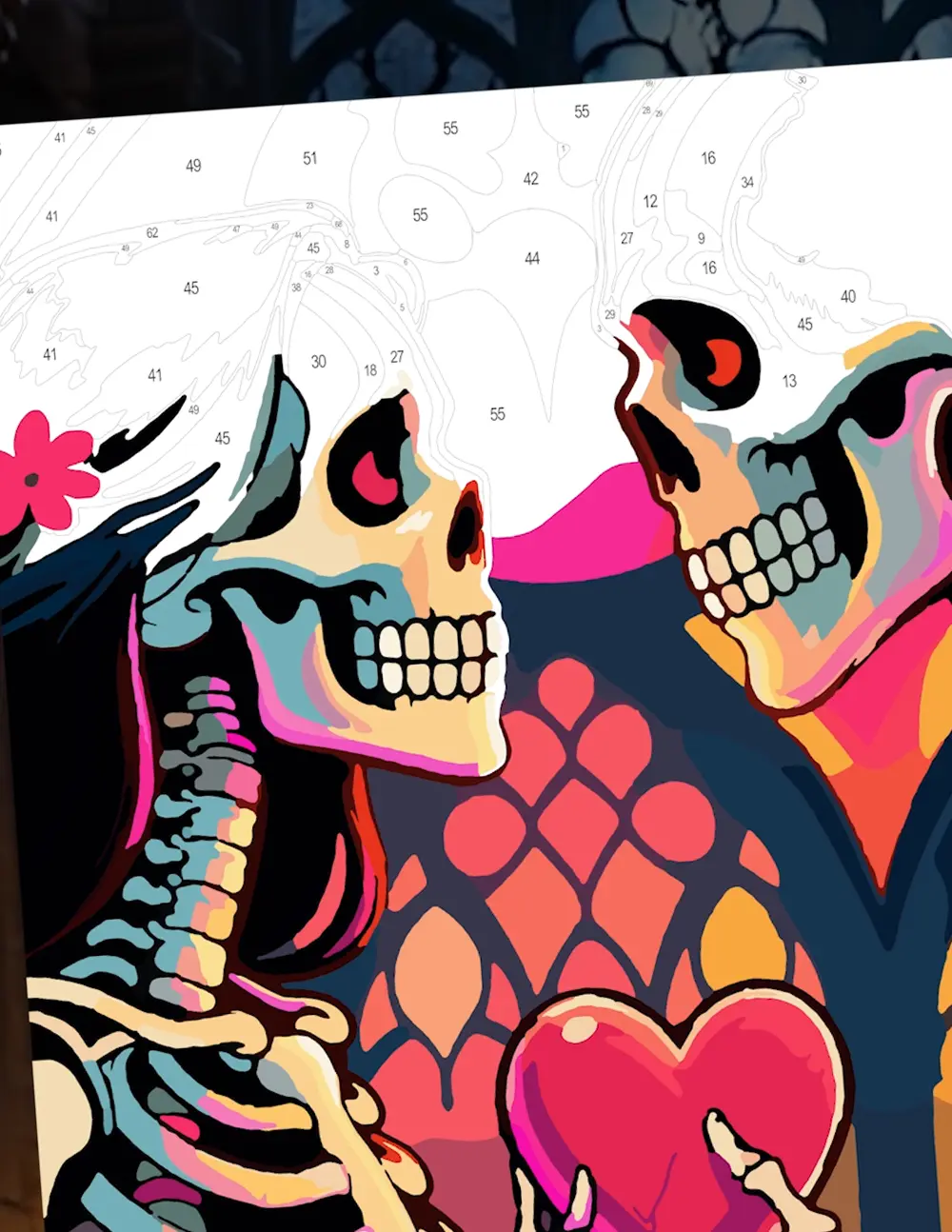
A step-by-step Procreate walkthrough of our Folk Art Rabbit — a brown rabbit framed by bold blossoms and decorative botanical patterns — covering palette reference, locked linework, color drop, and a fresh layer for every change.
Click a timestamp to jump to that moment in the video.
- 00:03 Let's color this flowery rabbit color by number.
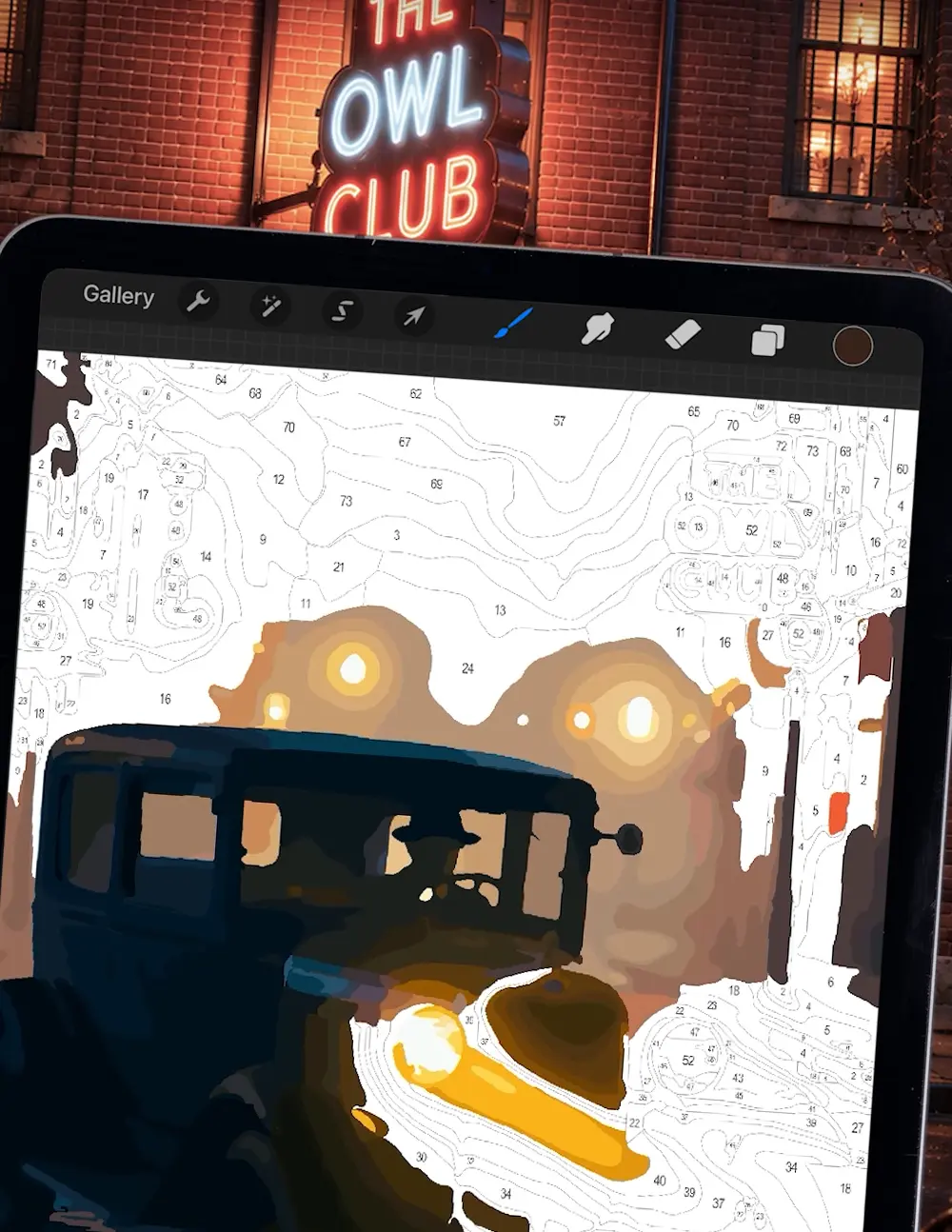
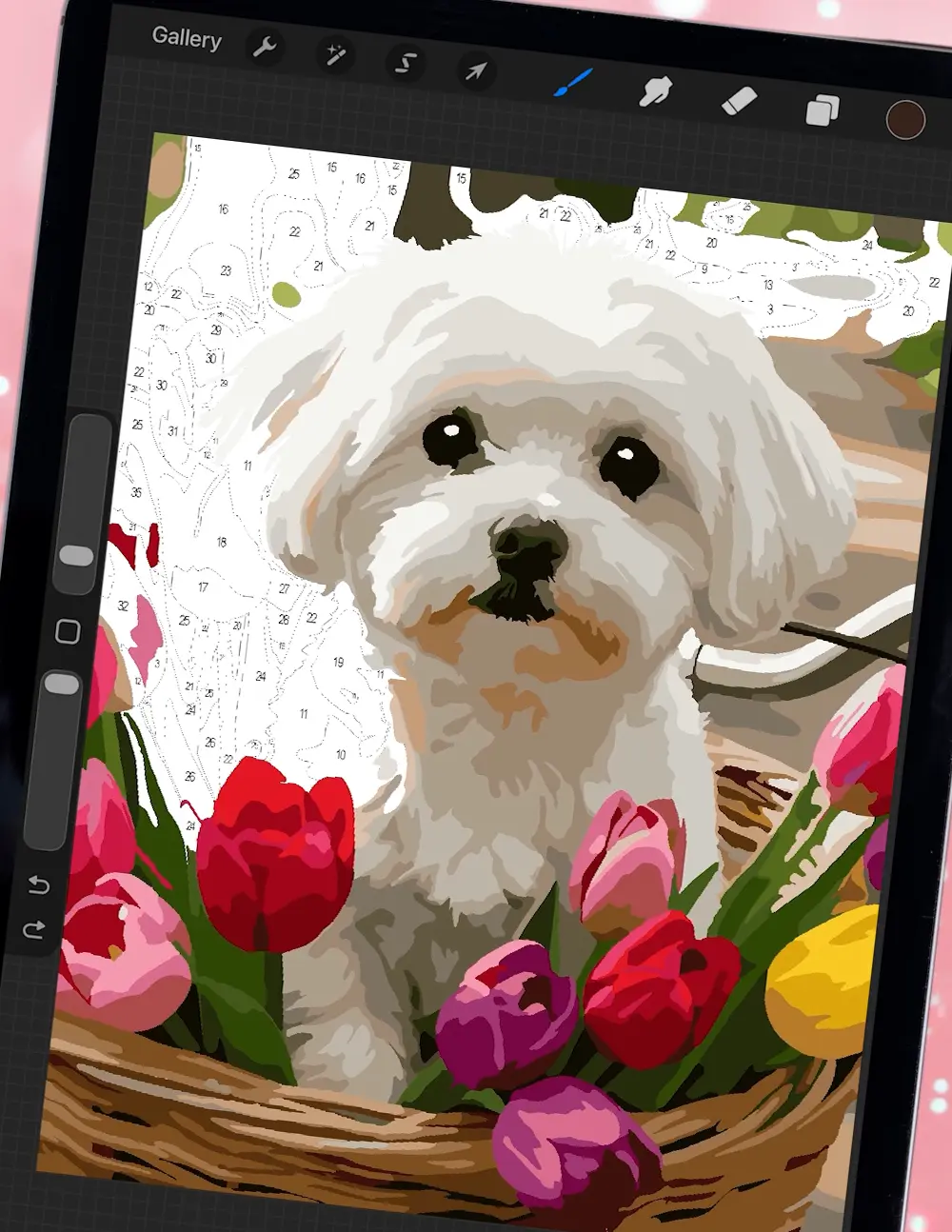
- 00:07 I loaded the design in Procreate, then loaded the color palette as a reference.
- 00:13 I locked the linework layer and added a new layer to color on.
- 00:20 I'm outlining shapes and then just color dropping to fill it in.
- 00:26 I create a new layer immediately above the linework layer anytime I change to a new color.
- 00:38 Again, I'm switching colors, so I add a new layer above the linework and below what I've already done.
- 00:46 And I just touch up a little as I go if I miss spots.
- 00:50 It's as easy as that. So now that you know how to do it, let's watch the satisfying part.
- 01:13 You can find more fun animal designs by following the links in my bio.