Top Hat Carnival Clown
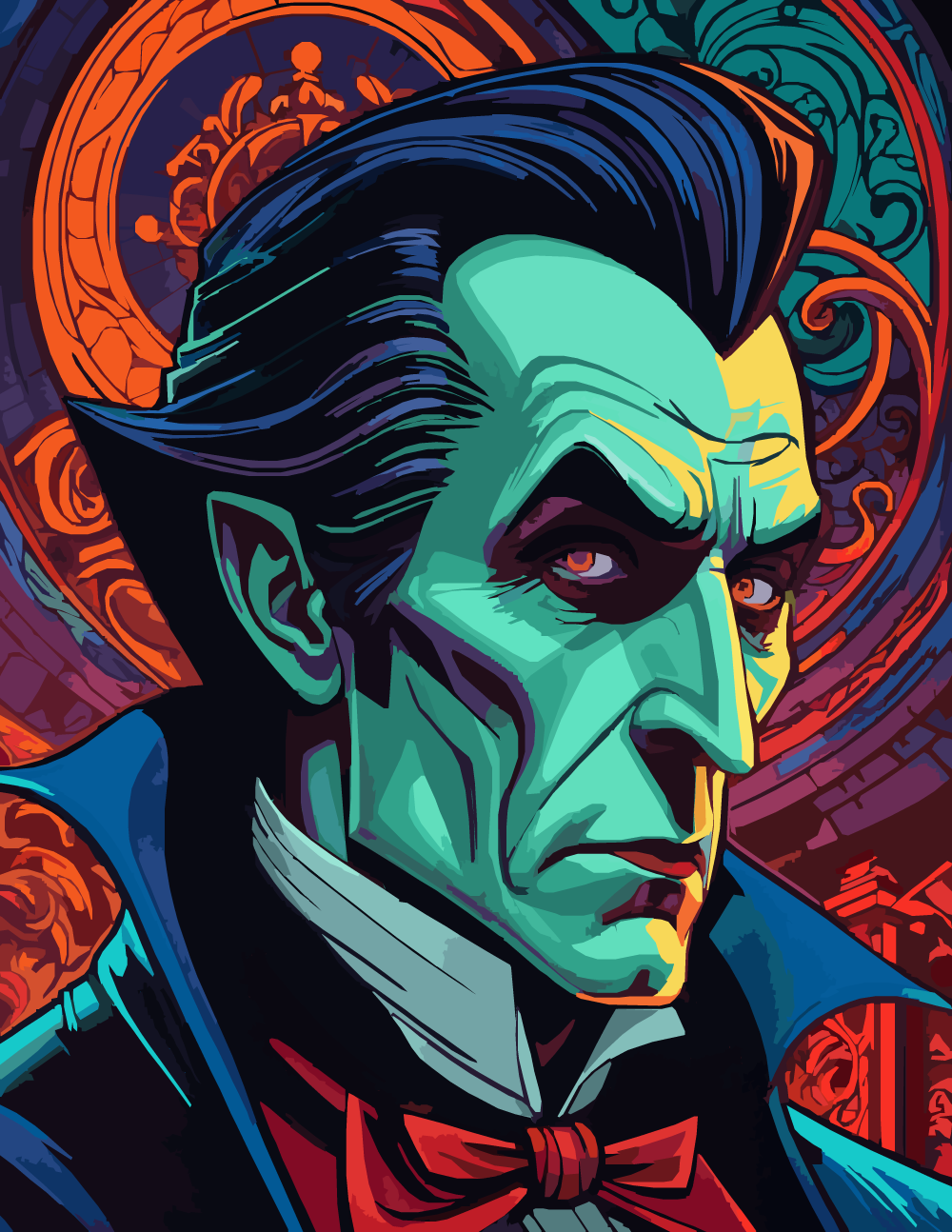
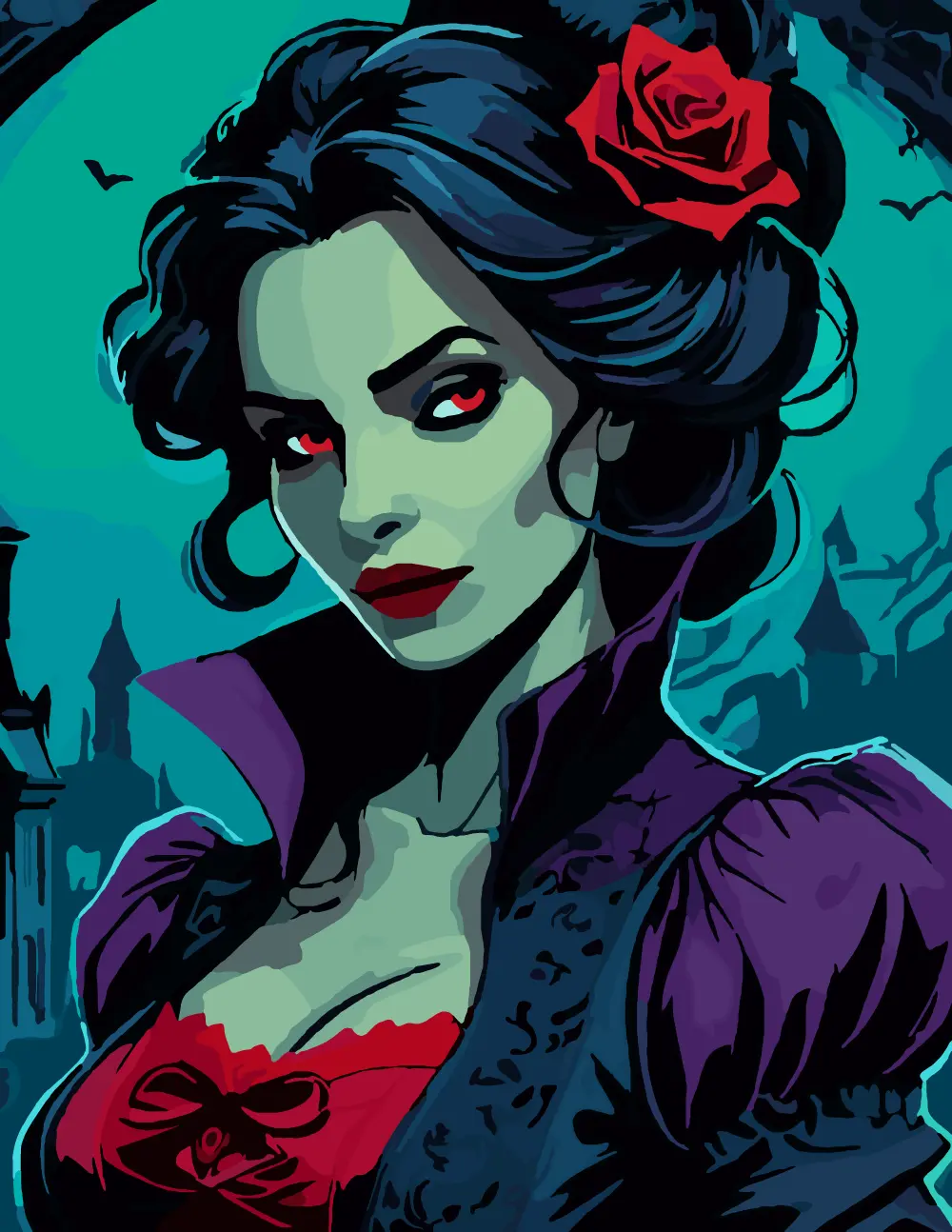
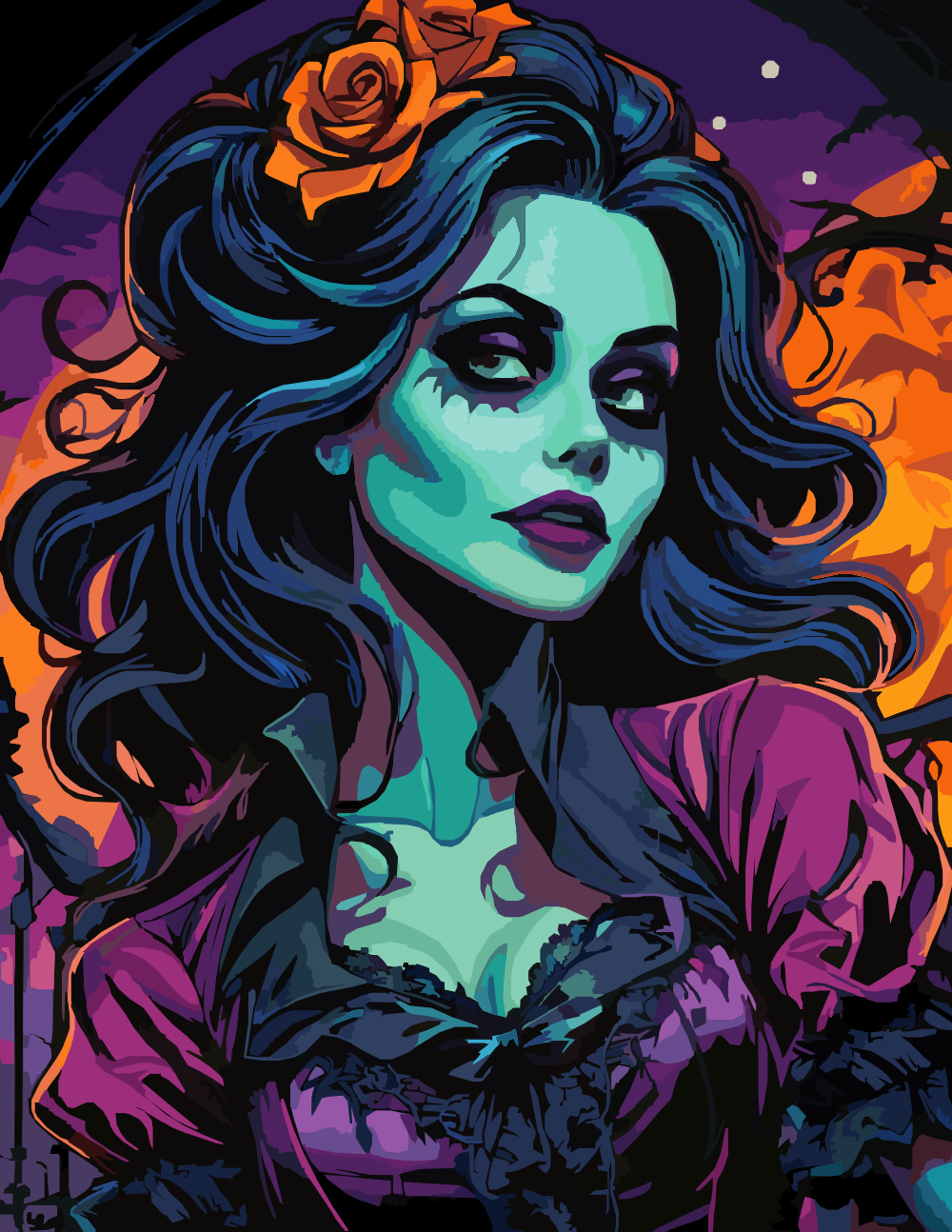
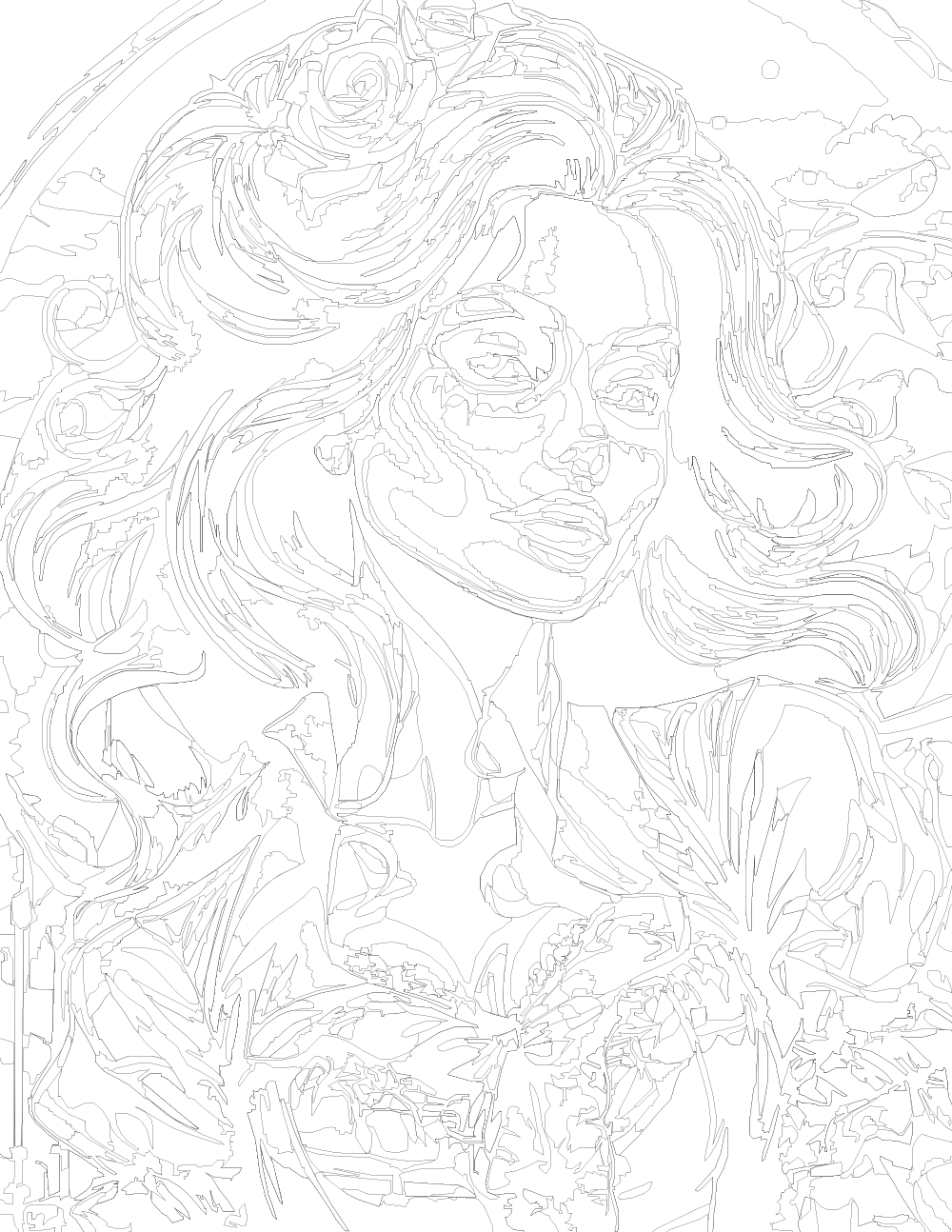
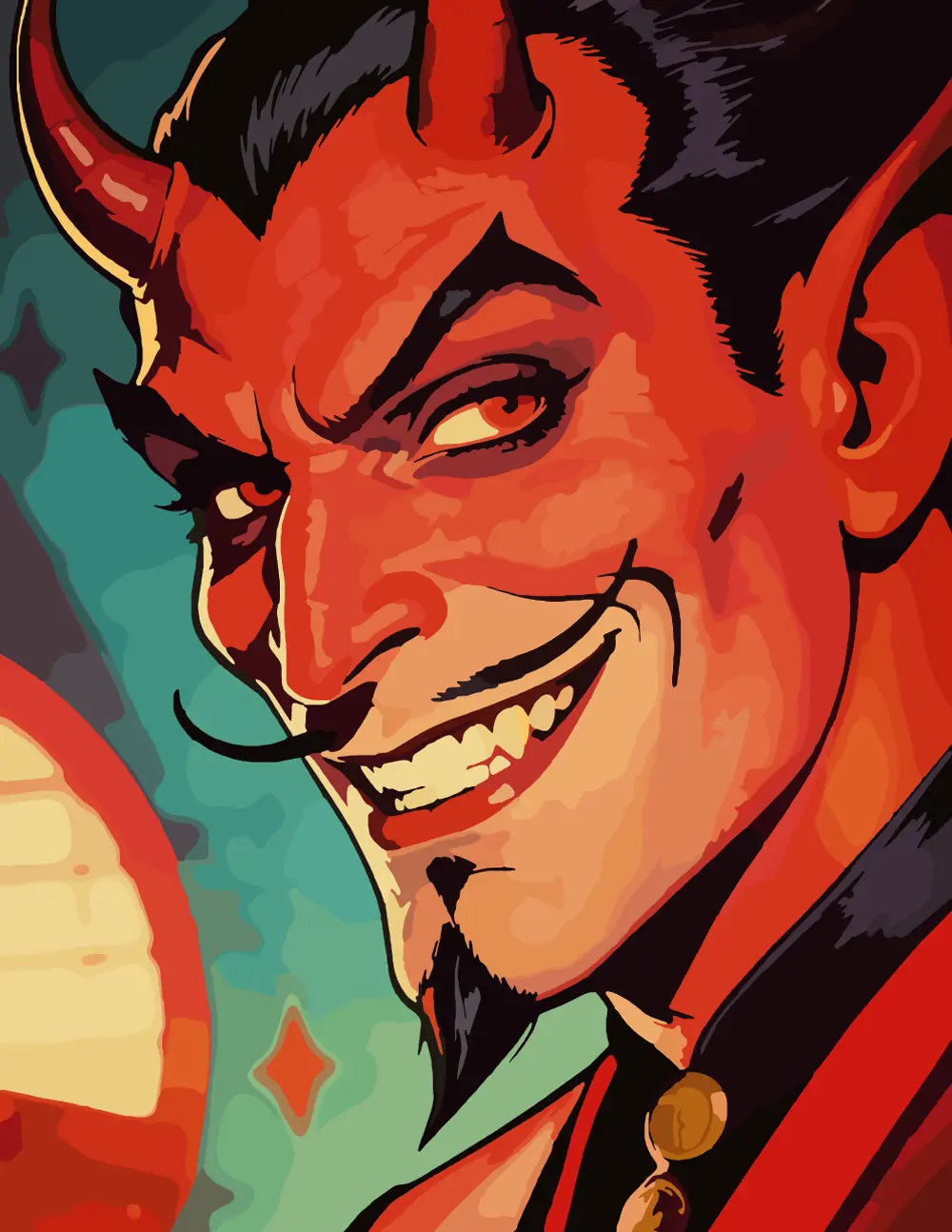
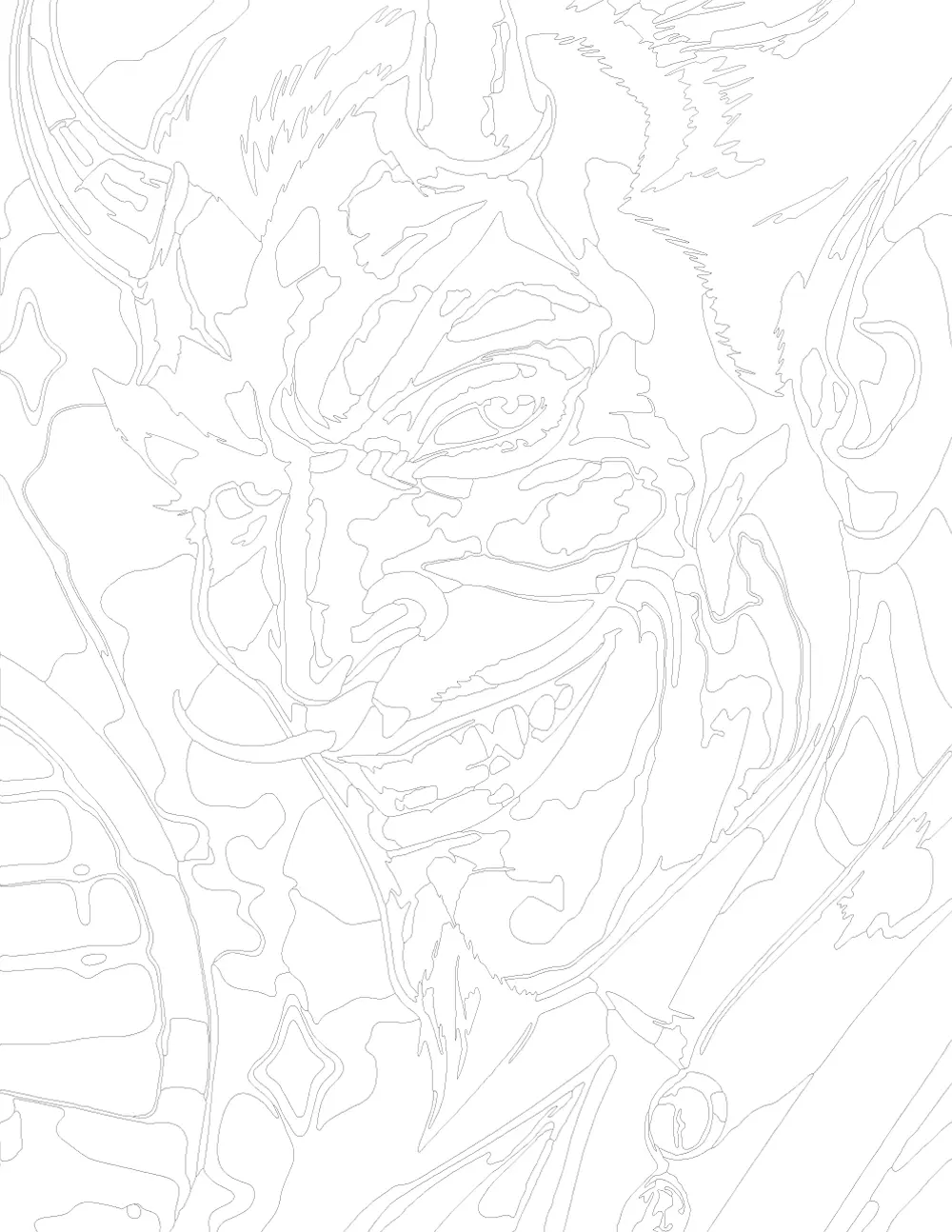
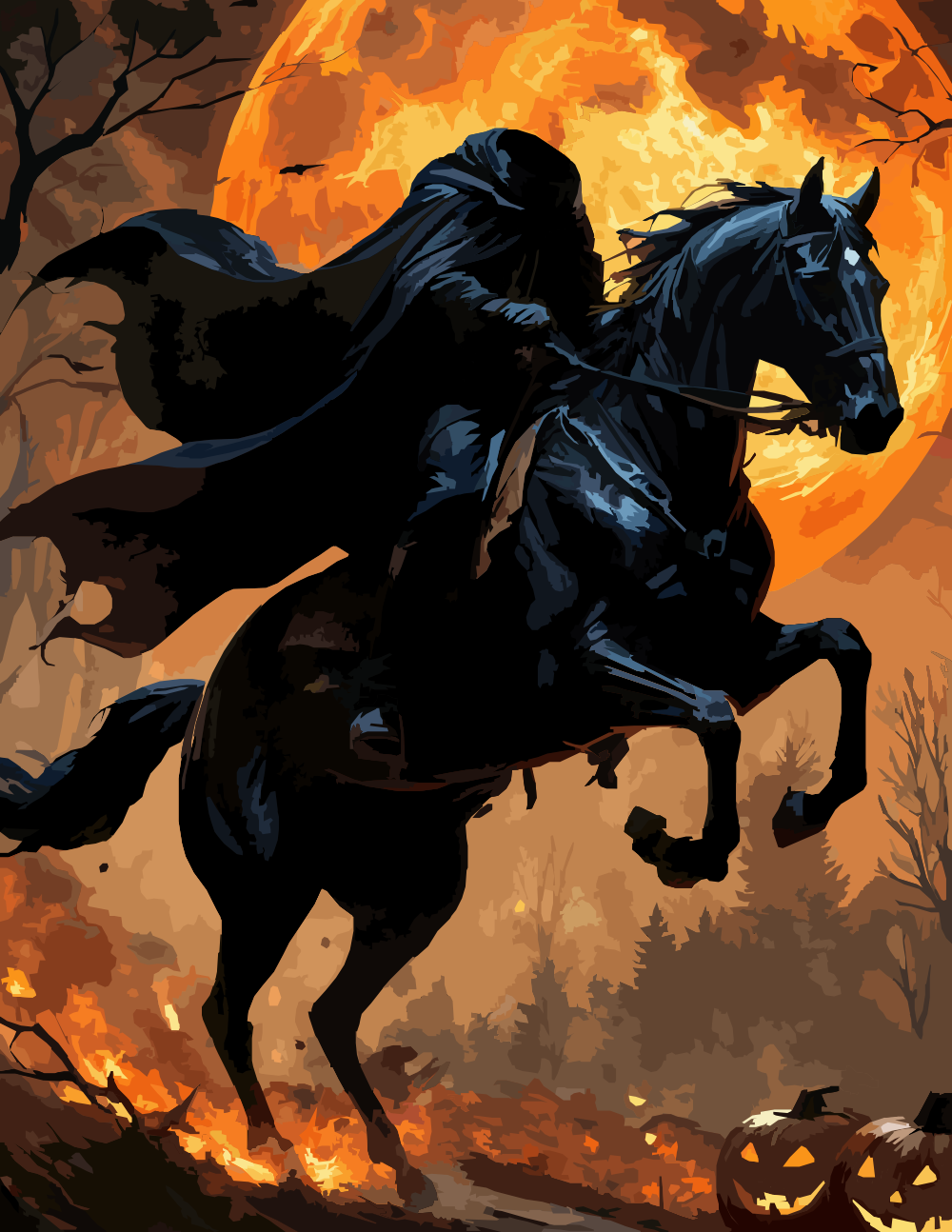
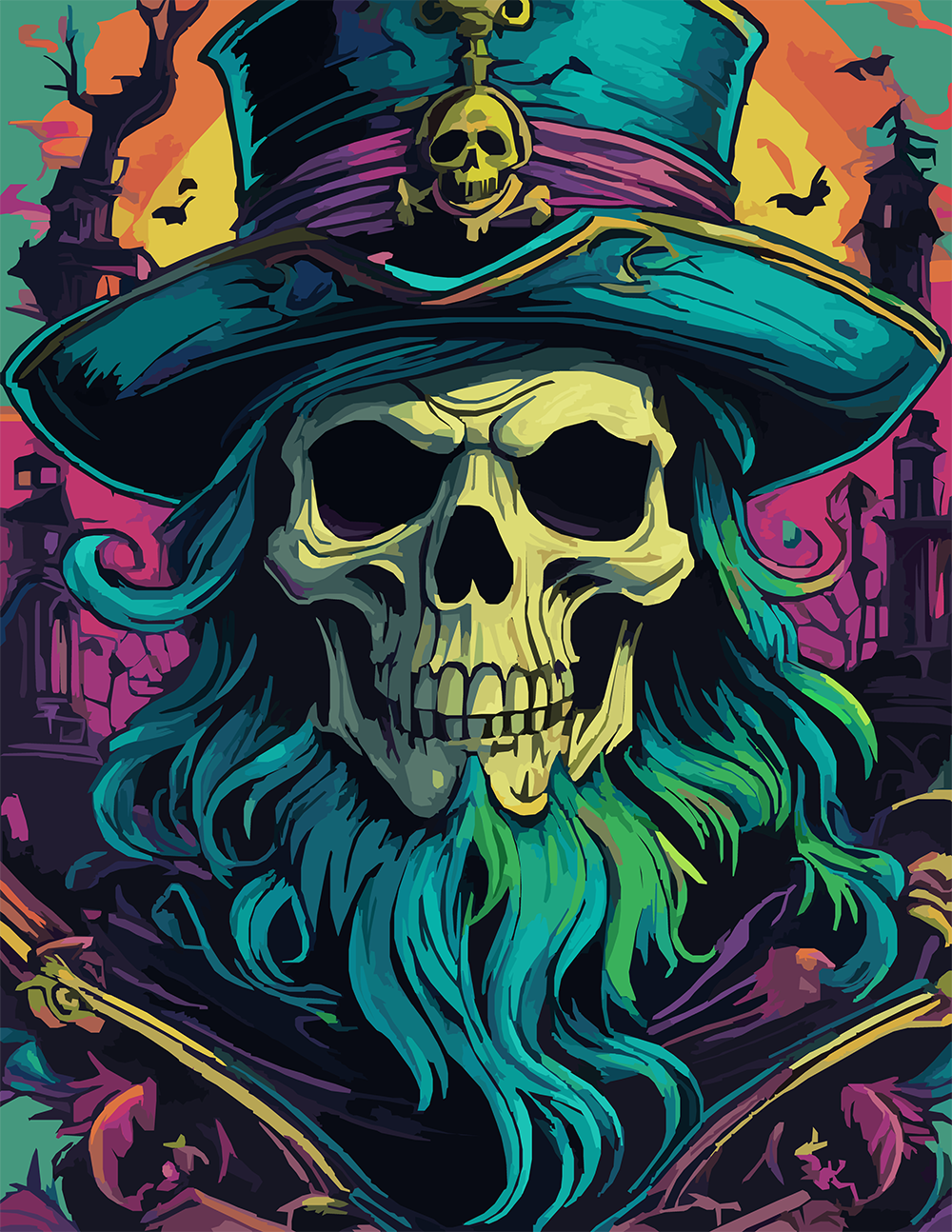
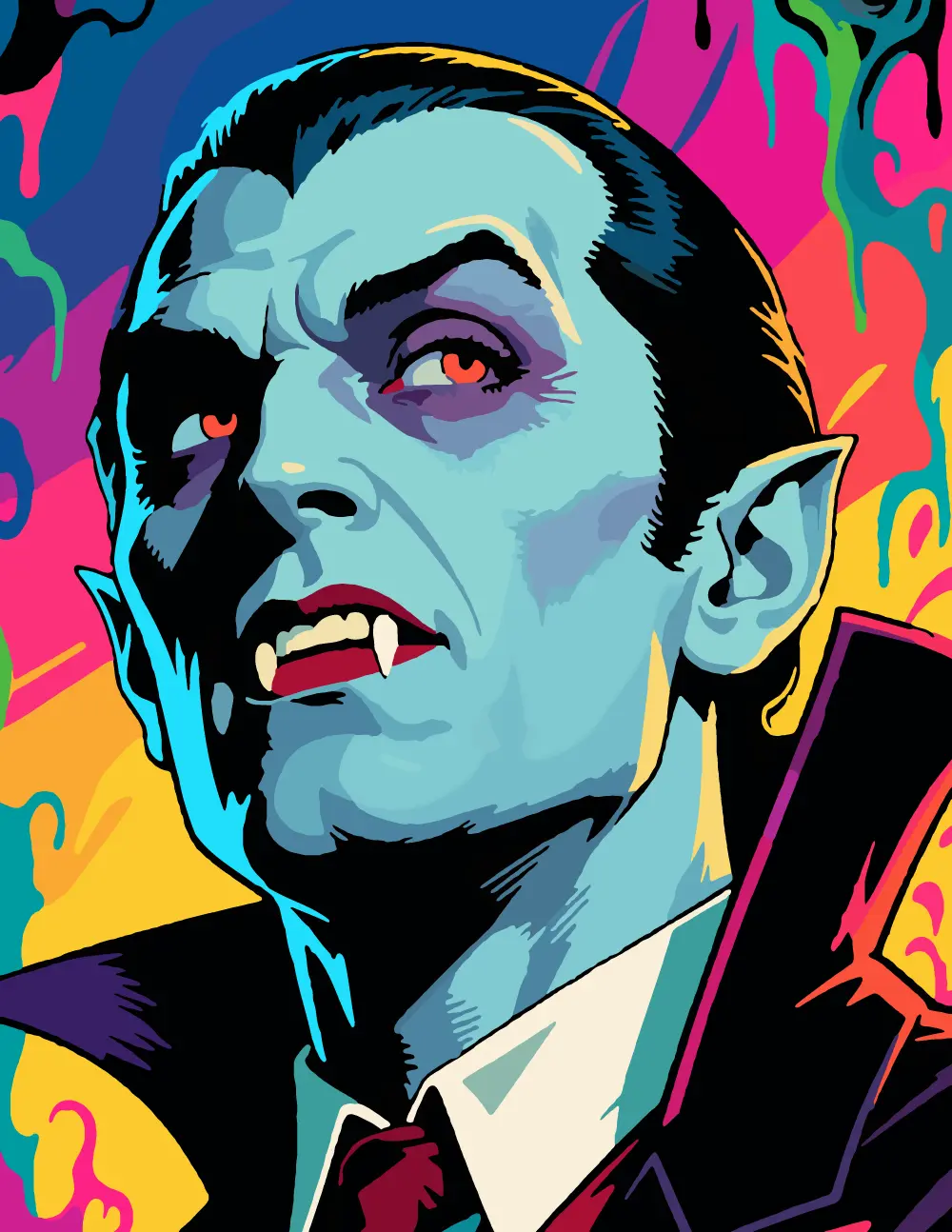
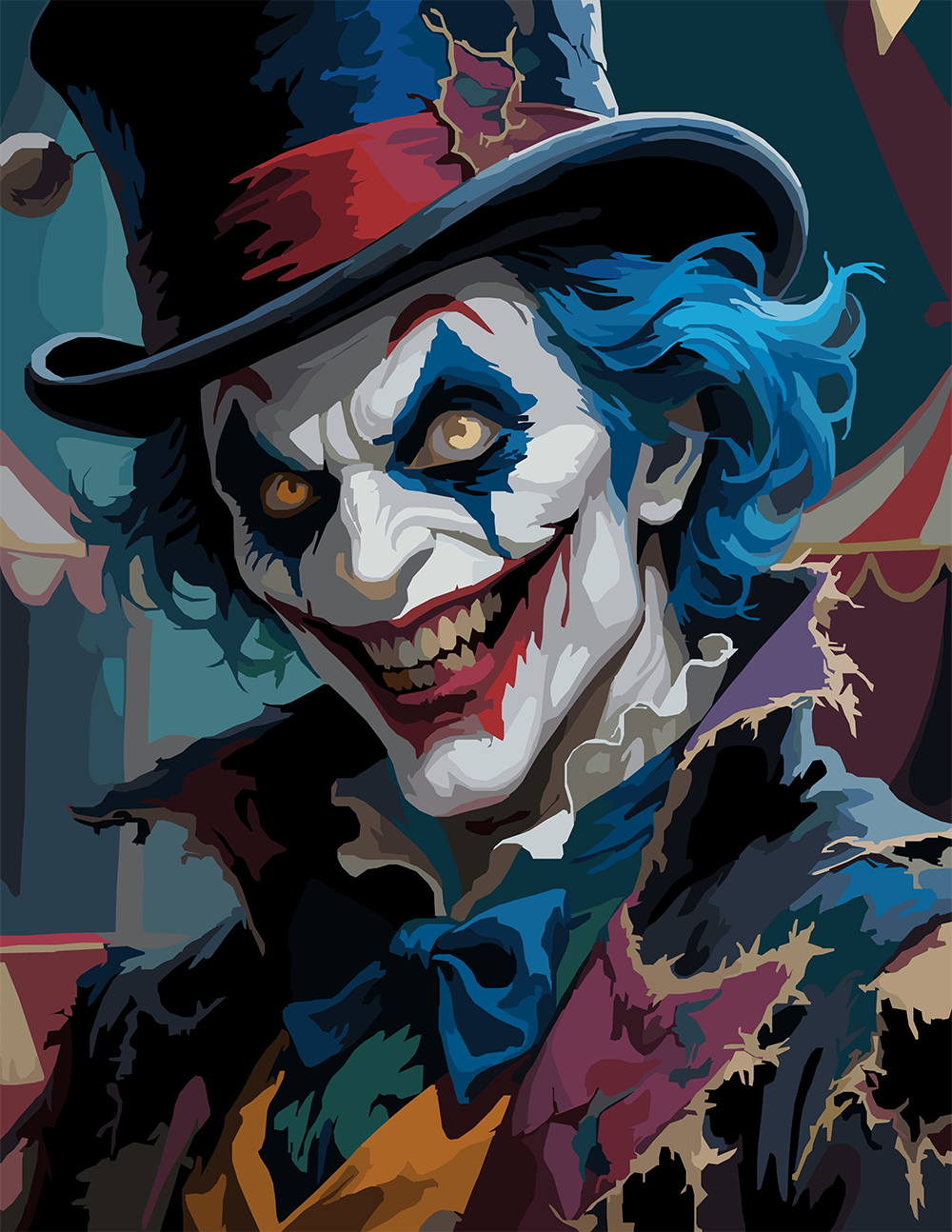
Sinister clown with burning eyes, jagged teeth, wild blue hair, and tattered circus attire.
Top hat, blue hair, painted grin, yellow teeth. The clown leans into the frame with white-and-red face paint cracking around the eyes and mouth, sky-blue curls erupting from under a battered red-and-black topper. Behind, the soft blur of a circus tent in twilight teal and crimson.
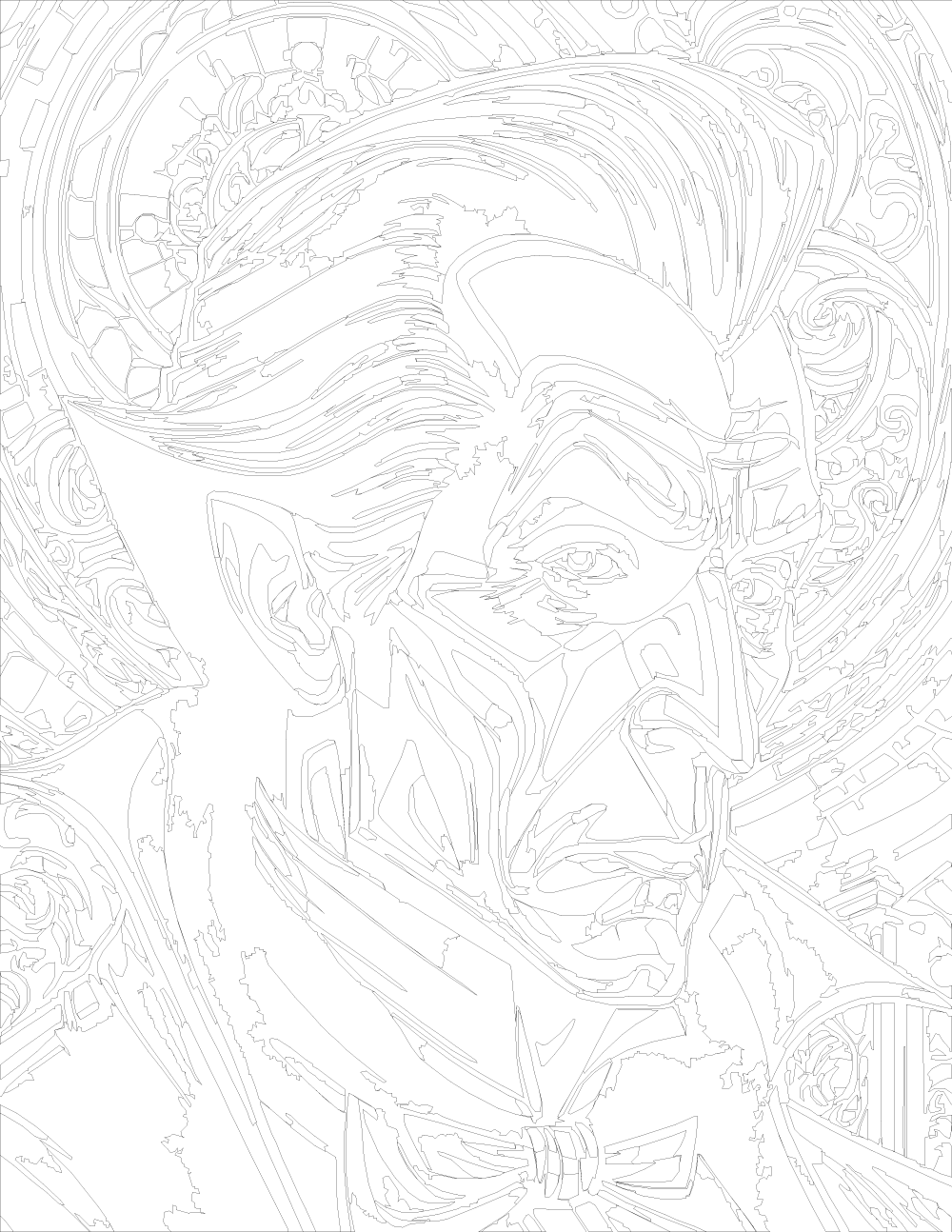
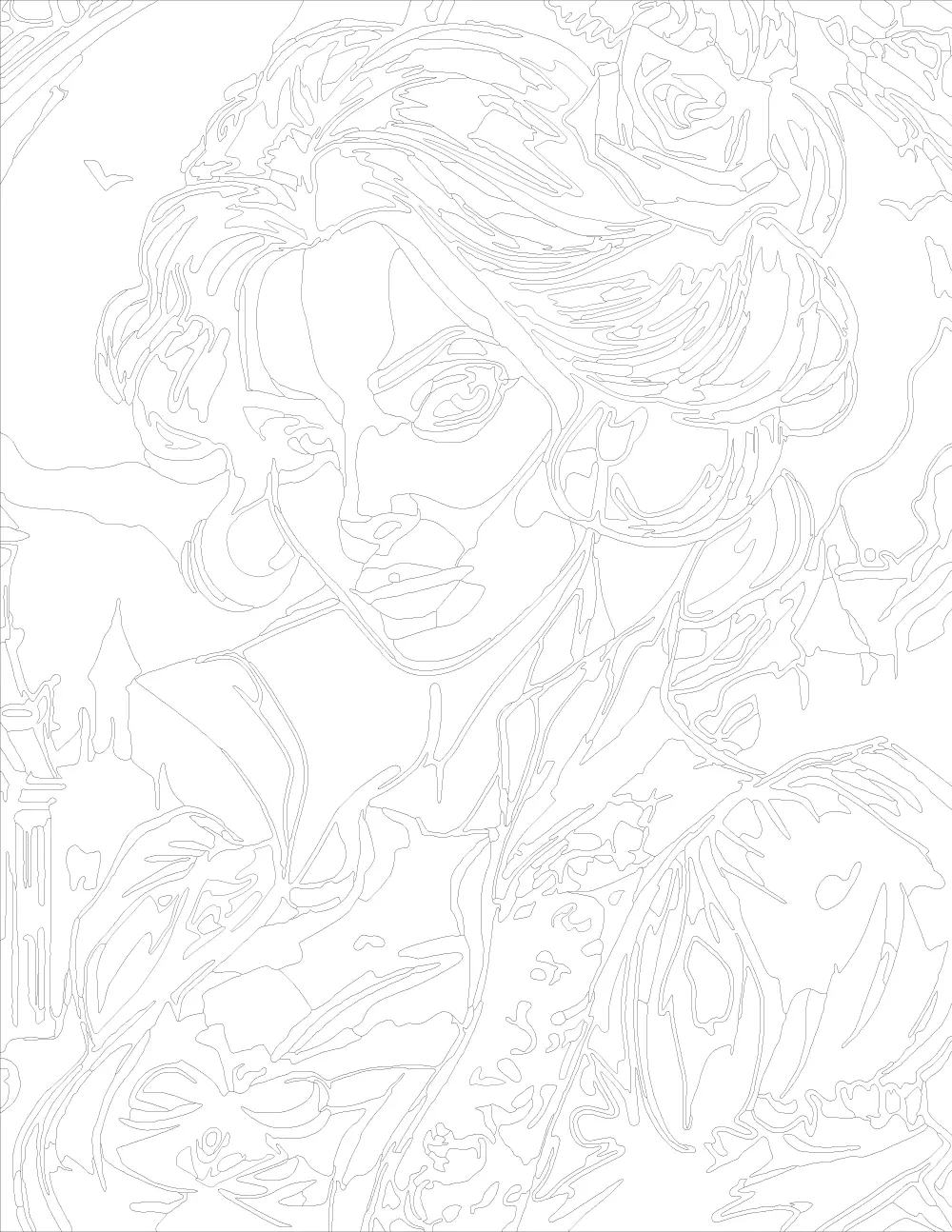
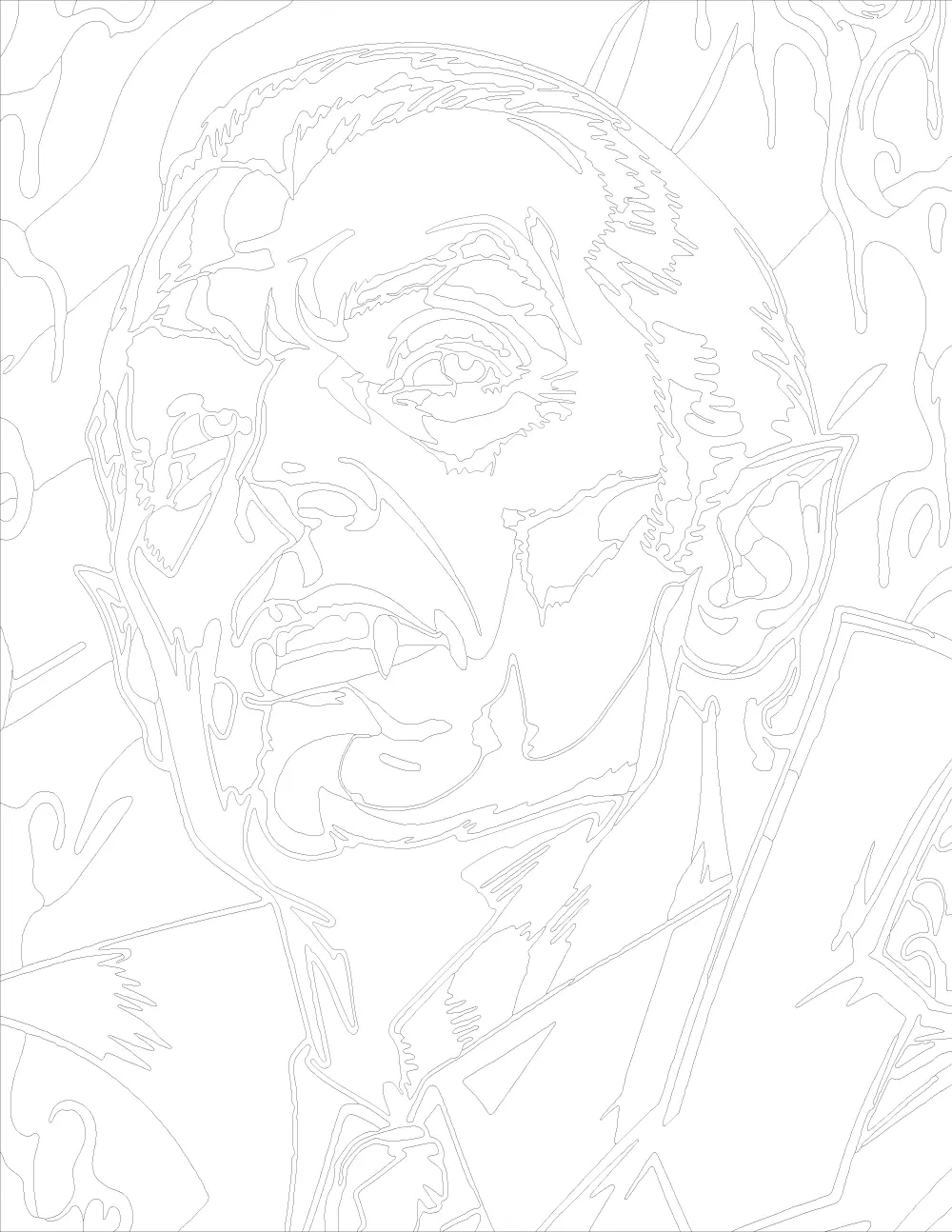
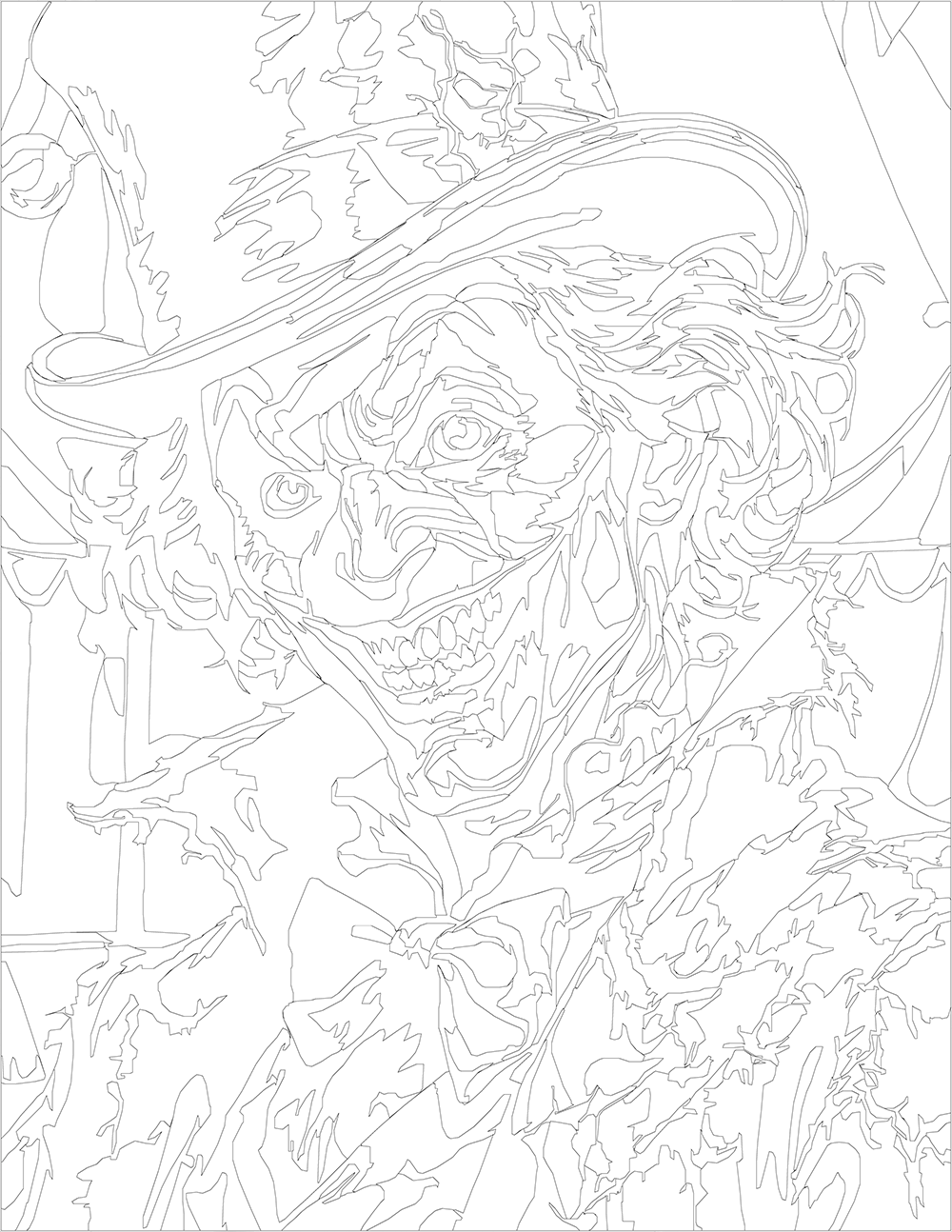
Closer in feel to a Bacon-style oil portrait than a Halloween illustration. The skin tones break apart into greens and bruised purples, the smile is too wide, and the costume tears into ragged strips at the collar. Coloring this one is less about palette decisions and more about committing to the unsettling tonal shifts already baked into the linework.
Built for colorists who like a face that stares back.
Instant digital download • No physical item shipped
Buy on Etsy — Instant Download
This item is an instant digital download of image files.
No physical item will be shipped to you.
🔒 For personal use only. Not for resale, redistribution, or
commercial use.
-
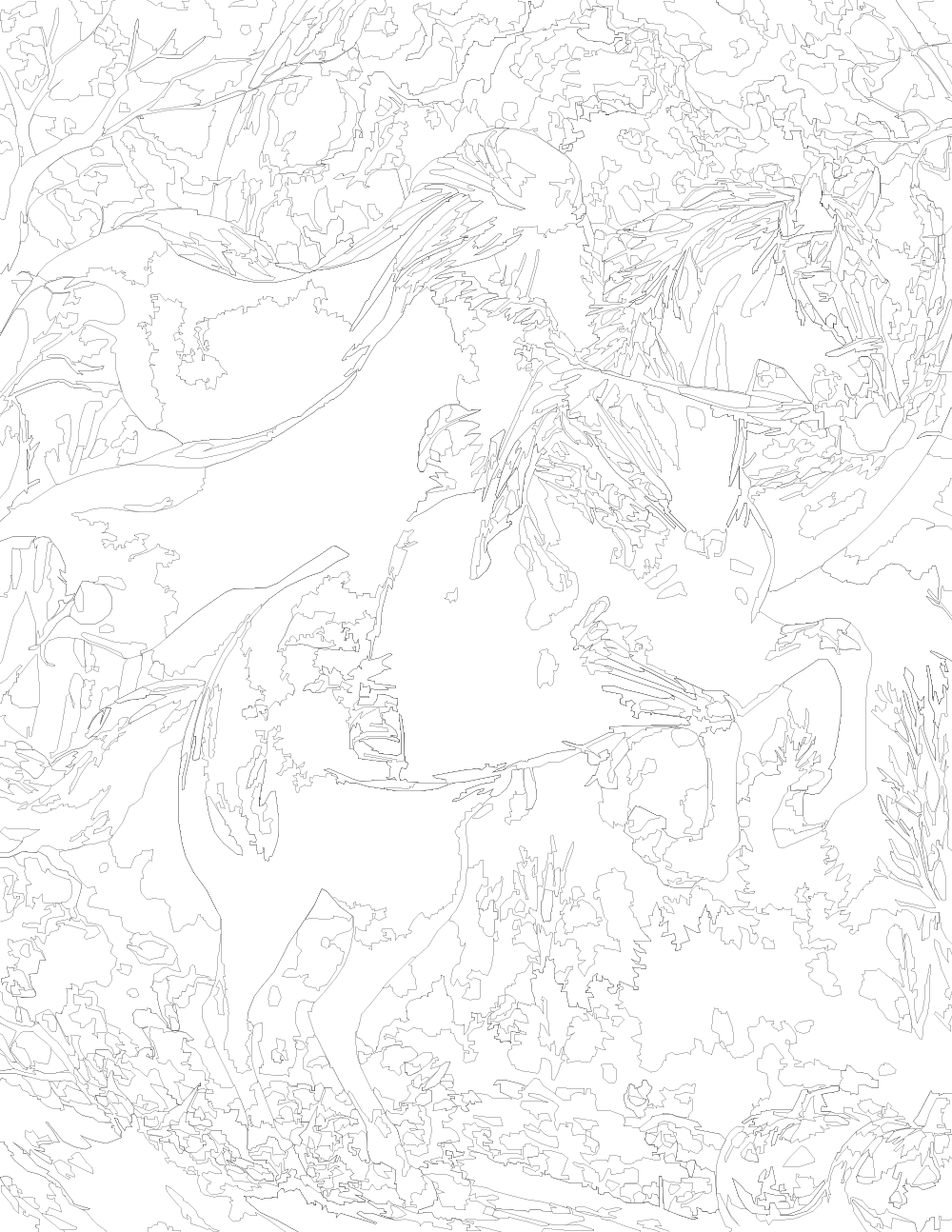
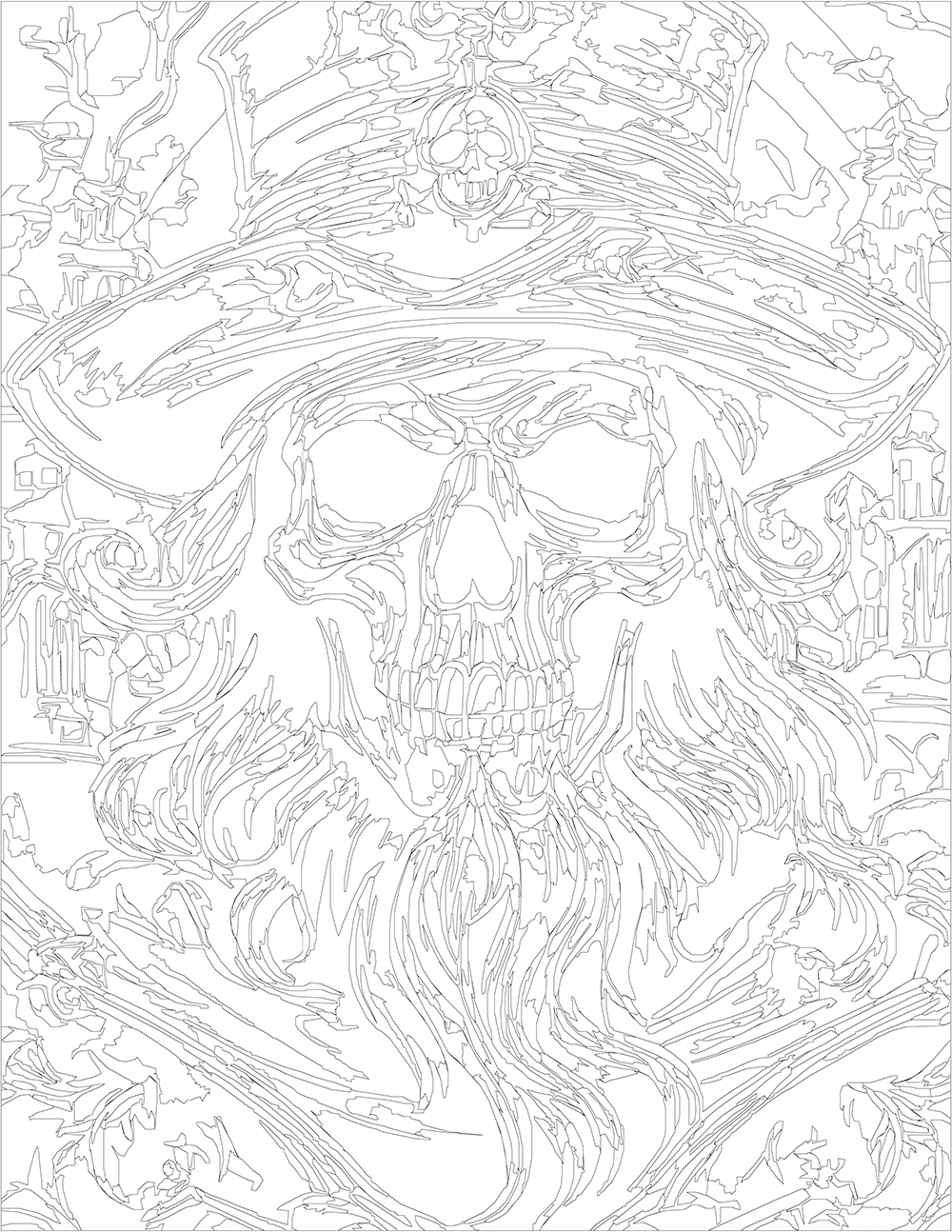
Product TypeColor by Number
-
Number of Designs1
-
Design BundleNo
-
Color Variations
12, 24, 36, 48, 60, 71
Includes all listed color variations. -
Segments
314 - 397
Segments are the individual shapes in a Color by Number design. More segments generally mean a more detailed or complex coloring experience. The range shown for each item reflects how the number of shapes varies from the lowest color-count version to the highest color-count version of that design or set. -
Coloring TypeBalanced
A well-rounded amount of detail — not too simple, not too complex. Great for most colorists who enjoy a mix of larger spaces and smaller accents without heavy intricacy. -
Procreate Color Swatches IncludedNo
The PNG Color Palette may be loaded in Procreate as a reference in the "Canvas" panel of the Wrench icon.